
Fantasy Gems Withdrawal: How to Withdraw, Status and Common Problems
A Fantasy Gems withdrawal transfers eligible funds from the gaming balance to a supported payment method. The process may involve account verification, minimum limits, bonus conditions, payment-account matching, and an internal review.
Third-party websites make different claims about withdrawal speed. These times are not independently verified and should not be presented as guaranteed.

Not Guaranteed
Speed
Verification
Requires
In-App Status
Check
Oct 2026
Reviewed
Before You Withdraw
Third-party websites make different claims about withdrawal speed. Some say a few hours, while others mention up to 24 hours. These times are not independently verified and should not be presented as guaranteed. The withdrawal page inside the account should be used to check the latest methods, limits, fees, and status messages.
Before Requesting a Withdrawal
Confirm:
- Available cash balance
- Bonus balance
- Minimum withdrawal
- Maximum withdrawal
- Daily or monthly limit
- Payment method
- Correct account number
- Account-name matching
- Identity-verification status
- Turnover requirements
- Withdrawal fee
- Open or pending request
Do not rely on a total balance alone. Promotional credits may not be eligible for withdrawal.
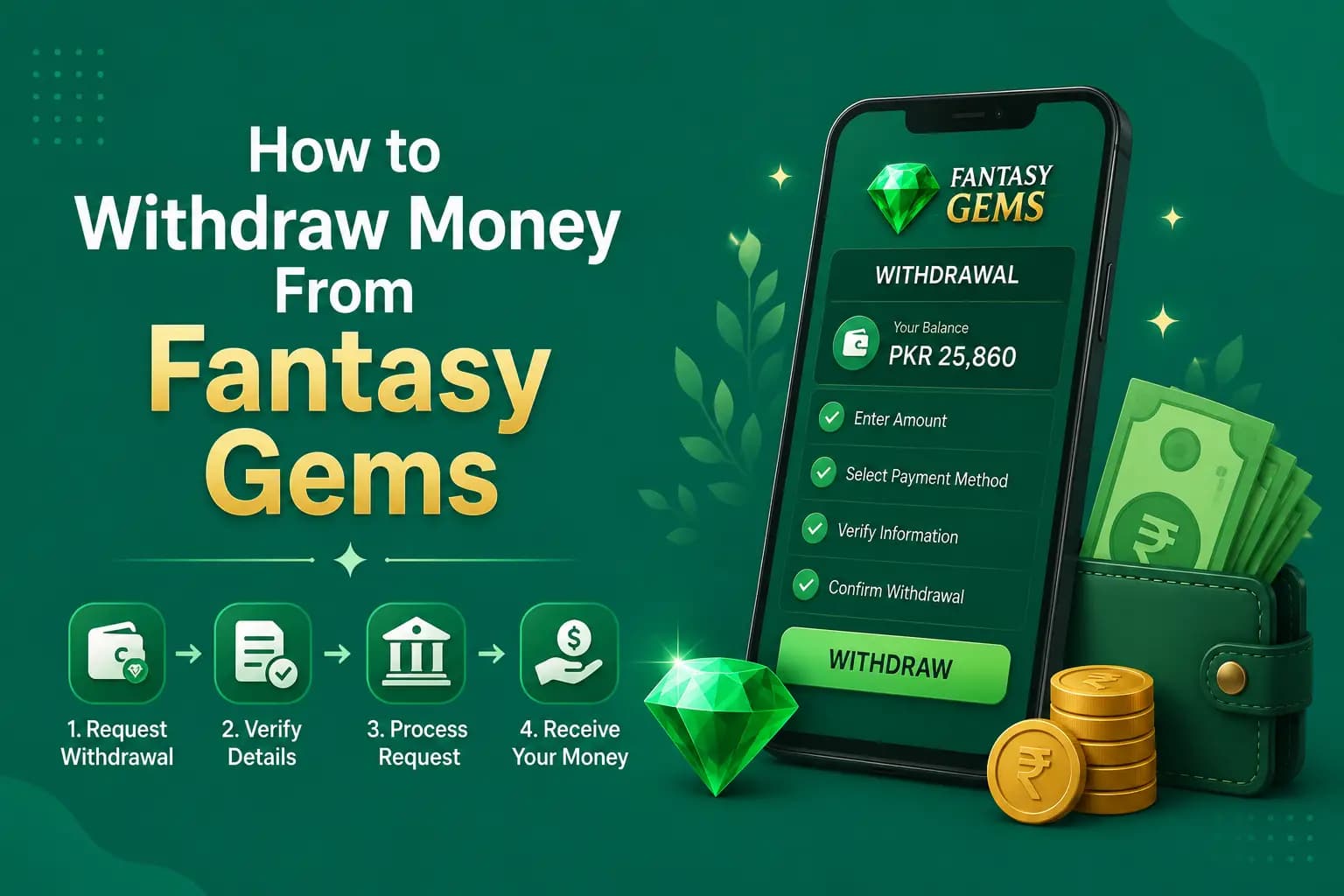
How to Withdraw Money From Fantasy Gems
- 1
Complete the Fantasy Gems login.
- 2
Open Wallet, Cashier, or Withdraw.
- 3
Check the withdrawable balance.
- 4
Select a supported method.
- 5
Enter the payment number or account details.
- 6
Confirm the account holder's name where displayed.
- 7
Enter the withdrawal amount.
- 8
Review limits and fees.
- 9
Complete OTP or payment verification when required.
- 10
Submit the request.
- 11
Save the request ID and screenshot.
- 12
Check the withdrawal-history status.
Do not share your OTP or payment PIN with an agent to "complete" the withdrawal.
Fantasy Gems Minimum Withdrawal
The Fantasy Gems minimum withdrawal is not verified by this guide, and it should not be taken from another website. The current minimum and maximum are shown on the withdraw screen, usually next to the amount field, and can differ between JazzCash, Easypaisa and bank transfer.
Check three things together: the minimum per request, any limit on the number of requests per day, and any fee. A balance just below the minimum cannot be cashed out, which is one more reason to read the limit before you deposit rather than after you win.
Do not deposit extra money only to reach the minimum. A balance under the limit is still at risk in play, and adding to it raises the amount you can lose.
Reported Withdrawal Methods
Third-party Fantasy Gems pages commonly mention:
- JazzCash
- Easypaisa
- Bank transfer
- Online wallets
- Other digital payment options
These are reports, not guaranteed current methods. Check the account before preparing payment details.
Adding a Withdrawal Account
When adding a payment method:
- Enter every digit carefully.
- Use an account you control.
- Check the account title.
- Avoid spaces or formatting not accepted by the form.
- Confirm whether the same method used for deposit is required.
- Do not add an agent's personal wallet.
A wrong number can send money to another person and may be difficult to reverse. Take a screenshot after saving the details.
Identity and KYC Verification
A platform may request verification before releasing funds. This may include:
What May Be Requested
Common verification items before funds are released.
- Full name
- Date of birth
- Mobile-number confirmation
- Identity document
- Address
- Selfie or liveness check
- Payment-account ownership
- Source of payment
Before Uploading Documents, Confirm
Support does not ask for documents through a personal messaging account.
- The website or app is intended.
- The connection is secure.
- The privacy policy explains document use.
- The upload occurs inside the account.
- The request is relevant to payment verification.

Cash Balance and Bonus Balance
A wallet may separate the displayed amount into different categories. Read the wallet labels carefully before assuming that the full displayed amount can be cashed out.
Cash Balance
Money deposited or eligible winnings that may be withdrawn, subject to platform rules.
Bonus Balance
Promotional credit that may require turnover, eligible games, a maximum stake, an expiry date, minimum deposit, maximum conversion, and completed verification.
Pending Balance
Money connected to unsettled games, deposits, or withdrawals.
Withdrawal Turnover Requirements
A turnover requirement may require a certain amount of gameplay before a deposit or bonus becomes withdrawable. The multiplier is set in the current terms, so rely on the figure shown there rather than on numbers quoted elsewhere. Check:
- Whether the requirement applies to the deposit, bonus, or both
- Which games contribute
- How much each game contributes
- Maximum stake
- Deadline
- What happens after bonus cancellation
- Maximum withdrawal from bonus winnings
Avoid continuing to play only to unlock a withdrawal when the rules remain unclear.
Fantasy Gems Withdrawal Status Meanings
Status labels differ between app versions. These are the labels commonly seen in apps of this kind; your withdrawal history shows the one that applies to you.
| Withdrawal status | What it usually means | What to do |
|---|---|---|
| Submitted or Under review | The request is recorded and waiting for a check | Save the request ID and wait; do not submit a second request |
| Pending or Processing | The request is queued for payout or with the payment channel | Recheck the history later and confirm the wallet number you entered is correct |
| Completed or Success | The platform marks the payout as sent | Check your JazzCash, Easypaisa or bank statement; ask support for the payout reference if nothing arrived |
| Rejected or Failed | The request was refused; the amount is normally returned to the balance | Read the stated reason, confirm the balance came back, fix the issue and apply once |
| Cancelled | The request was withdrawn by you or by the system | Confirm the amount is back in the wallet before making a new request |
| Frozen or On hold | The account or amount is under a security or verification review | Complete any verification shown inside the app and ask support for a ticket number |
A status is the platform's own record. Only your wallet or bank statement proves that money arrived.
Fantasy Gems Withdrawal Pending
A pending status usually means the request has been submitted but not completed. Possible reasons include:
| Possible Reason | Detail |
|---|---|
| Normal processing queue | The request is waiting in line for standard review. |
| Payment-provider delay | The receiving provider has not yet completed the transfer. |
| KYC review | Identity or account documents are still being checked. |
| Account-name mismatch | The gaming profile and payment account names differ. |
| Incorrect payment details | The entered number or account information may be wrong. |
| Bonus conditions | Turnover or promotion rules are not yet complete. |
| Security review | The request triggered an additional safety check. |
| Unsettled game result | Funds are tied to a game that has not finished. |
| Weekend or maintenance delay | Processing may pause outside normal service hours. |
| Duplicate request | More than one withdrawal request may be under review. |
What to Do About a Pending Withdrawal
- 1
Check the stated processing information inside the account.
- 2
Review the withdrawal history.
- 3
Confirm payment details.
- 4
Check verification notices.
- 5
Save the request ID.
- 6
Wait until the stated period has passed.
- 7
Contact verified support.
- 8
Request a ticket number.
Do not cancel and resubmit repeatedly unless support instructs you to do so.
Fantasy Gems Withdrawal Processing Time
There is no verified, universal Fantasy Gems withdrawal processing time. Websites quote anything from minutes to a day or more, and none of those figures is confirmed. Treat any promised speed as marketing, not a commitment.
In apps of this kind, timing usually depends on the review queue, whether the account is verified, the amount, the payment method, the time of day and whether a bonus condition is still open. A first withdrawal can take longer because the payment details are being checked for the first time.
The only timing that counts is what the withdraw screen or the app's rules state on the day you apply. Note it when you submit, then wait until that period has passed before contacting support. Our blog post on Fantasy Gems withdrawal processing time covers what slows a payout and when a delay becomes a warning sign.
Withdrawal Rejected
A rejected request may show a reason. Common categories can include:
- Below minimum amount
- Above transaction limit
- Incorrect wallet number
- Unsupported payment method
- Name mismatch
- Incomplete verification
- Unmet bonus conditions
- Insufficient withdrawable balance
- Security restriction
- Multiple accounts
Correct the stated issue before submitting again. When no reason appears, contact support with the request ID and screenshot.
Withdrawal Completed but Money Not Received
A completed status may mean the platform sent the payment, but the receiving provider has not yet updated the wallet. Check:
- Receiving account number
- Wallet statement
- Bank statement
- SMS notification
- Payment-provider service status
- Reference number from Fantasy Gems
Ask Fantasy Gems support for the payout transaction ID, then contact the payment provider using its verified support channel. Do not pay a third party to trace the transaction.
Wrong Payment Number
When the request is still pending, try to cancel it through the account immediately. When it is already processed:
- 1
Save the request record.
- 2
Contact Fantasy Gems support.
- 3
Contact the payment provider.
- 4
Explain the incorrect destination.
- 5
Request available recovery steps.
Recovery may not be possible after a successful wallet transfer, so checking the number before submission is essential.
Withdrawal Account Name Mismatch
A name mismatch can trigger manual review. The gaming profile, identity document, and payment account may need to match. Avoid:
- Using another person's wallet
- Changing spelling without reason
- Registering with false information
- Buying or selling accounts
- Letting an agent control payments
Contact support before changing profile details.
Withdrawal Fee or Release Payment Scam
Be cautious when someone asks for an additional personal-wallet payment to:
- Release winnings
- Remove account restrictions
- Pay tax
- Upgrade VIP status
- Verify a withdrawal
- Increase account score
- Prevent account deletion
Check whether the charge appears inside the verified account and published terms. Do not send a payment to an individual based only on a message or screenshot.
Evidence to Save
Keep:
- Account ID
- Withdrawal amount
- Date and time
- Payment method
- Destination number with some digits hidden in public reports
- Request ID
- Status screenshot
- Support conversation
- Payout reference
- Payment-provider statement
Organized evidence makes a support complaint easier to explain.
Account Security During Withdrawal
Change the password when:
- Someone else submitted the request.
- A new payment method appeared.
- An unknown device accessed the account.
- You shared login details with an agent.
- A phishing page may have collected the password.
Ask support to freeze withdrawals when unauthorized activity is suspected.
Responsible Withdrawal Practice
A completed withdrawal does not make future games safer or more predictable. Avoid immediately redepositing the full amount. Consider:
- Keeping withdrawn funds outside the gaming wallet
- Separating entertainment money from household money
- Reviewing total deposits and withdrawals
- Setting a deposit break
- Stopping after reaching the planned limit
Do not chase a pending withdrawal by making another deposit.
Withdrawal Advantages and Limitations
Possible Advantages
Commonly reported benefits.
- Movement of eligible funds to a personal payment account
- Transaction history
- Request tracking
- Multiple payment options may be available
Limitations
Understand these before you request a withdrawal.
- Processing time is not guaranteed
- Verification can delay a request
- Bonus requirements can reduce withdrawable funds
- Incorrect details may send funds to the wrong account
- Provider delays can continue after a platform marks the request complete
- Licence and dispute-resolution options may be unclear
Conclusion
The Fantasy Gems withdrawal process should begin with checking the actual withdrawable balance, payment details, limits, verification status, and bonus rules. Save the request ID before leaving the page.
When a request is pending, rejected, or marked completed without payment, gather evidence and use verified support. Never share an OTP or wallet PIN, and do not make an extra personal payment merely to release funds.
Frequently Asked Questions
A Fantasy Gems withdrawal works as a request, not an instant transfer. You open the wallet, choose Withdraw, pick a listed method such as JazzCash or Easypaisa, enter your own account details and an amount within the limits shown, and submit. The platform then reviews the request, and the status in your withdrawal history changes as it is approved, paid or rejected.
Ready to Request a Withdrawal?
Review the deposit and login guides so your account is fully set up first.