How to Delete a Fantasy Gems Account Safely
Leaving an account is simple only if you do it in the right order. Withdraw first, then close, then clean up.
Independent guide — not an official Fantasy Gems channel. Real-money games can lose money.

Account Help
Category
Account closure
Focus
8 min
Read Time
Nov 2026
Published
Quick Answer
How do I delete a Fantasy Gems account?
We could not verify a delete button in every version of the app. The safe order is to withdraw your balance first, then look for an account option in settings or ask support to close it, log out of all devices, change your password and uninstall the app. Never pay anyone to delete an account.
Key Takeaways
- Closing a Fantasy Gems account may cost you your balance, so withdraw before you close it.
- Uninstalling the Fantasy Gems app is not the same as deleting the account.
- Nobody can legitimately delete a Fantasy Gems account for a fee.
People search to delete a Fantasy Gems account for different reasons: they want to stop playing, they are worried about spending, or they lost access to the phone. We could not verify a self-service delete button in every version of the app, so this independent guide covers the safe order of steps rather than promise a feature.
The key rule is to withdraw any balance before anything else. Once an account is closed, recovering a balance may not be possible.
Safe Order for Leaving
Do not skip the first step.
- 1
Log in and check your wallet balance, including any pending withdrawal.
- 2
Withdraw what you can, using the withdrawal guide, and keep the transaction record.
- 3
Look inside the app for an account or settings option for deletion or closure.
- 4
If none exists, contact support through the in-app route and state clearly that you want the account closed.
- 5
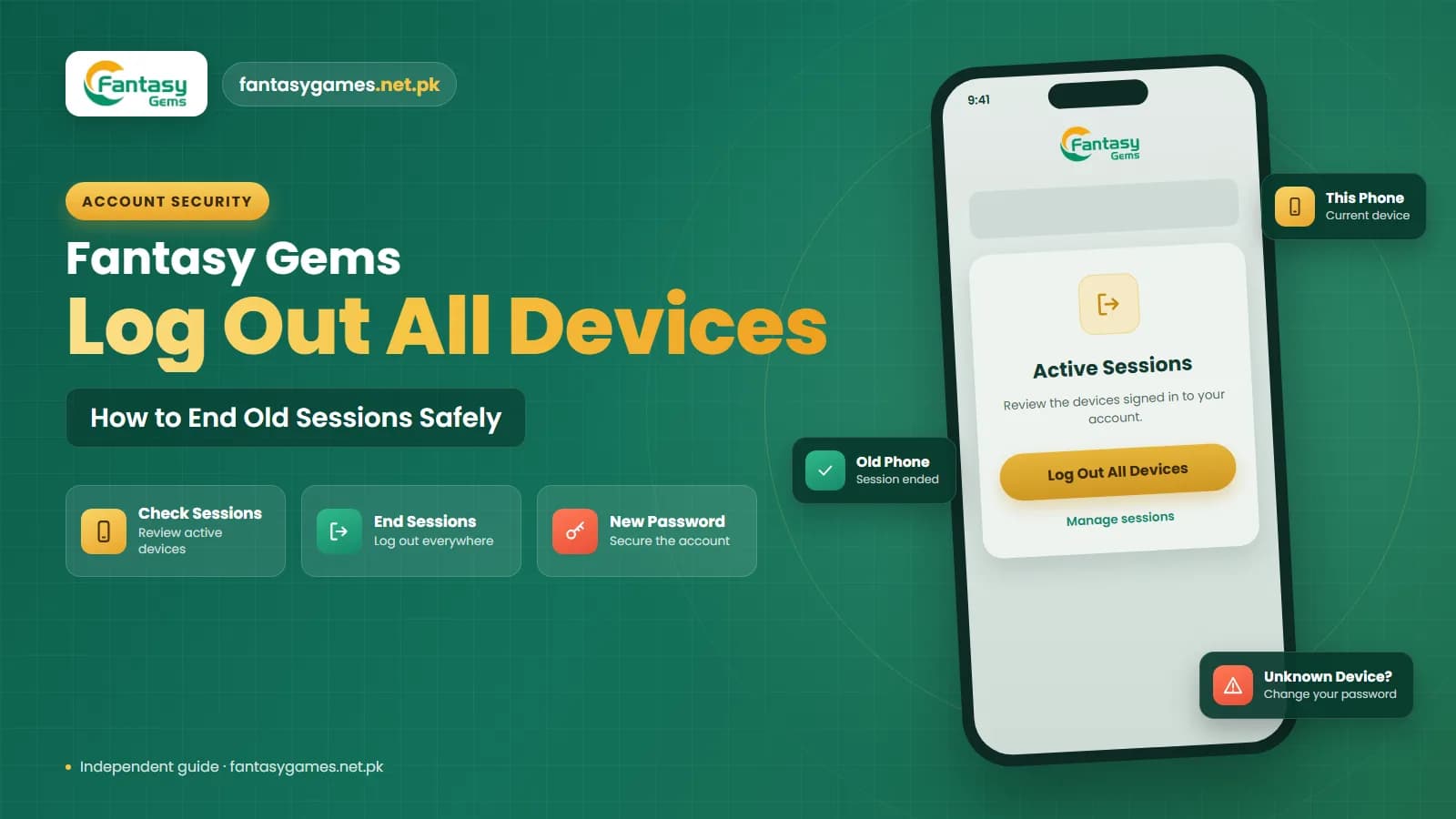
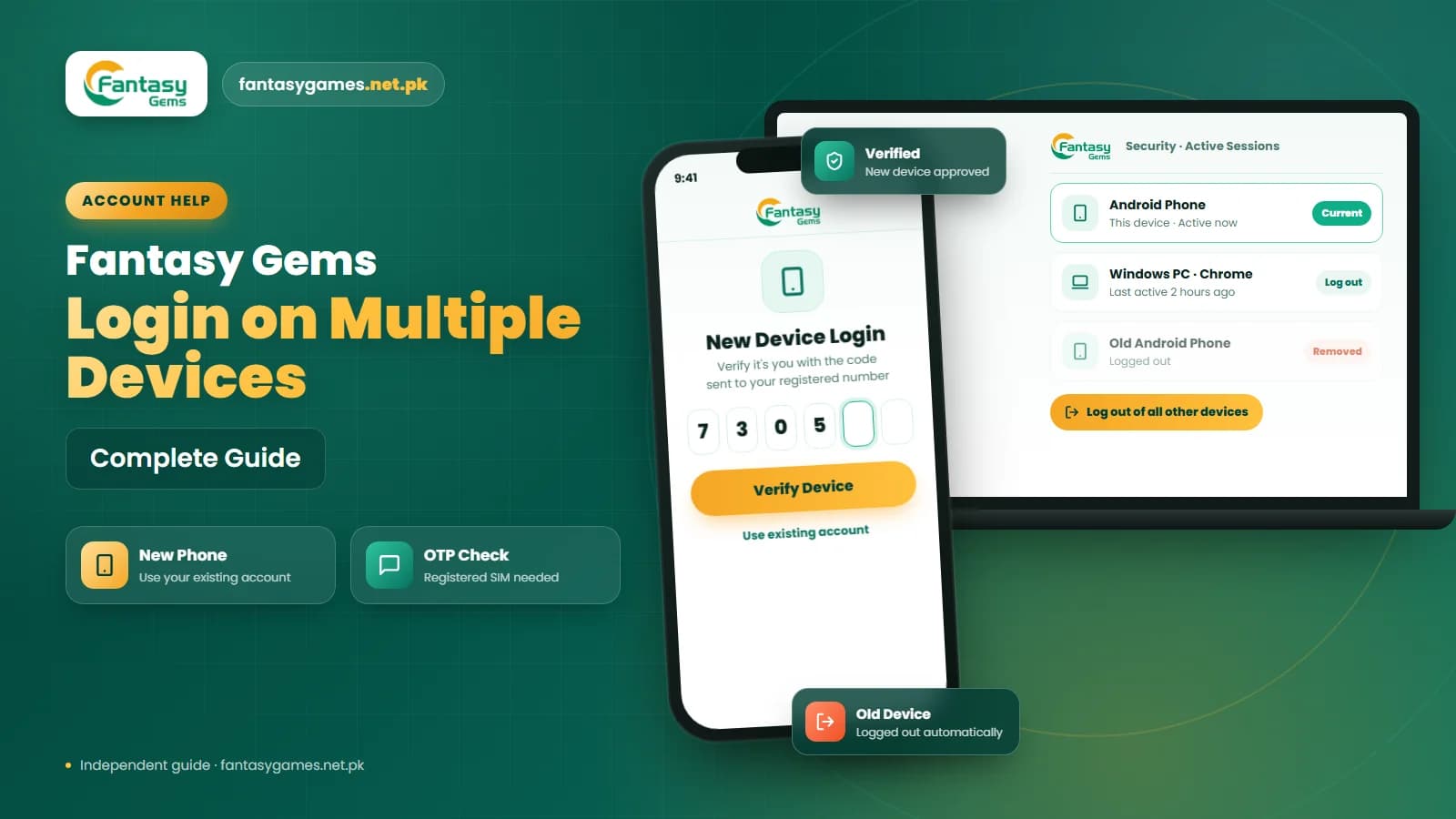
Log out of all devices and change the password in case of leftover sessions.
- 6
Uninstall the app and remove saved passwords, shortcuts and invite links.
Clean-Up Afterwards
A few minutes of tidying prevents later trouble.
- Remove saved login details from your browser and phone.
- Mute or leave groups that send invite codes or signals.
- Tell family if they share the phone, so no one reinstalls it.
- Keep your transaction records for a while in case of disputes.
Fake Deletion Pages and Recovery Offers
Pages offering to delete your account for a fee, or to refund your losses once you leave, are scams. Do not enter your OTP or wallet PIN anywhere to close an account.
If Play Has Become a Problem
Read our responsible gaming guide for limits and break steps. If gambling is causing harm, contact a qualified support service in your country.
Delete Fantasy Gems account FAQs
To delete your Fantasy Gems account, we could not verify a universal delete button in every version of the app. Withdraw your balance first and keep the transaction record. Then look for an account or settings option in the app, or contact support through the in-app route and clearly ask for the account to be closed.