Fantasy Gems App Update: How to Get the Latest Version Safely
An update prompt is also a favourite scam wrapper. Here is how to update the Fantasy Gems app without handing over your login.
Independent guide — not an official Fantasy Gems channel. Real-money games can lose money.

App Update
Category
Updates
Focus
8 min
Read Time
Nov 2026
Published
Quick Answer
How do I update the Fantasy Gems app safely?
Get the new file from the same download page you trust, not from a link in a message, and install it over the old app, uninstalling first only if Android refuses. Your balance and history stay on the server. Log in, check your wallet, and ignore update pop-ups that ask for payment or an OTP.
Key Takeaways
- No, you will not lose your Fantasy Gems balance if you update.
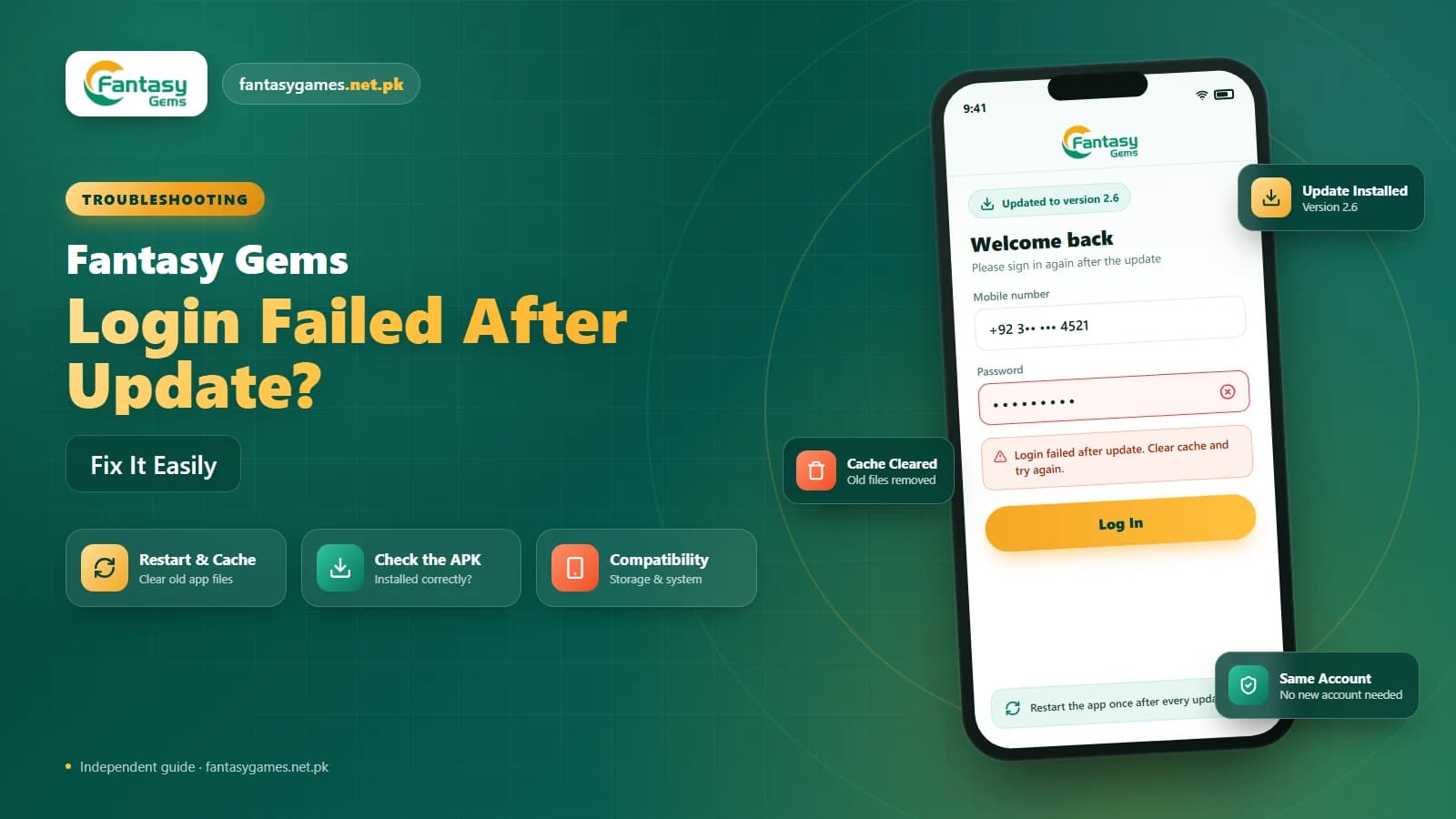
- You may not be able to log in after updating Fantasy Gems because of a session reset or an old cache.
- No, an update link in WhatsApp is not safe.
Apps update for fixes and new features, and a platform that changes its servers can stop old versions from logging in. That is why people search fantasy gems latest version and fantasy gems download apk latest version. We do not publish a version number, because we could not verify one that would stay correct.
This independent guide shows a safe update routine and the traps to avoid.
How to Update Safely
Use the same trusted source you installed from.
- 1
Write down your registered number and make sure you know your password before updating.
- 2
Open the download guide you trust and get the file from there, not from a link in a message.
- 3
Install over the existing app if Android allows it. If it refuses, uninstall first.
- 4
Open the app and log in. Your account lives on the server, so your balance and history remain.
- 5
Check the wallet and recent history to confirm everything looks normal.
- 6
Turn off the unknown sources permission afterwards.
Update Problems and Fixes
Match your symptom.
| Symptom | Likely cause | Fix |
|---|---|---|
| Login fails after update | Session reset or old cache | See the login failed after update article |
| App not installed | Signature conflict | Uninstall old app, then install |
| Blank screen | Corrupted download | Download again on a stable connection |
| Prompt asks for payment | Scam | Close and do not pay |
Fake Update Pop-Ups
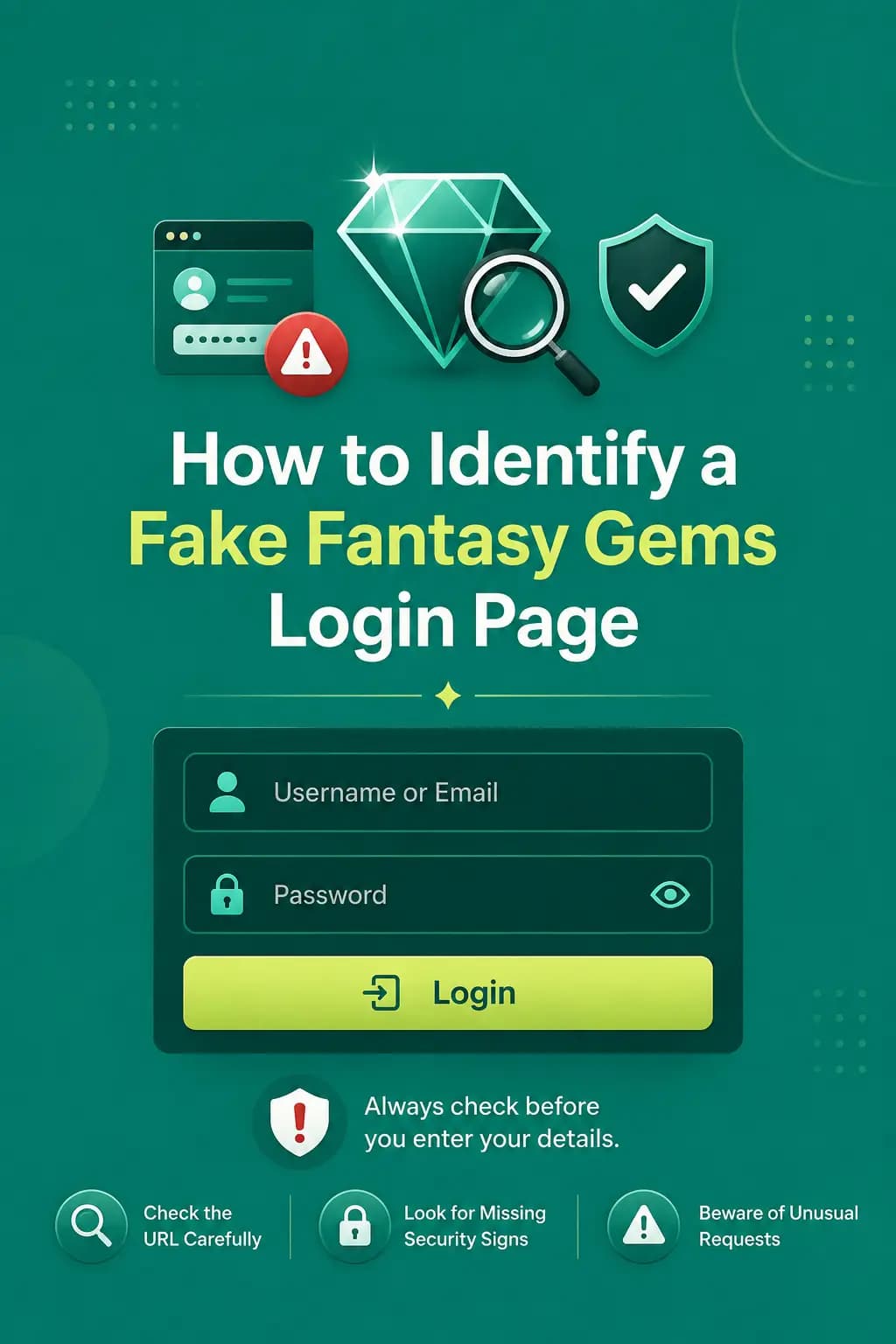
Pop-ups, SMS or group messages claiming a mandatory update and asking for a password, OTP or fee are scams. A real update never needs a payment PIN.
Fantasy Gems update FAQs
We do not publish a Fantasy Gems version number, because we could not verify one that would stay current. Use the trusted download page for the current file instead of a number from a message or group. Write down your registered number and make sure you know your password before updating.