Fantasy Gems Withdrawal Processing Time: Stages, Statuses and Delays Explained
No verified, universal Fantasy Gems withdrawal processing time exists. Learn the four stages a payout passes through, what each status means, what slows a request down and when to contact support.
Independent guide — not an official Fantasy Gems channel. We do not process withdrawals and cannot check or speed up any request.

Payments
Category
Withdrawal Timing
Focus
9 min
Read Time
Oct 2026
Published
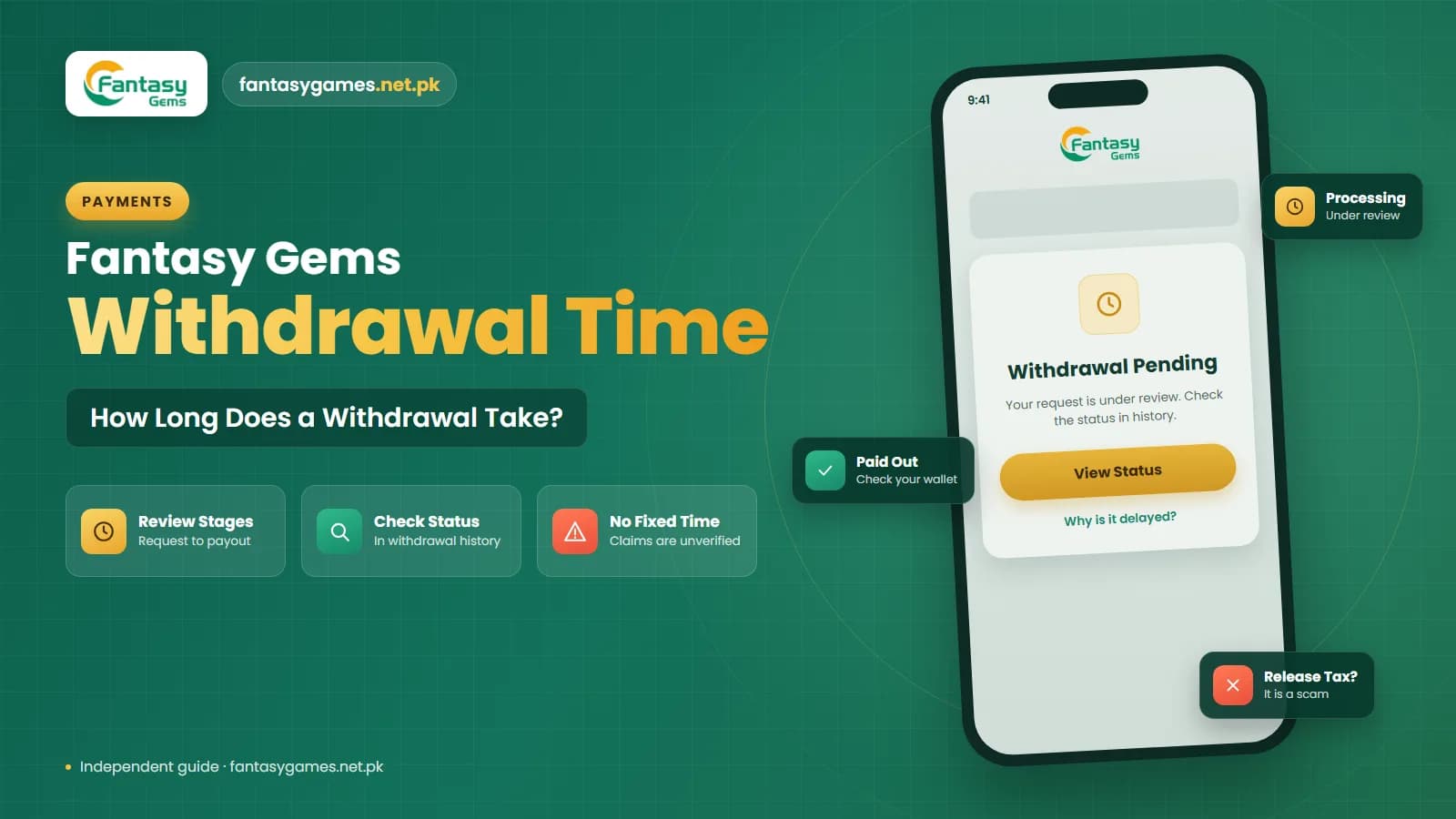
If you are searching for the Fantasy Gems withdrawal processing time, you have probably seen confident answers already: a few hours on one website, within 24 hours on another, instant on a third. None of those pages says where the figure comes from, and they do not agree with each other.
The honest answer is that no verified, universal time exists. How long a payout takes depends on your account, the amount, the payment channel and the day you ask. The only figure worth relying on is the time window the app itself shows on its withdrawal screen, and even that is a target, not a promise.
This independent guide explains what happens between tapping Withdraw and seeing money in your wallet, what each status usually means, what slows a request down, and what to do when the wait feels too long.
How long does a Fantasy Gems withdrawal take? The short version
Seven points that cover most situations.
- There is no independently verified processing time. Any fixed number on a third-party website is a guess or a copy of someone else's guess.
- The stated time window, if there is one, is shown on the withdrawal screen or in the withdrawal rules inside the app. That is the figure to plan around.
- A withdrawal passes through four stages: your request, the platform's review, the payout being sent, and your wallet or bank crediting it.
- Most delays come from verification, unmet bonus turnover, a name mismatch or the payment channel, not from anything you can fix by asking again.
- Pending means waiting, not failed. Rejected means the amount should return to your balance with a reason.
- Success but nothing received is usually a question for your wallet provider or bank, using the payout reference.
- Nobody can release a withdrawal for a fee. A request for a tax, release charge or OTP is a scam.
Some users report quick payouts and others report long waits. Both can be true on the same day.
How does Fantasy Gems withdrawal work behind the screen?
A withdrawal is not one action. It is a chain of hand-offs between you, the platform and a payment provider. Each link has its own queue and its own rules, which is why two people who request the same amount at the same time can be paid hours apart.
When you submit a request, the amount normally leaves your available balance straight away and is held. The platform then checks the request against its own rules. If it passes, a payout instruction is sent through a payment channel to the JazzCash, Easypaisa or bank account you entered. The last step belongs to that provider, which has to credit your account and send its own confirmation.
Our withdrawal guide covers how to fill in the form. This article is about the waiting that follows.
Fantasy Gems withdrawal time by stage: what happens and what delays it
This is how payouts on real-money apps of this kind generally move. The labels in your app may differ slightly.
| Stage | What is happening | What can delay it |
|---|---|---|
| 1. Request submitted | You enter the amount and payment account. The app checks limits and holds the amount from your balance. | Amount outside the limits shown, an existing open request, a daily request cap, or missing account details. |
| 2. Platform review | The platform checks verification status, bonus conditions, recent play and whether the payment account matches your profile. | Incomplete verification, unmet turnover, name mismatch, large or unusual amounts, peak-time queues or manual review. |
| 3. Payout sent | An approved request is passed to a payment channel, which sends the transfer to your wallet or bank account. | Channel maintenance, a batch that has not run yet, or the channel's own daily limits. |
| 4. Wallet or bank credit | Your provider receives the transfer, credits your account and sends an SMS or app notification. | Provider downtime, bank cut-off times, weekends and public holidays, a blocked or limit-capped receiving account. |
The status in the app describes the first three stages only. It cannot see inside your wallet or bank.
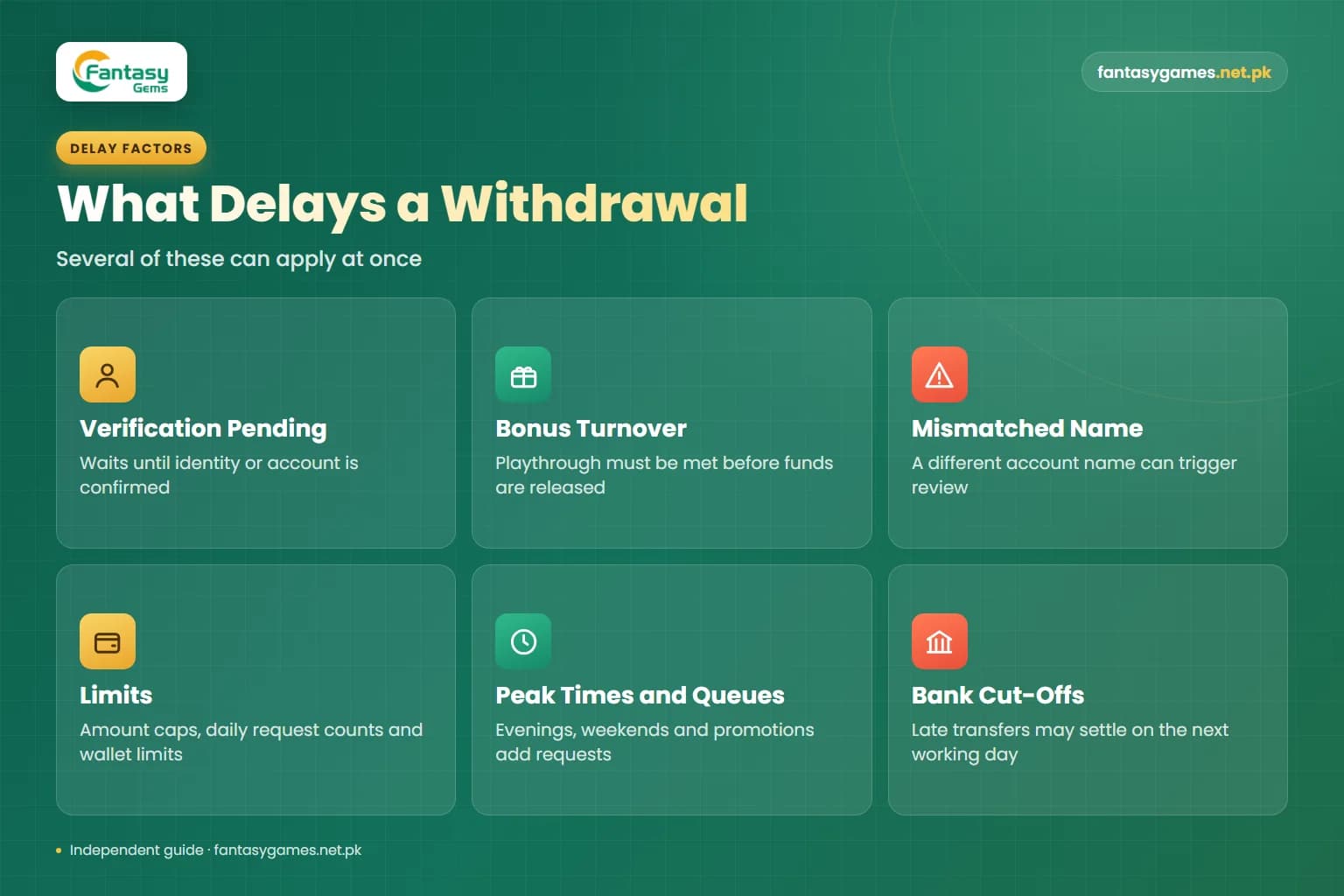
What causes a Fantasy Gems withdrawal delay?
These are the usual reasons a request takes longer than expected. Several can apply at once.
Verification not finished
If the platform wants your mobile number, identity or payment account confirmed, the request commonly waits until that is done. Look for a notice in your profile or message centre.
Bonus turnover
A claimed bonus usually carries a playthrough condition. Until it is met, part or all of the balance may not be withdrawable. The rule is listed in the promotions tab.
Mismatched account name
A wallet registered to someone else, or a name spelled differently from your profile, is a frequent trigger for manual review or rejection.
Limits
Minimum and maximum amounts and the number of requests allowed per day are shown on the withdrawal screen. Your own wallet also has receiving limits set by its provider.
Peak times and queues
Evenings, weekends and promotion periods bring more requests. If requests are reviewed by people, a longer queue means a longer wait.
Bank cut-offs and maintenance
Bank transfers sent late in the day or before a holiday may settle on the next working day. Payment channels also pause for maintenance with little notice.
Fantasy Gems withdrawal pending, processing, rejected or success: what each status usually means
Status wording varies between app versions. These are the general meanings on platforms of this type.
| Status you see | What it usually means | Sensible next step |
|---|---|---|
| Pending / Under review | The request is recorded and waiting in the queue or being checked. Nothing has been sent yet. | Wait for the window stated in the app. Check for any verification notice. |
| Processing | The request has been approved or passed to a payment channel, and the transfer is being prepared or sent. | Keep your phone on for the provider SMS. Do not submit a second request. |
| Rejected / Failed | The request was declined. The held amount should return to your balance, often with a short reason. | Read the reason, confirm the balance came back, fix the issue, then request once. |
| Success but not received | The platform records the payout as sent, but your wallet or bank has not shown it yet. | Check the wallet statement, not just SMS. Ask support for the payout reference and take it to your provider. |
If a rejected amount does not return to your balance, screenshot the history entry and report it to in-app support with the order number.
How to check your Fantasy Gems withdrawal status
Menu names differ between versions, so look for the nearest match.
- 1
Log in to the app you normally use, on your own phone, without following any link sent to you.
- 2
Open the wallet or withdraw section and find the withdrawal history or records tab.
- 3
Tap the request to open its details and note the order number, amount, time and status.
- 4
Read the withdrawal rules or notice on the same screen and find the processing window the platform states.
- 5
Check the payment account shown on the request digit by digit against your own wallet or bank account.
- 6
Open your message centre and profile for any verification or turnover notice linked to the request.
- 7
Open your JazzCash, Easypaisa or bank app and check the transaction statement, because an SMS can be late or missing.
- 8
Take screenshots of the request details and your statement so you have a record if you need support.
If the stated window has not passed yet, the most useful thing to do is wait. Asking early rarely moves a request forward.
When to contact in-app support and what to send
Contact support inside the app when the stated window has clearly passed, when a rejected amount has not come back, or when the status says success and your provider's statement shows nothing. Send one clear message containing:
- Your account ID or registered mobile number.
- The withdrawal order number from the history screen.
- The amount, date and time of the request.
- The payment method and the receiving account, exactly as entered.
- The current status and a screenshot of the request details.
- For a success status, a screenshot of your wallet or bank statement covering that period.
- A request for the payout reference or transaction ID, and a ticket number for your complaint.
Support will never need your password, wallet PIN or an OTP to look up a withdrawal. Our customer care guide explains how to recognise genuine support.
No one can release a withdrawal for a fee
When a payout is slow, people posing as agents appear in comments, Telegram and WhatsApp offering to speed it up. They ask for a tax, a release fee, a security deposit or the OTP that has just arrived on your phone. A genuine charge would be deducted inside the app and shown in its rules, never paid to a personal wallet. Sending money or a code to an agent adds a second loss to the first.
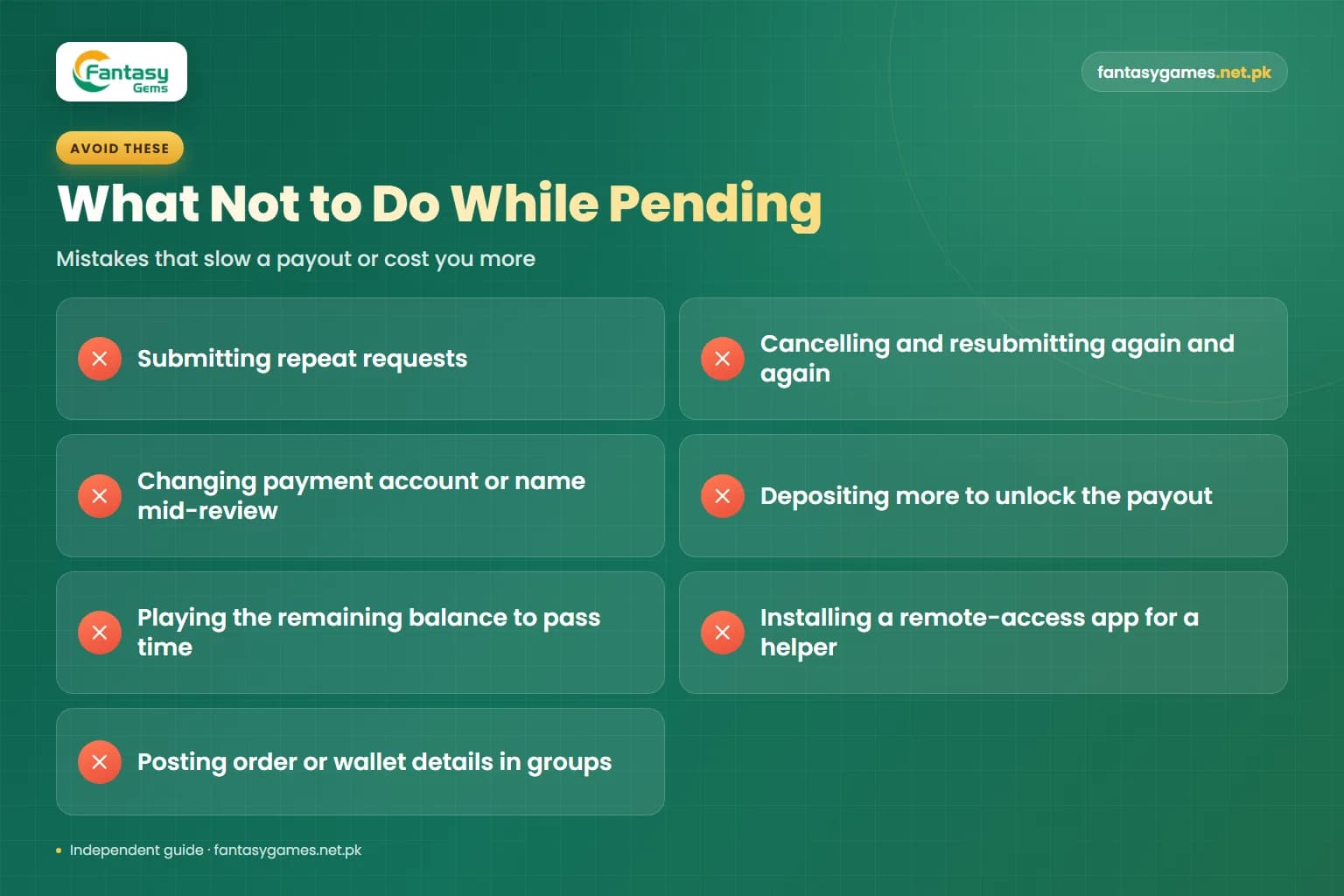
What not to do while a withdrawal is pending
- Do not submit repeat requests. Duplicates can trigger extra review and make the record harder to follow.
- Do not cancel and resubmit again and again; each new request typically joins the back of the queue.
- Do not change your payment account or profile name in the middle of a review.
- Do not deposit more money because someone says it will unlock the payout.
- Do not keep playing with the remaining balance to pass the time; that is how a withdrawal turns into a loss.
- Do not share your screen or install a remote-access app for anyone offering help.
- Do not post your order number, phone number or wallet details in public groups.
If you have already shared an OTP or PIN, change your password and contact your wallet provider through its own app straight away.
Setting a realistic expectation for Fantasy Gems withdrawal time
Start with the app, not a website. Before you request anything, read the withdrawal screen and its rules for the stated processing window, the limits and any fee. Screenshot that text. It is the only timing claim that comes from the platform, and it gives you something specific to quote if you later complain.
Then add margin. A stated window usually describes a normal request on a normal day. First withdrawals, larger amounts, weekends, public holidays and bank transfers all tend to sit at the slow end. Never plan a bill, a fee or a repayment around money that is still inside a gaming app.
Finally, test small. A small first withdrawal to your own wallet shows how the process behaves on your account before a larger balance depends on it. One result does not guarantee the next, but it is better evidence than any screenshot posted by a stranger. The real-or-fake safety review explains why.
A pending withdrawal is not spare money
Treat a requested withdrawal as money you do not have until it reaches your wallet. This is an unregulated real-money platform, so there is no outside body that can order a payout. Play only if you are 18 or older, only with money you can afford to lose, and never borrow to play or to cover a gap while a withdrawal is waiting.
Final words on Fantasy Gems withdrawal processing time
There is no verified Fantasy Gems withdrawal processing time that applies to everyone, and any website quoting an exact number is guessing. What is consistent is the route: request, platform review, payout sent, wallet or bank credit. A delay at any stage has a cause you can usually identify from the status, the rules on the withdrawal screen and your own provider's statement.
Check the window the app states, request once, keep your records, and contact in-app support with the order number if that window passes. Never pay anyone to release your own money.
Check Your Withdrawal Status Inside the App
Log in on your own device, open the withdrawal history and read the processing window the platform states.
Fantasy Gems withdrawal processing time FAQs
A Fantasy Gems withdrawal works in four stages. You submit a request with an amount and a payment account, the platform reviews it against its verification, bonus and limit rules, an approved payout is sent through a payment channel, and your wallet or bank credits it. The amount is normally held from your balance while this happens, and the status in your withdrawal history shows how far it has got.