Fantasy Gems Blocked, Not Opening or Needs a VPN? What Is Going On
When the app or site will not connect, the cause is often your network, not your account. Here is how to check, and why VPN advice needs care.
Independent guide — not an official Fantasy Gems channel. Real-money games can lose money.

Access Help
Category
Connection
Focus
8 min
Read Time
Nov 2026
Published
Quick Answer
Is Fantasy Gems blocked in Pakistan or does it need a VPN?
We could not verify any official block. When the app will not open, the usual cause is your network, so try another connection, set the phone clock to automatic and try later. We do not recommend a VPN: free ones can be unsafe and a changing location can trigger logouts or account reviews.
Key Takeaways
- We do not recommend a VPN for Fantasy Gems.
- Wi-Fi and mobile data are different networks, and they can treat connections differently.
- Yes, a wrong phone clock can stop Fantasy Gems from loading.
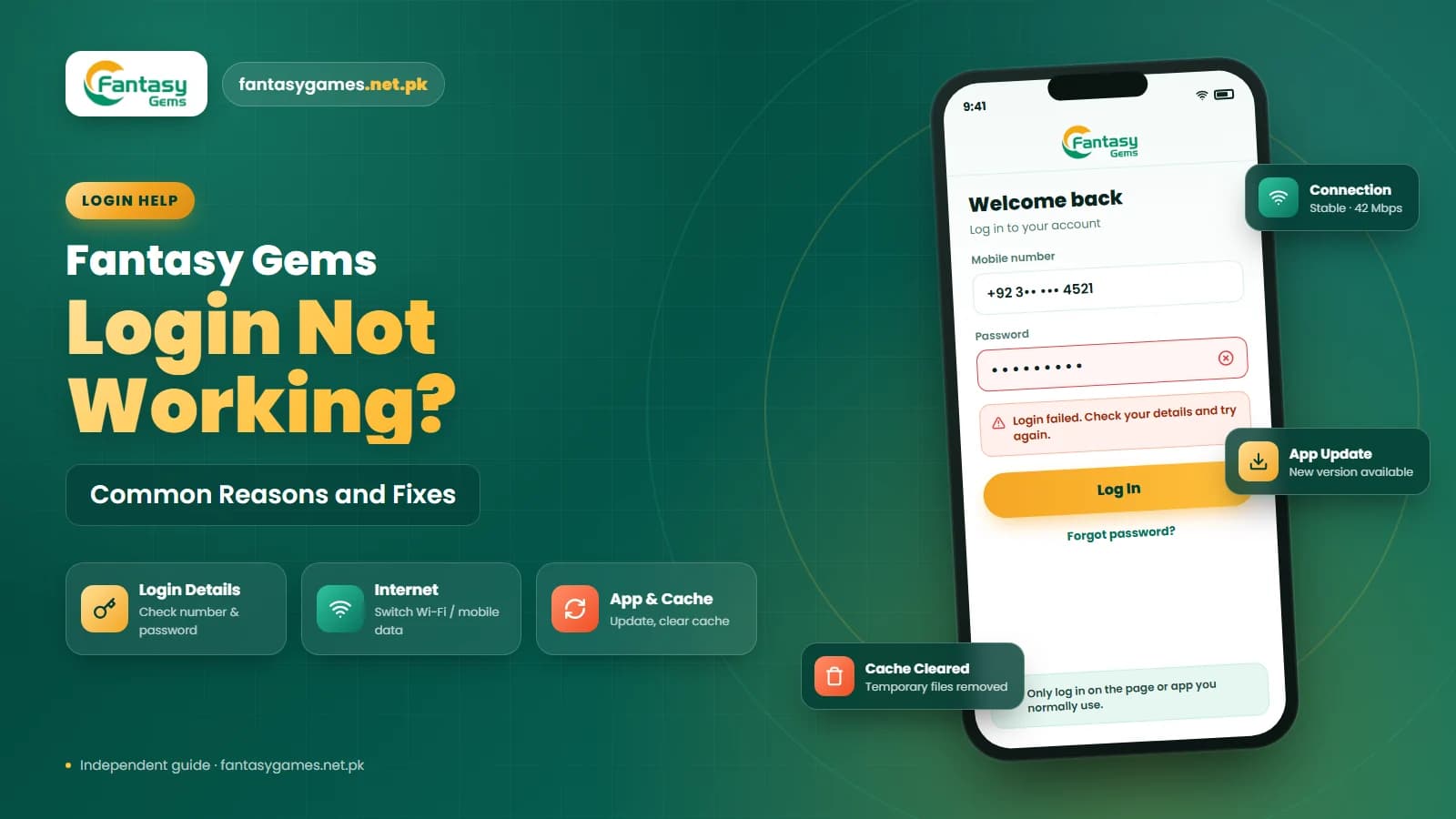
Readers in Pakistan sometimes find that the Fantasy Gems app or a site will not open on one network but works on another. We could not verify any official blocking, so this independent guide treats it as a connectivity problem and covers the safe checks.
It also explains why using a VPN to get around a problem is not a free fix.
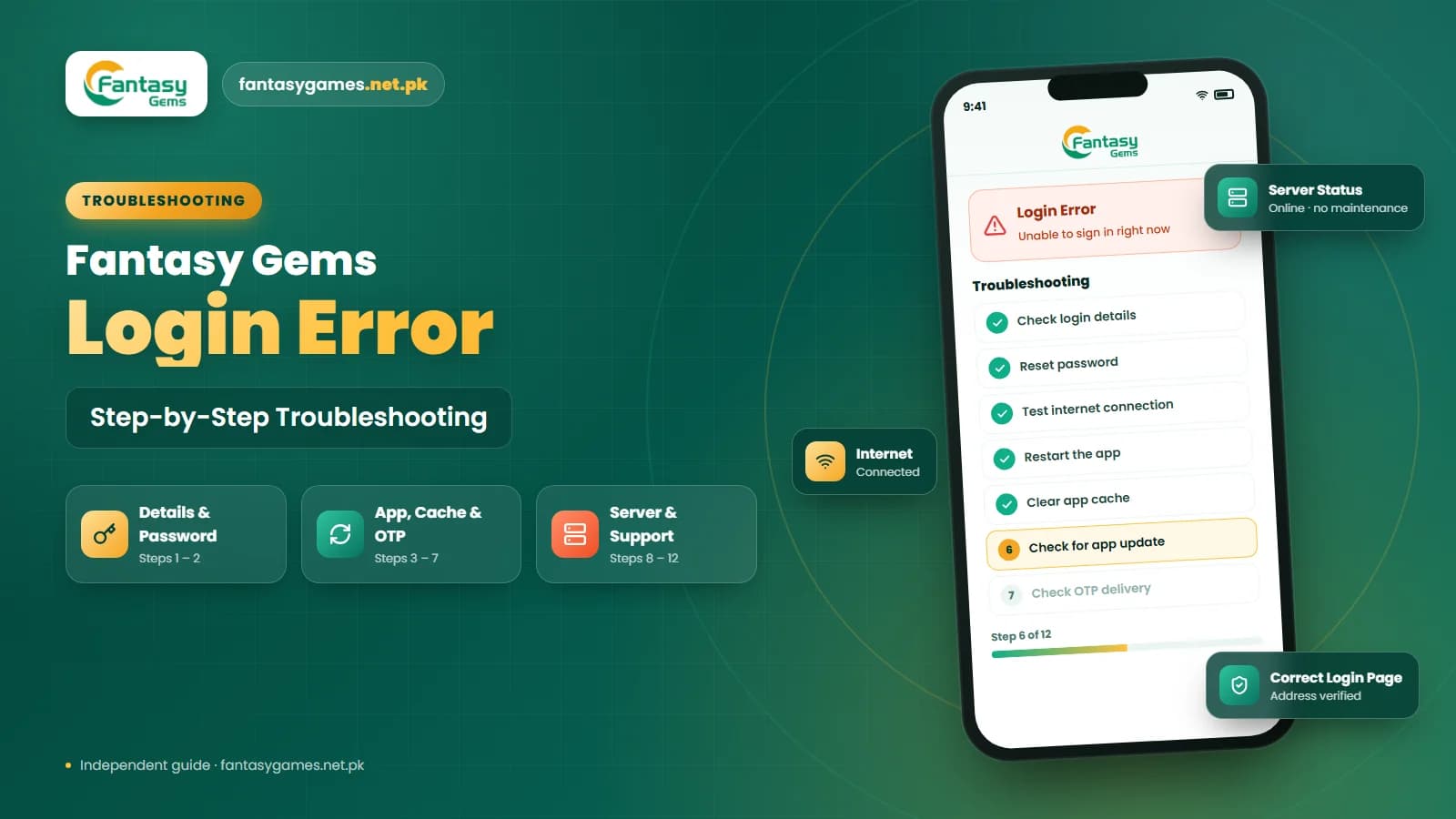
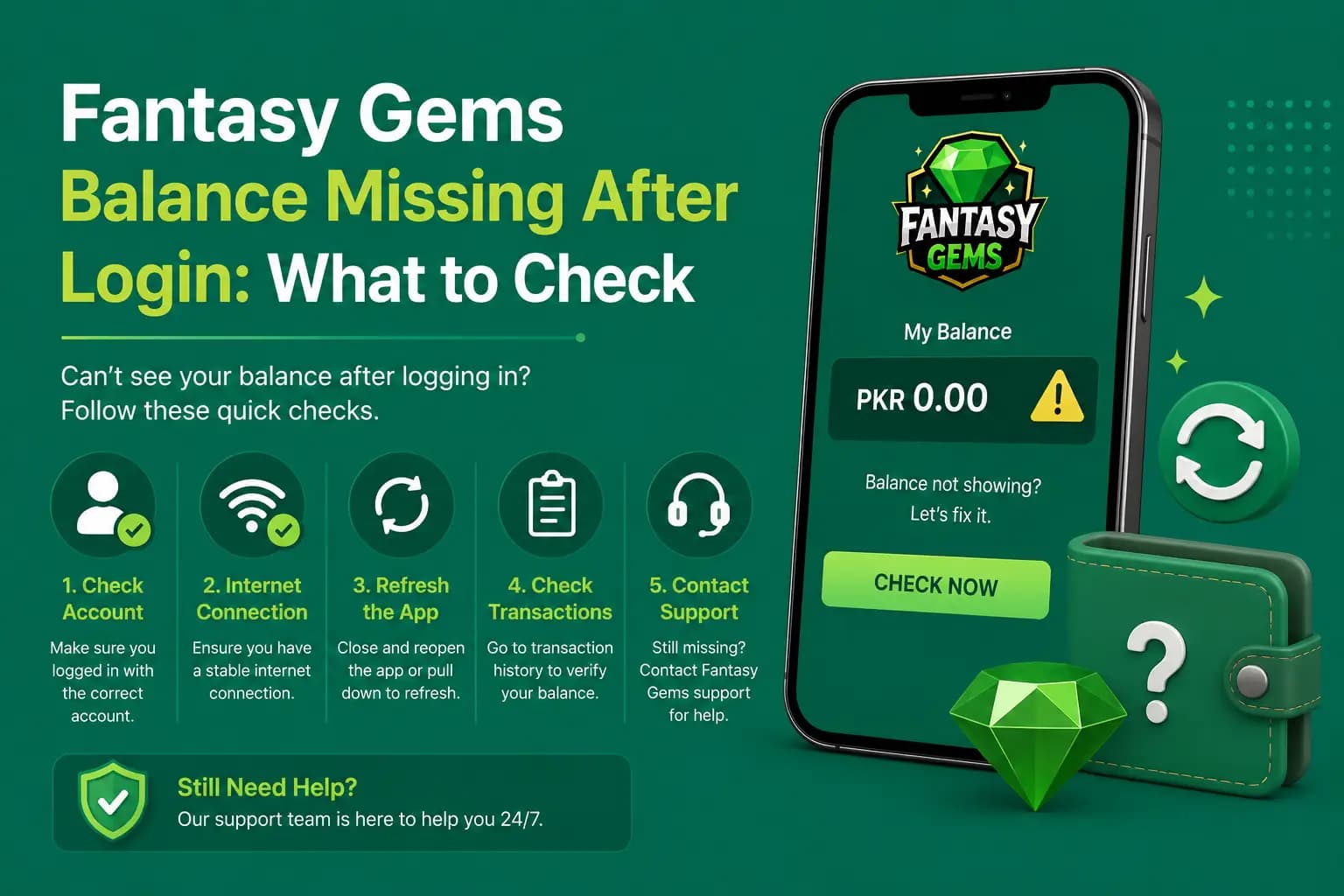
Network Checks First
Rule out the simple causes.
- 1
Open another website to confirm your internet works.
- 2
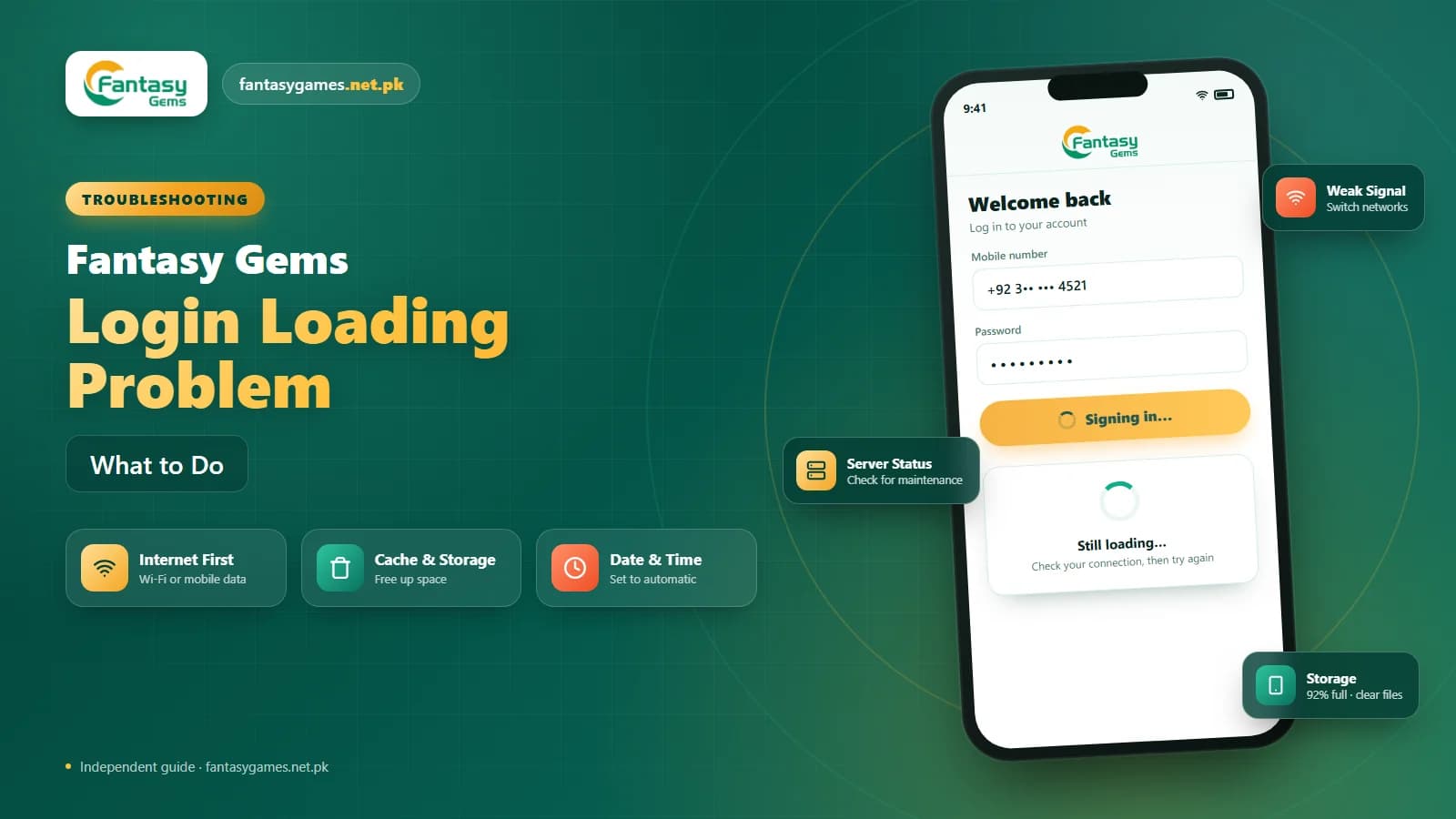
Switch between Wi-Fi and mobile data, or try another network.
- 3
Restart the router or toggle airplane mode.
- 4
Check the phone date and time are automatic.
- 5
Wait and try later; temporary server issues are common.
- 6
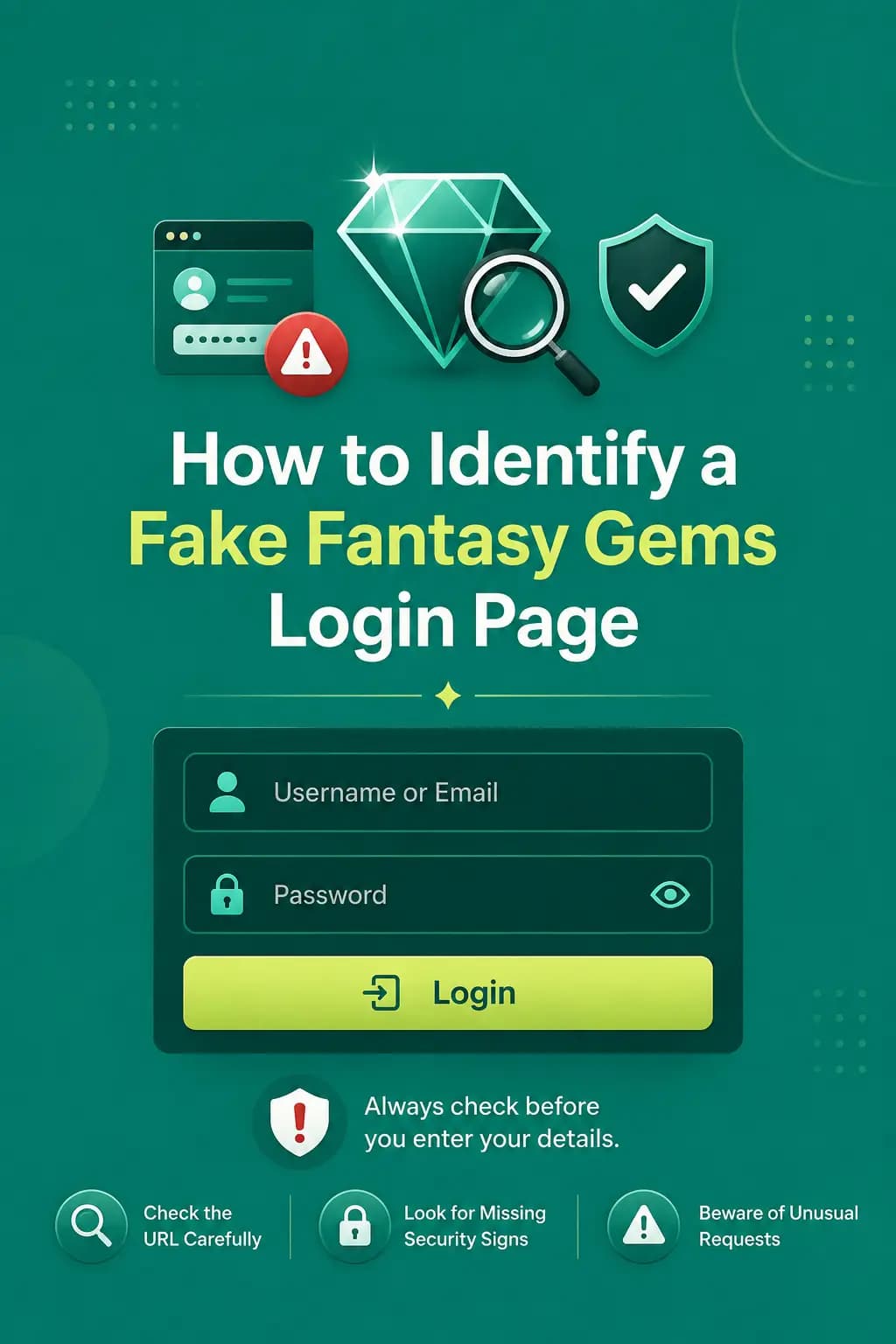
Use the login page you trust, not a link from a message.
VPN Risks to Understand
Free VPN apps can log your traffic, inject ads or steal data, and a changing apparent location can trigger session logouts or account reviews. Using a VPN may also conflict with local rules or the platform's terms. We do not recommend using one to access real-money games.
Fantasy Gems blocked FAQs
We could not verify any official block of Fantasy Gems in Pakistan. Connectivity problems are usually network related. The app may open on one network and fail on another. Start with simple checks, such as opening another website, switching networks, and trying again later, before you assume the app is blocked.