Fantasy Gems Logo: How to Tell a Real App Icon From a Copy
A logo is the easiest thing to copy. This guide shows why a familiar Fantasy Gems logo proves nothing by itself, and gives checks that do.
Independent guide — not an official Fantasy Gems channel. Real-money games can lose money.

Safety
Category
Logo check
Focus
8 min
Read Time
Nov 2026
Published
Quick Answer
How can I tell if a Fantasy Gems logo or app is fake?
A matching logo proves nothing, because images are easy to copy. Check where the file came from, avoid group or message links, review the permissions it asks for, be suspicious of any request for a wallet PIN, and never log in before scanning the installed file. Treat download pages that charge a fee as scams.
Key Takeaways
- No, a matching logo does not mean the app is real.
- No, the logo on this website is not official.
- You may have installed a fake Fantasy Gems app if you downloaded it from a group link, if it asks for strange permissions such as reading messages, if it asks for a wallet PIN, or if the login screen appears from a message rather than the app.
Why the Fantasy Gems Logo Proves Nothing on Its Own
People search for the fantasy gems logo to check whether an app or a page is the real one. It is a sensible instinct, but a logo is an image, and any image can be copied in seconds. Fake login pages, hacked APKs and lookalike sites all use a copied logo because it buys instant trust.
The logo used on this site is used only to identify the app we write about. It does not mean this site is official, and we do not host or sell the app. This is an independent safety guide.
What a Logo Can and Cannot Tell You
Use the logo as a prompt for further checks, never as the proof.
| Check | Reliable? | Why |
|---|---|---|
| The logo looks identical | No | Copying an image is trivial |
| The name matches exactly | No | Names can be reused or misspelled on purpose |
| Where you downloaded the file | Yes, partly | Random links and groups are risky sources |
| The permissions the app asks for | Yes | Unrelated permissions such as SMS reading are a warning |
| Whether it asks for payment to download | Yes | A genuine download does not charge |
How to Check an App Icon and Installation
Run these before you log in.
- 1
Think about where the file came from. Avoid links from groups, comments and messages.
- 2
Before opening, check the app info on your phone and compare the name and icon with what you expected.
- 3
Look at the permissions it requests and be wary of ones that make no sense for a game, such as reading your messages.
- 4
Do not log in until you have run a security scan on the installed file.
- 5
Be suspicious of an app that asks for your wallet PIN anywhere.
- 6
If anything feels off, uninstall it and use the download guide instead.
If You Installed a Copy
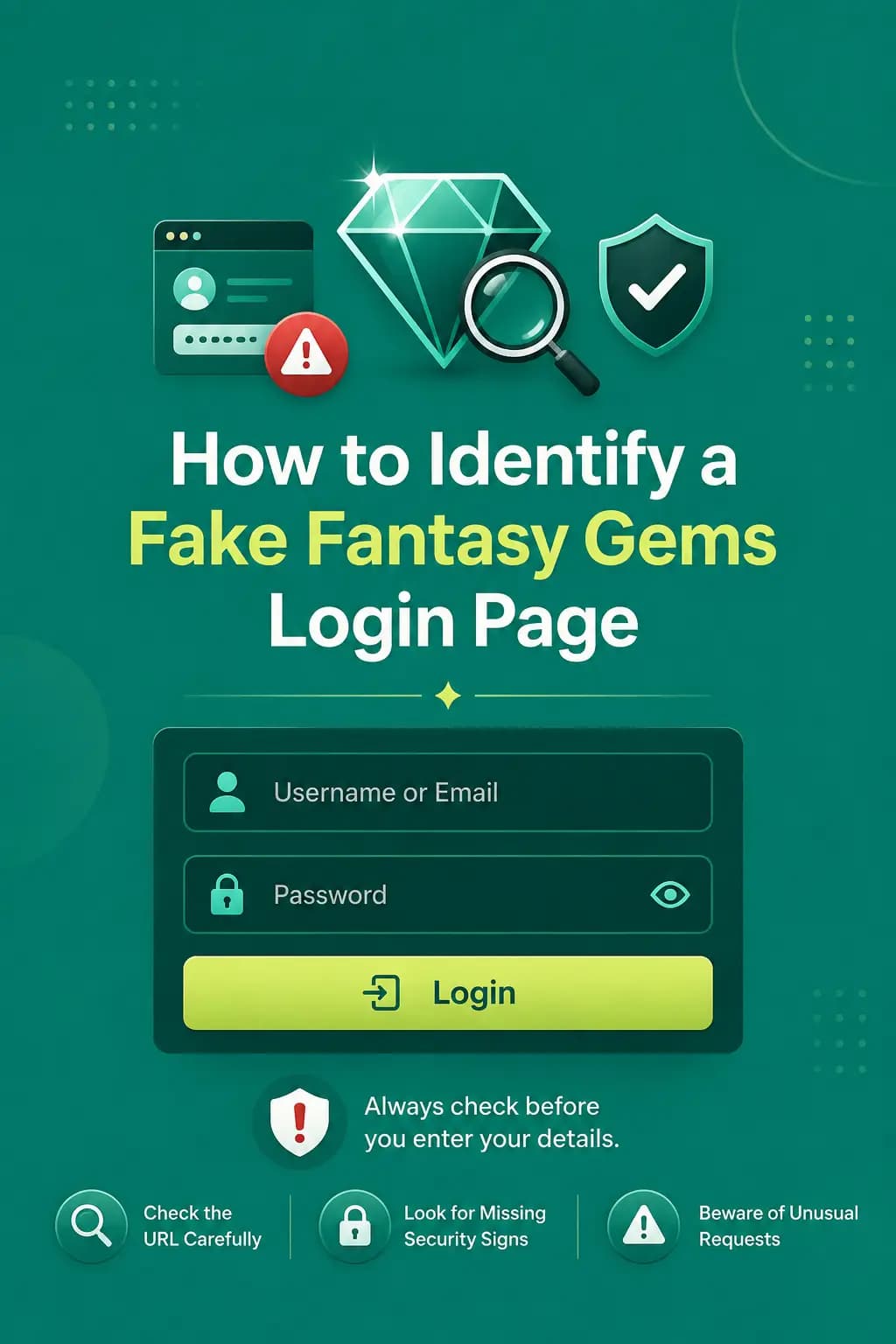
Uninstall it, change your Fantasy Gems password from a clean device, log out of all devices, change any wallet PIN you typed, and check your history for activity you did not make. Our hack guide and fake login page guide explain the recovery steps in detail.
Screenshots and Photos
People also search for fantasy gems photos and fantasy gems game screenshot. Screenshots posted in groups and review pages can be edited, so treat them as illustration, not proof of wins, withdrawals or an official release.
Related Guides
Fantasy Gems logo FAQs
We do not host the operator's official Fantasy Gems artwork, and the logo on this site is used only to identify the app. Compare the icon with the app you downloaded, remembering that logos are easily copied. A logo is just an image, so use it only as a prompt for further checks.