Fantasy Gems Deposit Not Credited: What to Check Before You Pay Again
You paid, the money left your mobile wallet, and the Fantasy Gems balance did not move. Here is a calm checking order and the proof you will need.
Independent guide — not an official Fantasy Gems channel. Real-money games can lose money.

Payment Help
Category
Deposit fixes
Focus
8 min
Read Time
Nov 2026
Published
Quick Answer
Why is my Fantasy Gems deposit not credited?
Usually the payment system and the Fantasy Gems wallet are out of step. Check your JazzCash, Easypaisa or bank app: if the payment failed it will be refunded, and if it completed, wait a few minutes. Keep the transaction ID and a screenshot, do not pay again, and contact support if it stays missing.
Key Takeaways
- Wait the time the Fantasy Gems app indicates for a deposit to appear, often a few minutes.
- No, you should not deposit again until you know the status of the first payment.
- Support needs the transaction ID, the amount, the time, a screenshot of the payment app and your registered number.
A deposit that does not show is almost always a delay or a mismatch, not a disappearance. The payment system and the Fantasy Gems wallet are separate systems, and the second sometimes takes a few minutes to learn what the first has done.
This independent guide gives a safe order of checks. Never pay a second time until you have worked out the status of the first.
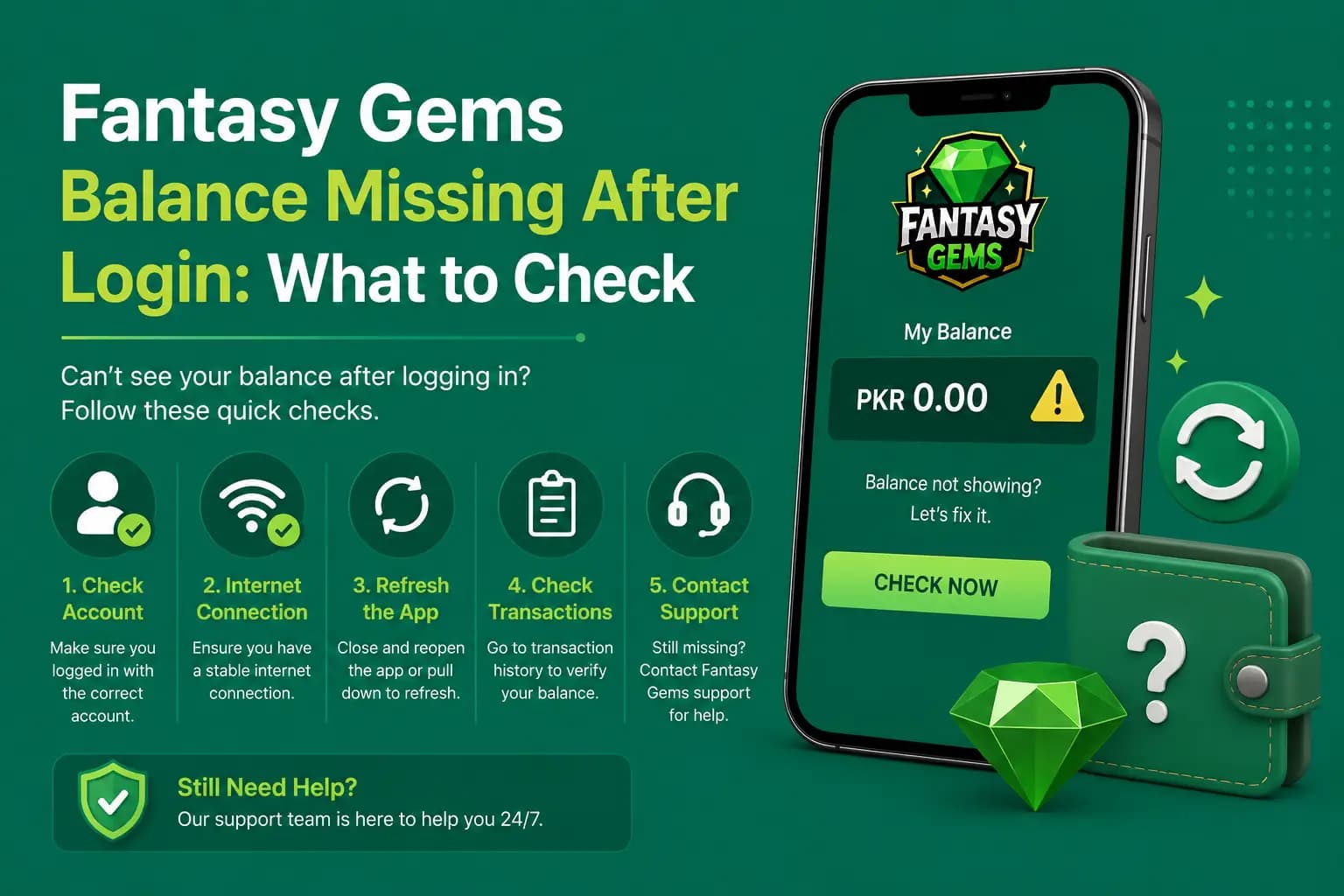
Check in This Order
Most cases are solved by step three.
- 1
Open the JazzCash, Easypaisa or bank app and look for the transaction. Is it completed, pending or failed?
- 2
If it failed or was reversed, the money returns to your wallet and nothing is owed.
- 3
If it completed, wait a few minutes and refresh the Fantasy Gems wallet and history.
- 4
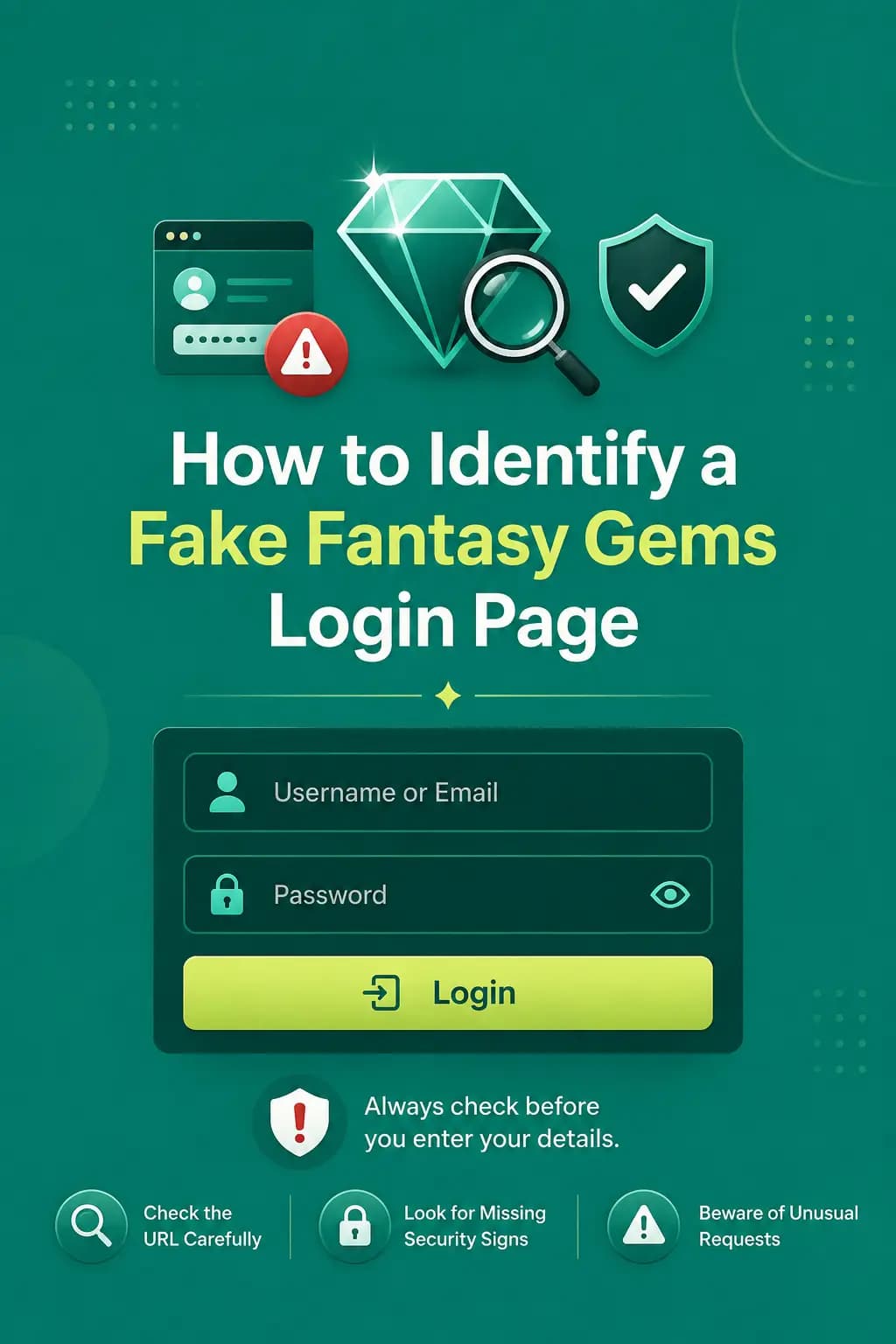
Check you paid to the account details the app showed for that deposit, not an old or forwarded number.
- 5
Note the transaction ID, the amount, the time and a screenshot.
- 6
If the balance is still missing after the time the app indicates, contact support with that proof.
Situation and Likely Meaning
A quick matching guide.
| What you see | Likely meaning | Do |
|---|---|---|
| Payment app shows failed | No money taken | Retry only after the refund shows |
| Payment completed, wallet unchanged | Credit delay | Wait, then use proof |
| Paid to a different number | Wrong or fake account | Contact your wallet provider at once |
| Error says a pending transaction exists | Earlier request still open | See the pending transaction article |
Never Pay Someone to Fix It
Scammers offer to credit a missing deposit for a fee or ask for your OTP or wallet PIN. Support never asks for these. If you paid to an unknown account, report it to your wallet provider immediately.
Related Guides
Fantasy Gems deposit not credited FAQs
A Fantasy Gems deposit is not showing usually because of a short crediting delay. Other common causes are an interrupted payment, a failed transaction that has not refunded yet or paying to the wrong account. Check the payment app for the transaction status first, then refresh your wallet and history after a few minutes.