Fantasy Gems App Crashing or Showing a Black Screen: Fixes That Work
A crash or black screen is usually a phone problem, not an account problem. Work through these fixes from the quickest to the last resort.
Independent guide — not an official Fantasy Gems channel. Real-money games can lose money.

App Fixes
Category
Crash fixes
Focus
8 min
Read Time
Nov 2026
Published
Quick Answer
Why is the Fantasy Gems app crashing or showing a black screen?
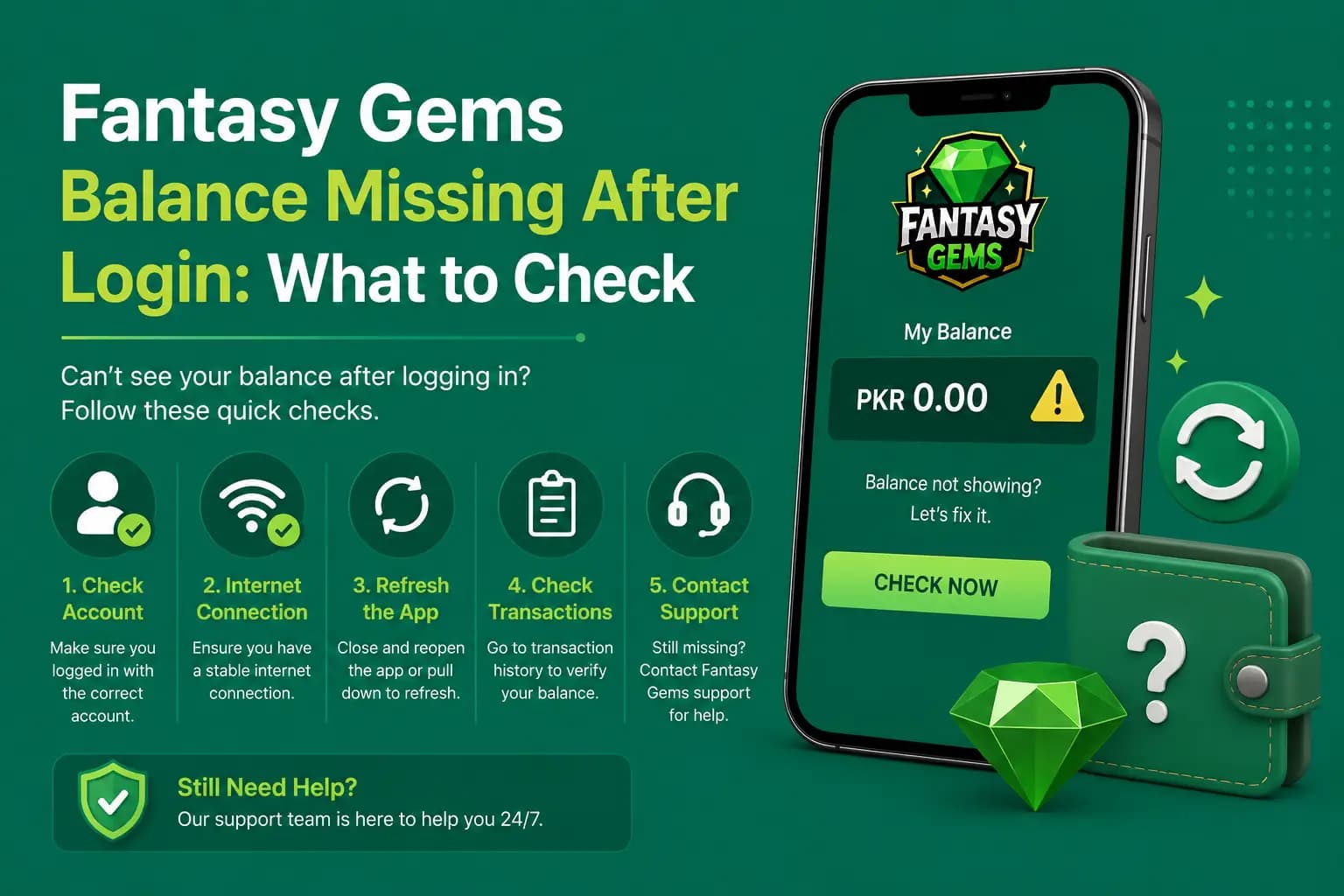
The cause is usually the phone, not the account: full storage, a corrupted cache, an outdated version or a weak connection. Restart the phone, free storage, clear the app cache, update the app and disable battery saver for it. Reinstall only as a last step, since your account stays on the server.
Key Takeaways
- No, reinstalling the Fantasy Gems app does not delete your account.
- The Fantasy Gems app freezes during a round usually because of a weak network or low memory.
- Yes, clearing the Fantasy Gems app data logs you out, because it removes the stored login.
When the Fantasy Gems app freezes, force closes or opens to a black screen, the account is almost never involved. The cause is usually low storage, a corrupt cache, an outdated version, or a weak connection that stops the first screen from loading.
This independent guide lists fixes in order, and says when a reinstall is safe.
Fixes in Order
Test the app after each step.
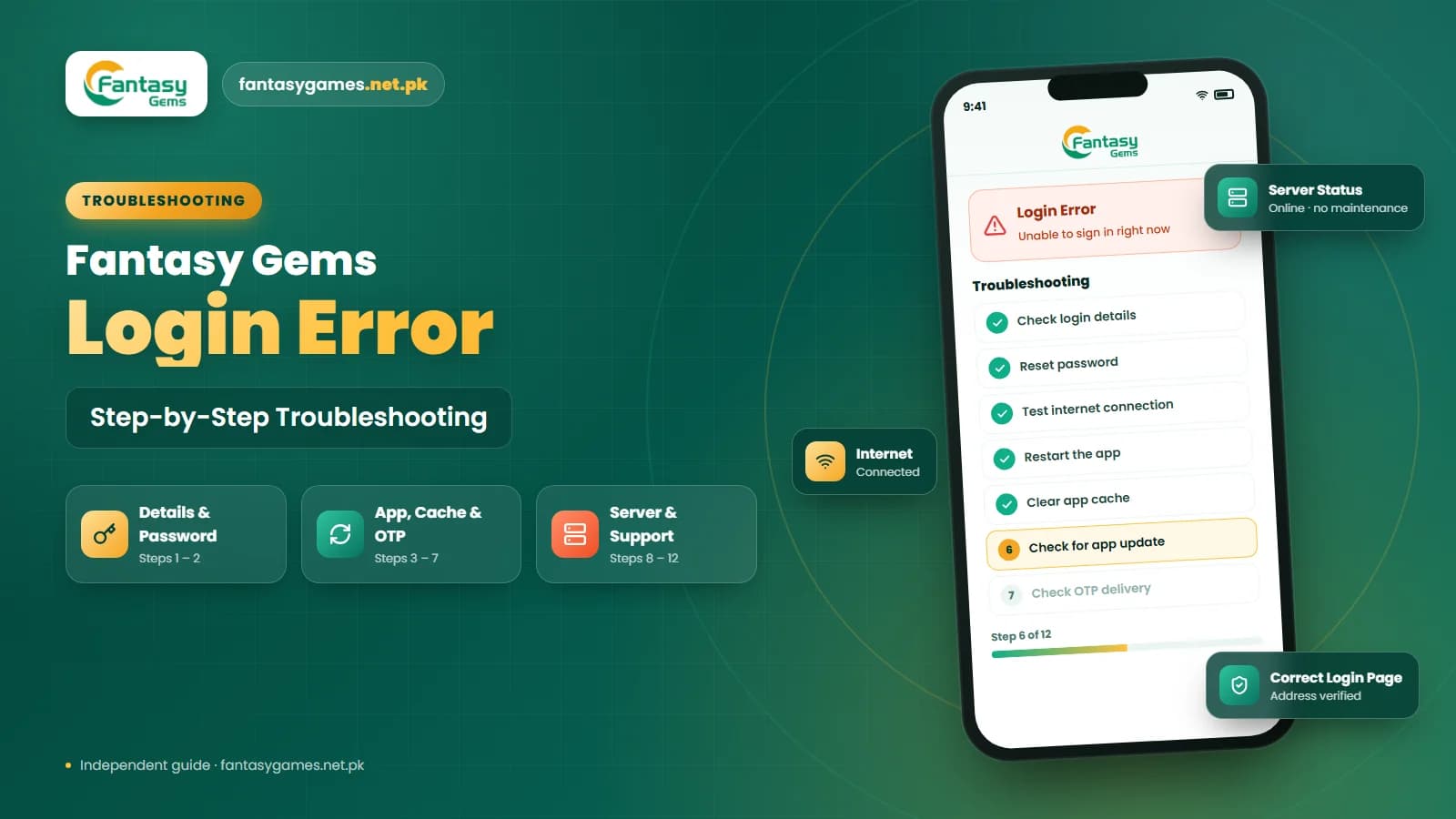
- 1
Close the app fully and reopen it.
- 2
Restart the phone, then check your internet connection or switch between Wi-Fi and mobile data.
- 3
Free up storage; many phones stop apps loading when almost full.
- 4
Clear the app's cache in Android settings, but not the data unless you know your password.
- 5
Update the app from the trusted download page.
- 6
Disable battery saver and data saver for the app.
- 7
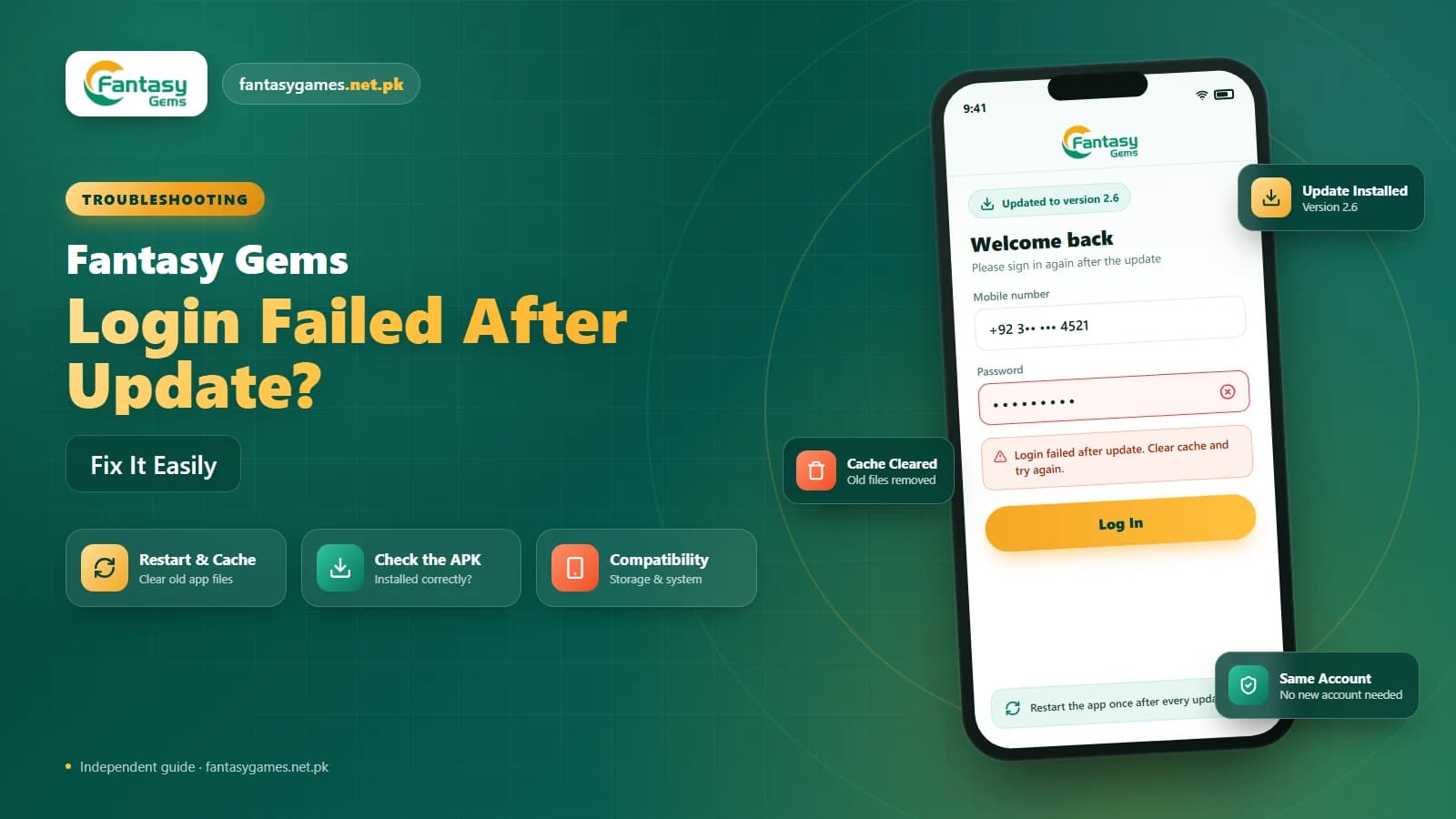
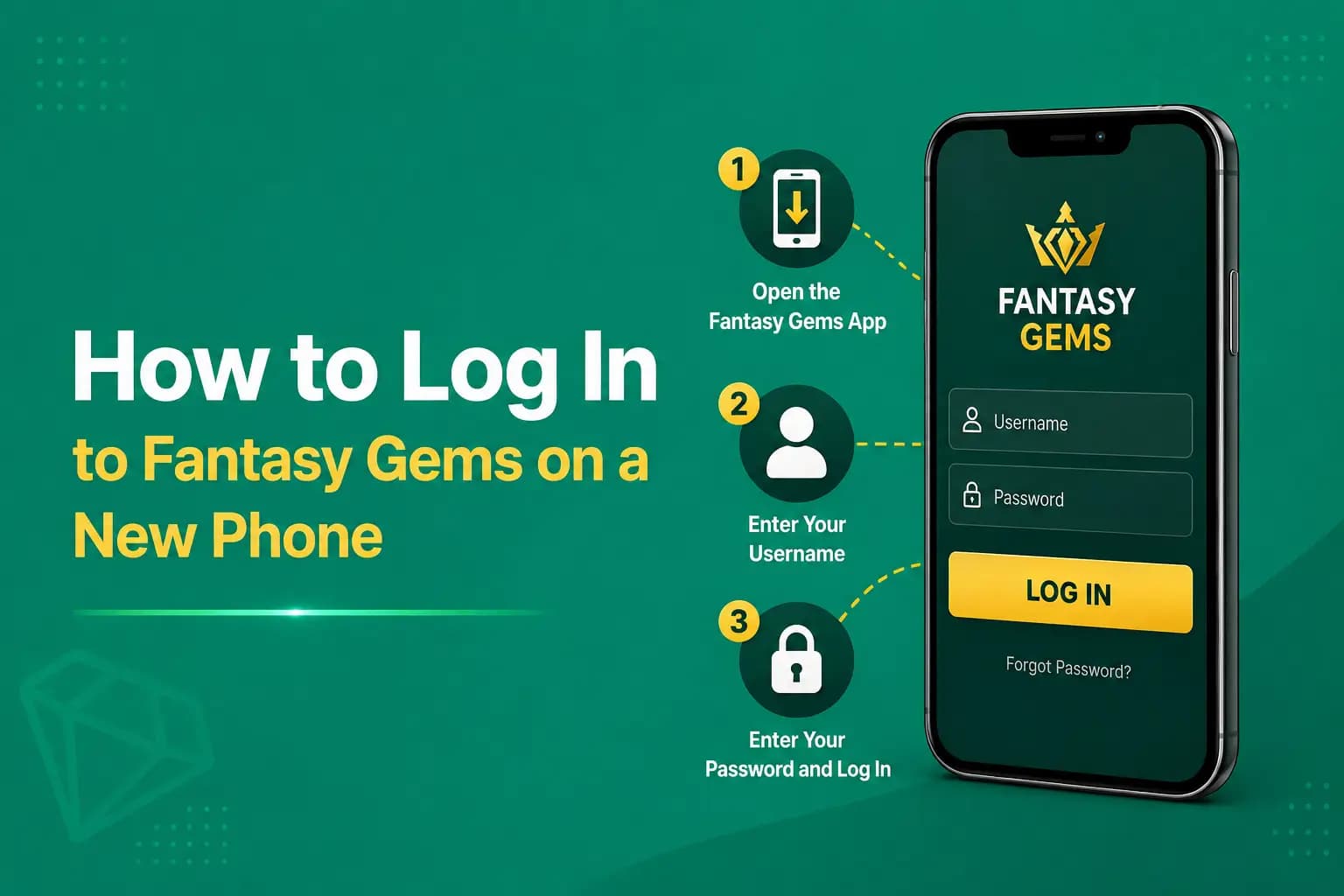
As a last step uninstall and reinstall, then log in with your existing details.
Symptoms and Causes
Quick match.
| Symptom | Likely cause |
|---|---|
| Black screen at launch | Corrupted cache or full storage |
| Freezes during a round | Weak network or low memory |
| Closes by itself | Old version or battery restrictions |
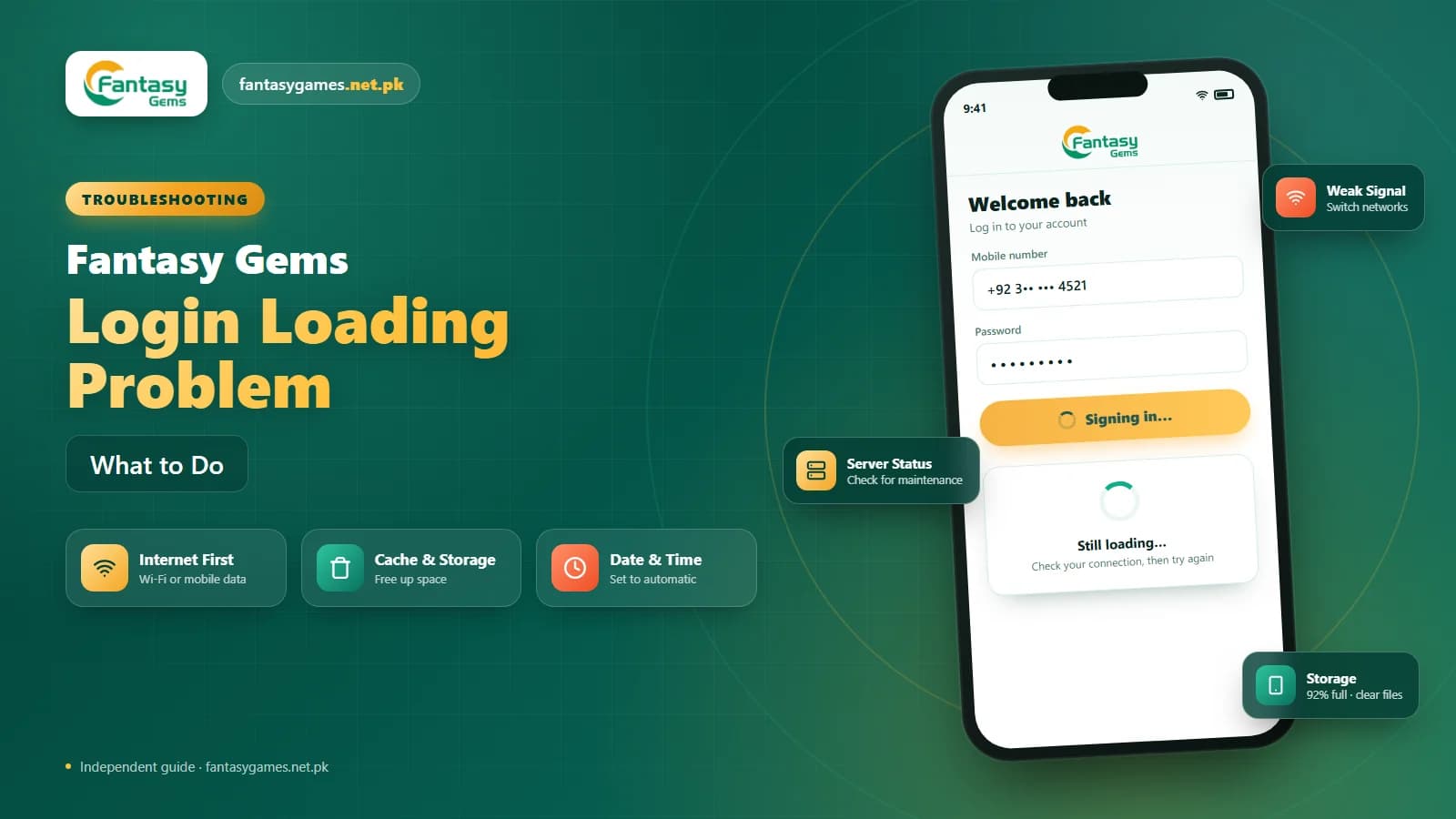
| Stuck on loading | Server or connection issue; see the loading problem article |
Do Not Install a Fixed Version From a Group
Messages offering a fixed or lighter version, or a hack, are a common route to malware. Download only from the page you trust.
Fantasy Gems crashing FAQs
The Fantasy Gems app shows a black screen usually because of a corrupt cache, low storage or a connection problem. Clear the app's cache in Android settings, free up storage and retry. Restart the phone and switch between Wi-Fi and mobile data. Reinstall only as a last step, after the quicker fixes.