Fantasy Gems APK Not Installing: Causes and Fixes on Android
App not installed, parse error, blocked by Play Protect or download failed? This guide fixes the usual Fantasy Gems APK install problems on Android.
Independent guide — not an official Fantasy Gems channel. Real-money games can lose money.

Install Help
Category
APK install
Focus
8 min
Read Time
Nov 2026
Published
Quick Answer
Why is the Fantasy Gems APK not installing?
The usual causes are a blocked unknown-sources permission, an older app version that conflicts with the new one, low storage, an incomplete download, or an unsupported Android version. Allow installs from your download source for this install only, uninstall any old copy, free storage and download the file again.
Key Takeaways
- There was a problem parsing the package means the file is incomplete or not supported by your Android version.
- Allowing unknown sources is safe only if you do it carefully.
- Play Protect blocks the Fantasy Gems APK because it does not recognise the app.
Why a Fantasy Gems APK Fails to Install
People searching for fantasy gems download apk, fantasy gems apk download and fantasy game download for android often hit one of a few errors. Most are not about the file at all. They come from phone settings, storage or an old copy of the app that conflicts with the new one.
This independent guide explains each error and the safe fix. We never ask you to turn off protections permanently, and we advise you to download only from a page you trust.
Common Install Errors and Fixes
Find the message you see.
| Error | Usual cause | Fix |
|---|---|---|
| Install blocked | Unknown sources not allowed | Allow installs from the browser or file manager you used, just for this install |
| App not installed | Old version or signature conflict | Uninstall the old copy, then install again |
| There was a problem parsing the package | Incomplete download or unsupported Android version | Download again; check your Android version |
| Download failed | Weak connection or full storage | Switch network and free storage |
| Blocked by Play Protect | Unrecognised app | Read the warning; continue only if you trust the source |
Step-by-Step Fix
Try these in order.
- 1
Confirm the file finished downloading and is not a few kilobytes in size.
- 2
Free up at least a few hundred megabytes of storage and restart the phone.
- 3
Open Settings and allow installs from the source you used, then install.
- 4
If an older Fantasy Gems app exists, uninstall it first.
- 5
Download the file again on a stable connection.
- 6
Check that your Android version is recent enough for the app.
- 7
Turn the unknown sources permission back off after installation.
Do Not Disable All Security to Install
If the only way to install is to disable security scanning for good, or the page asks for a payment to download, stop. Treat any download page that asks for your OTP or wallet PIN as a scam. Read the download guide for the safe checks.
After a Successful Install
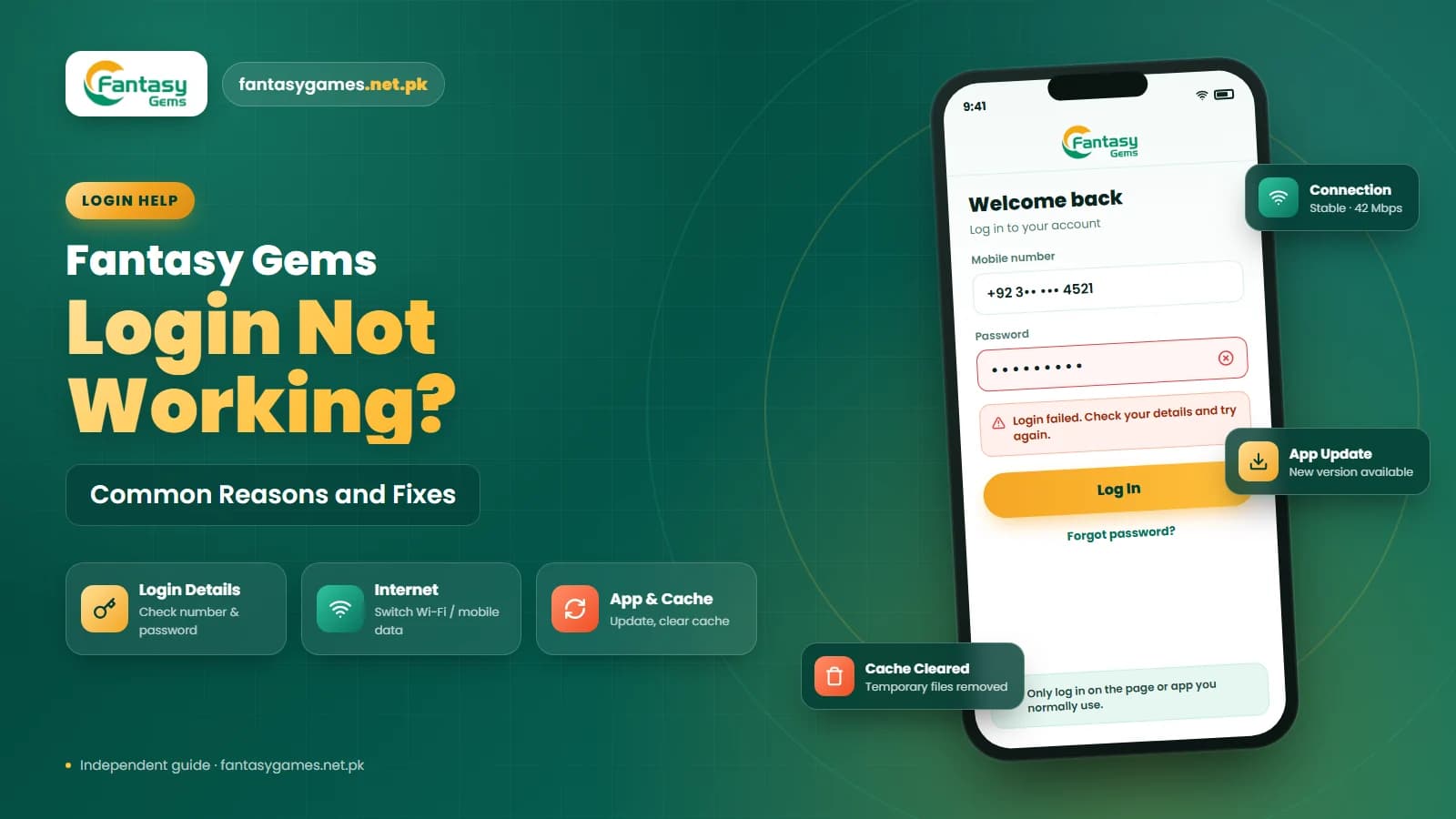
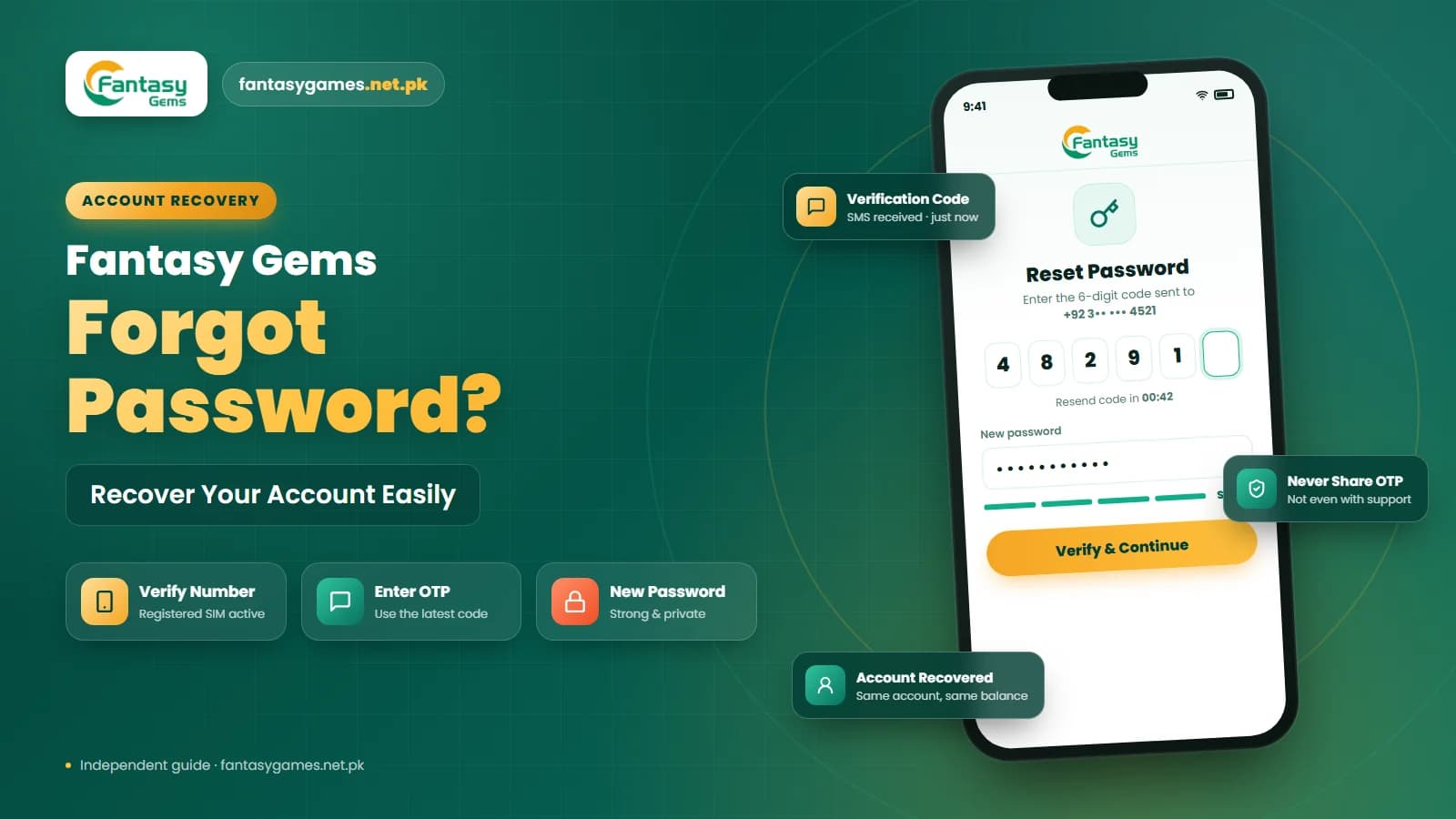
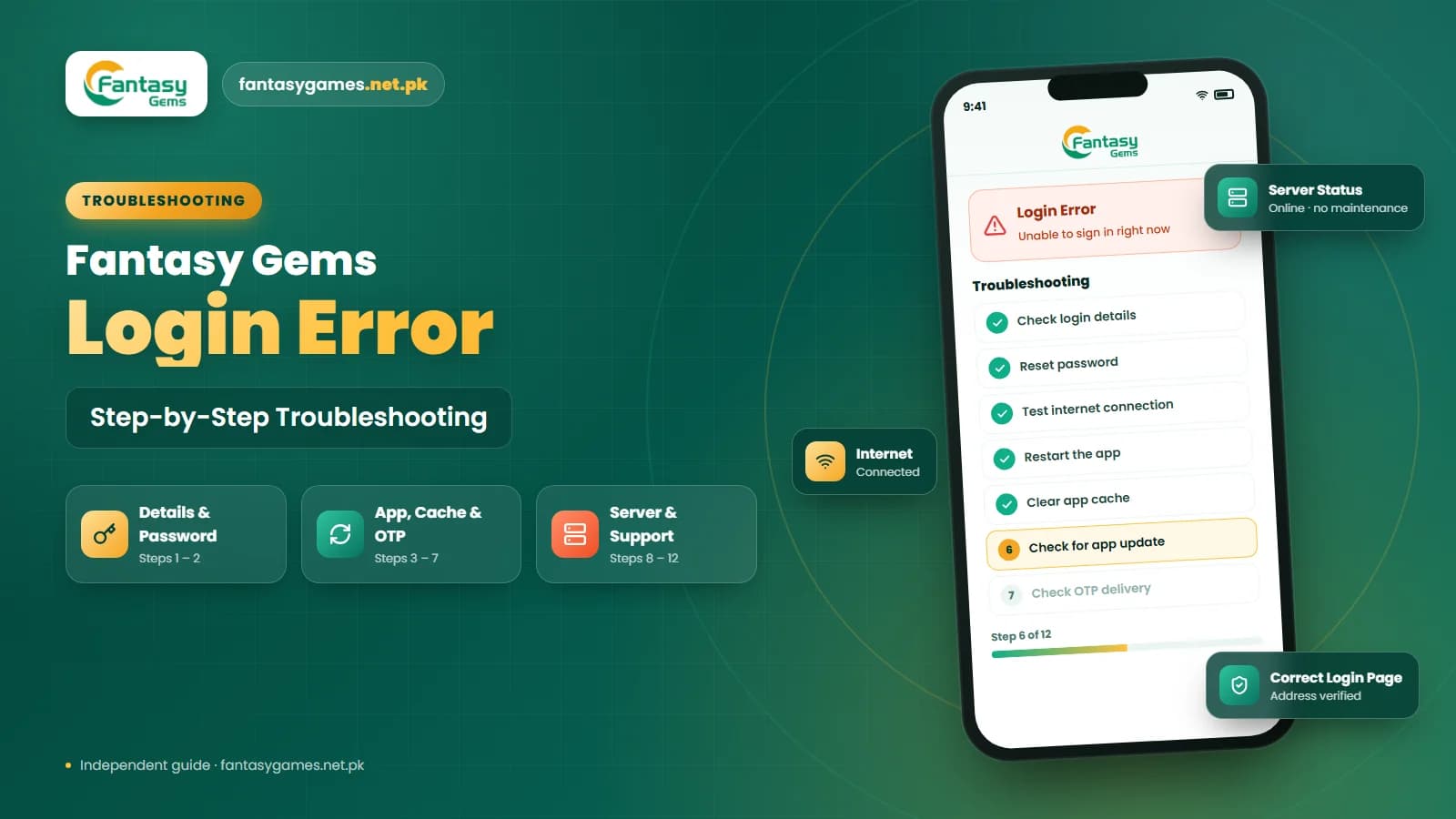
Open the app, log in with your registered number, and only then consider a deposit. If login fails, the login guide and the blog articles on login errors cover each message. If you are on iPhone or PC, read the iOS and PC guides instead.
Fantasy Gems APK not installing FAQs
Fantasy Gems says app not installed usually because an older copy conflicts with the new one, or because storage is full. Uninstall the old app, free up storage, restart the phone and install again. Download the file again on a stable connection if the problem continues, and check the file finished downloading.