Fake Fantasy Gems Login Page: How to Identify It Before You Sign In
A fake Fantasy Gems login page can copy the name, logo and colours perfectly. Learn how to check the domain, the form, the link source and support messages before you type anything.
Independent guide — not an official Fantasy Gems channel.

Account Security
Category
Phishing Checks
Focus
9 min
Read Time
Oct 2026
Updated
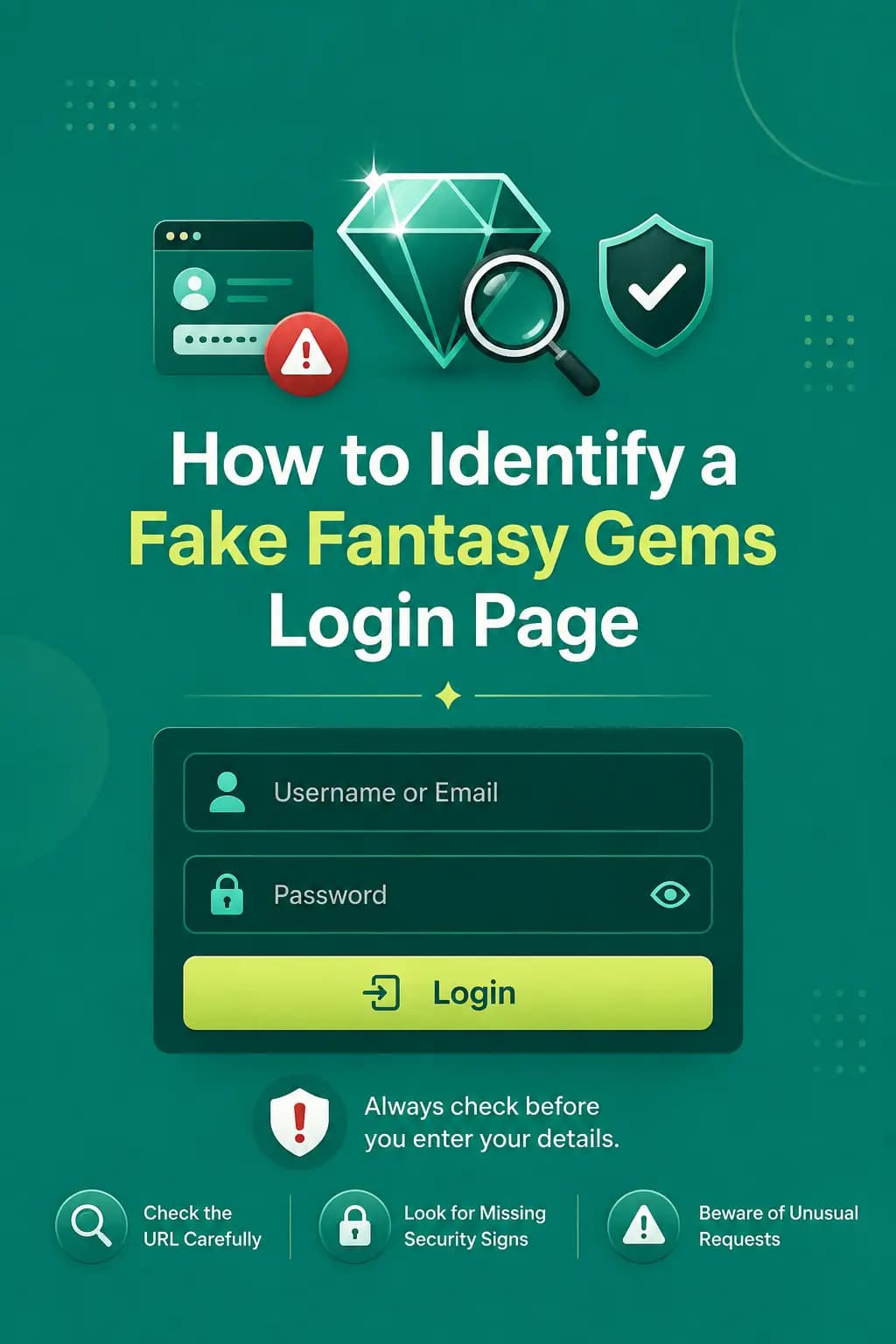
A fake Fantasy Gems login page is a copy of the real sign-in screen built to collect whatever you type into it. It may reproduce the app name, logo, colours, buttons and account form so closely that nothing looks wrong. Its purpose is to capture passwords, OTP codes, payment details or identity information, which are then used to empty a wallet or take over the account.
Visual design alone cannot confirm that a login page is genuine, because design is the easiest thing to copy. What a scammer cannot copy is the real address, the way you arrived at the page, and the limited set of things a genuine login needs from you. So before signing in, check the website address, the source of the link, any security warnings, the information being requested and the support method on offer.
This is an independent guide, not an official Fantasy Gems channel, and we do not publish a list of approved domains because addresses change. Instead, this page teaches the checks that work on any Fantasy Gems phishing attempt, whether it arrives as a website, an advert, a WhatsApp link or a fake app.
Quick check: is this Fantasy Gems login page real?
Run through these before you enter a mobile number or password. One failed check is enough reason to close the page.
- You opened the page yourself, from the installed app or your own bookmark, not from a link someone sent.
- The full domain matches, letter for letter, the address you have used and verified before.
- The form asks only for your registered number or username, your password and possibly an OTP.
- Nothing asks for a JazzCash PIN, Easypaisa PIN, card PIN or bank password.
- No deposit or fee is demanded before you are allowed to log in.
- No file starts downloading by itself when the page opens.
- The browser shows no security or certificate warning.
If you are unsure, close the tab and open the app or your saved bookmark instead.
Check the domain carefully
The address bar is the one part of a Fantasy Gems fake website that cannot be an exact copy. A fake domain may use:
- Extra letters, such as a doubled letter or an added word like vip or bonus.
- Missing letters, which the eye fills in when you read quickly.
- Hyphens added or removed between words.
- Different extensions, where the name is right but the ending after the last dot is not.
- Numbers replacing letters, such as a zero for the letter o.
- Subdomains designed to look official, where the familiar name sits at the front and the real domain is the unfamiliar part before the extension.
Read every part of the domain before entering your number or password. On a phone, tap the address bar to reveal the full address, because mobile browsers often shorten it.
How to find the real Fantasy Gems login link
People searching for the real Fantasy Gems login link usually want one address they can trust. The safest answer is that the login you already use successfully is your reference point. If you registered in the app, the login screen inside that installed app is the one tied to your account, and you do not need a web link at all.
If you sign in through a browser, compare any new address against the one in your own history or bookmark. A page that has shown your genuine account ID and wallet history after login is far stronger proof than any logo.
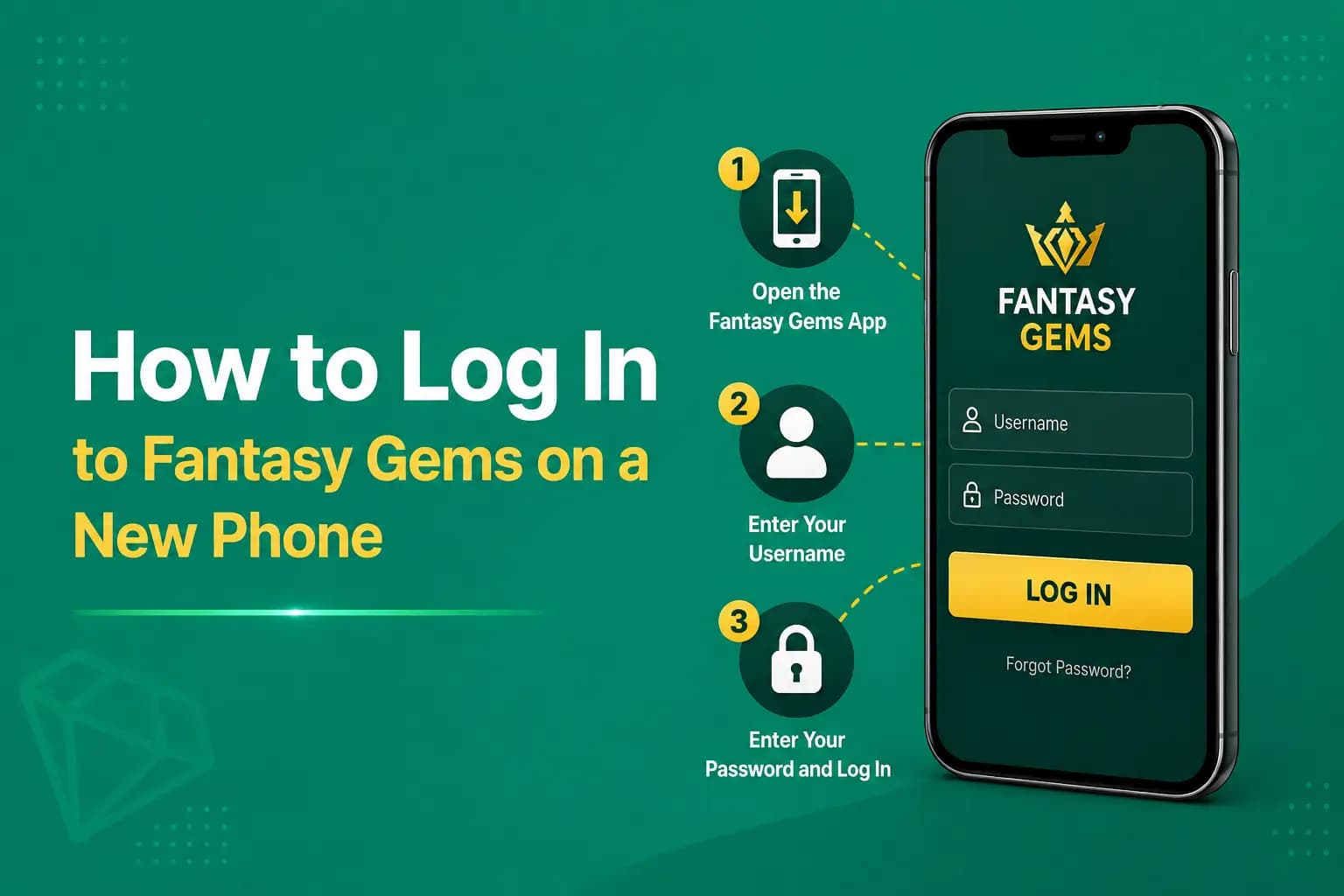
Treat any link sent by someone else as unverified. Our login guide explains what the genuine Fantasy Gems game login flow should and should not ask for.
HTTPS is not enough to prove a login page is genuine
Many users look for the padlock and stop there. HTTPS helps protect information while it travels between the browser and the website, and that is all it does. It does not prove:
- Platform ownership, meaning who actually runs the site.
- Licensing of any kind.
- Fair games.
- Reliable withdrawals.
- Genuine support.
- Official status.
A scam website can also use HTTPS, and most now do, because certificates are free and take minutes to set up. A missing padlock is a reason to leave; a present one is not a reason to trust.
Warning signs of a fake Fantasy Gems login page
These are the signs worth acting on. The last column is what to do the moment you notice one.
| Warning sign | Why it is risky | What to do |
|---|---|---|
| Unknown domain | May not belong to the intended platform | Close it and use your own bookmark or the app |
| Poor spelling | Can indicate a copied page | Compare the wording with the page you normally use |
| Wallet PIN request | Login forms should not need it | Leave immediately and enter nothing |
| OTP requested by an agent | May allow account takeover | Refuse; type an OTP only into the app yourself |
| Forced deposit before login | Unusual account-access process | Do not pay; signing in should not cost money |
| Download starts automatically | May install an unsafe file | Cancel the download and delete the file |
| Browser security warning | Connection or certificate problem | Go back; do not tap proceed anyway |
| No privacy or contact page | Weak accountability | Treat the site as unverified |
| Personal wallet payment | May be an impersonation scam | Do not send money to an individual's number |
A PIN request, an agent asking for your OTP or a payment to a personal wallet is never a coincidence.
Be careful with search advertisements and shortened links
A search advertisement may appear above ordinary results and use a page title similar to the one you expect. Anyone can pay for that position, including the operator of a Fantasy Gems fake website. Check the destination domain rather than trusting the advertisement text.
A shortened link hides the real destination completely. Do not enter account details after opening an unknown short URL from WhatsApp, Telegram, Facebook or another player. The same applies to QR codes in group chats.
In Pakistan most of these links travel through WhatsApp groups and SMS from ordinary mobile numbers, often with a bonus promise or a verification warning. A message that rushes you deserves less trust, not more.
Check the login form before you type
What a page asks for tells you more than how it looks. Signing in proves who you are; it never needs the keys to your money.
A Normal Form May Request
Standard, expected fields.
- Registered number
- Username
- Password
- OTP
Be Suspicious When It Asks For
None of these belong on a login form.
- JazzCash PIN
- Easypaisa PIN
- Card PIN
- Full card security code
- Bank password
- Email recovery code
- Apple ID password
A login never needs your JazzCash or Easypaisa PIN
Your JazzCash or Easypaisa PIN authorises money leaving your mobile wallet. It has nothing to do with signing in to Fantasy Gems, and no login page, agent or verification step needs it. The same is true of an OTP read out to another person. If a page or a person asks for either, you are dealing with phishing. Enter nothing, and if you have already shared a wallet PIN, change it in your JazzCash or Easypaisa app and contact that provider's helpline straight away.
Fake support messages that lead to fake logins
Many victims never search for a login page at all; they are sent to one by someone posing as support. A scammer may claim:
- Your account will be closed.
- Your withdrawal is blocked.
- Your OTP is needed for verification.
- A fee must be paid immediately.
- Screen-sharing software is required.
- Your password must be confirmed.
Verified support should not need the account password, OTP, wallet PIN or bank password. Reach support through the option inside the app rather than replying to whoever contacted you first; our customer care guide explains the safe routes.
Fantasy Gems fake app: fake APK and login screen
A fake page does not have to be a website. A modified APK may display a convincing login screen while collecting credentials in the background. Avoid files described as:
- Mod APK
- Hack version
- Unlimited balance
- Winning tool
- Premium unlocked
- Withdrawal bypass
Use only a checked source and scan the file before installation. Balances and results live on the server, so a modified app cannot add money or change outcomes. What it can do is read what you type.
Bookmark the correct page and lock down your phone
After independently verifying the intended page, save it as a browser bookmark. This reduces the need to search for the login page each time, which is exactly when adverts and lookalike results catch people.
A few Android settings help too. After installing an APK, switch off the install unknown apps permission for your browser and file manager. Keep Google Play Protect turned on, and refuse permissions a game app has no reason to need, such as reading your SMS.
Finally, set a SIM lock PIN and a screen lock, because your registered SIM receives the OTP.
What to do after using a fake Fantasy Gems login page
When login details may have been entered on a page you now doubt, speed matters more than certainty. Work through these in order:
- 1
Change the Fantasy Gems password, using the app or the page you have verified, not the suspicious one.
- 2
Secure the registered SIM: set or change its SIM lock PIN, and ask your mobile network about any SIM replacement request you did not make.
- 3
Review wallet activity for deposits, withdrawals or game entries you do not recognise.
- 4
Check payment details saved on the account, especially the withdrawal number, and correct anything that was changed.
- 5
Contact verified support through the option inside the app and tell them what happened and when.
- 6
Change reused passwords elsewhere, starting with email and any account that shares the same password.
- 7
Scan the device with Play Protect or a trusted security app.
- 8
Remove suspicious applications or browser extensions, particularly anything installed around the time you used the page.
When an OTP was shared, act immediately. If a JazzCash or Easypaisa PIN was entered, change it in that wallet app first, then call the provider.
Do not create a second account to escape the problem
After a phishing scare some users abandon the old account and register a new one. That leaves any balance stranded in the original account, still exposed to whoever has the password, and duplicate accounts commonly cause problems with bonuses, verification and withdrawals. Secure the account you have instead.
When to contact support and what to send
Contact support inside the app if you entered details on a doubtful page, see activity you did not make, or can no longer log in. Have this ready:
- Your account ID and registered number with some digits hidden.
- The date and approximate time you used the suspicious page.
- A screenshot of the page and its full address, if you still have it.
- The message, advert or chat that sent you there, including the sender's number.
- Any transaction IDs for deposits or withdrawals you do not recognise.
- What you entered: number, password, OTP or anything else.
Describe what you typed; never send the password, OTP or PIN itself.
Final Words on spotting a fake Fantasy Gems login page
A fake Fantasy Gems login page can look almost identical to the expected page, so looks are the wrong test. Always verify the domain, avoid shortened links and adverts, question unusual information requests, and never share an OTP or payment PIN with a page or a person.
When credentials may have been exposed, change the password, review wallet activity and contact verified support immediately.
Remember too that this is a real-money gaming app. Even on the genuine platform you can lose what you deposit, so play only if you are 18 or older, with money you can afford to lose, and never with borrowed funds.
Sign In the Safe Way
Use the installed app or the login page you have already verified, never a link someone sent you.
Related Guides
Fake Fantasy Gems login page FAQs
Check the address, the source and the form rather than the design. A fake page usually has a domain that differs by a letter, hyphen, number or extension, reaches you through a link, advert or message, and asks for something a login does not need, such as a wallet PIN or a deposit. If any of those is true, close it and open the app or your own bookmark.