Fantasy Gems Login Loading Problem: Why It Sticks and How to Fix It
Stuck on a spinning loader? Here is what causes the Fantasy Gems login loading problem — network, cache, storage, date settings or the server — and how to clear it.
Independent guide — not an official Fantasy Gems channel.

Troubleshooting
Category
Loading Fixes
Focus
10 min
Read Time
Sep 2026
Published
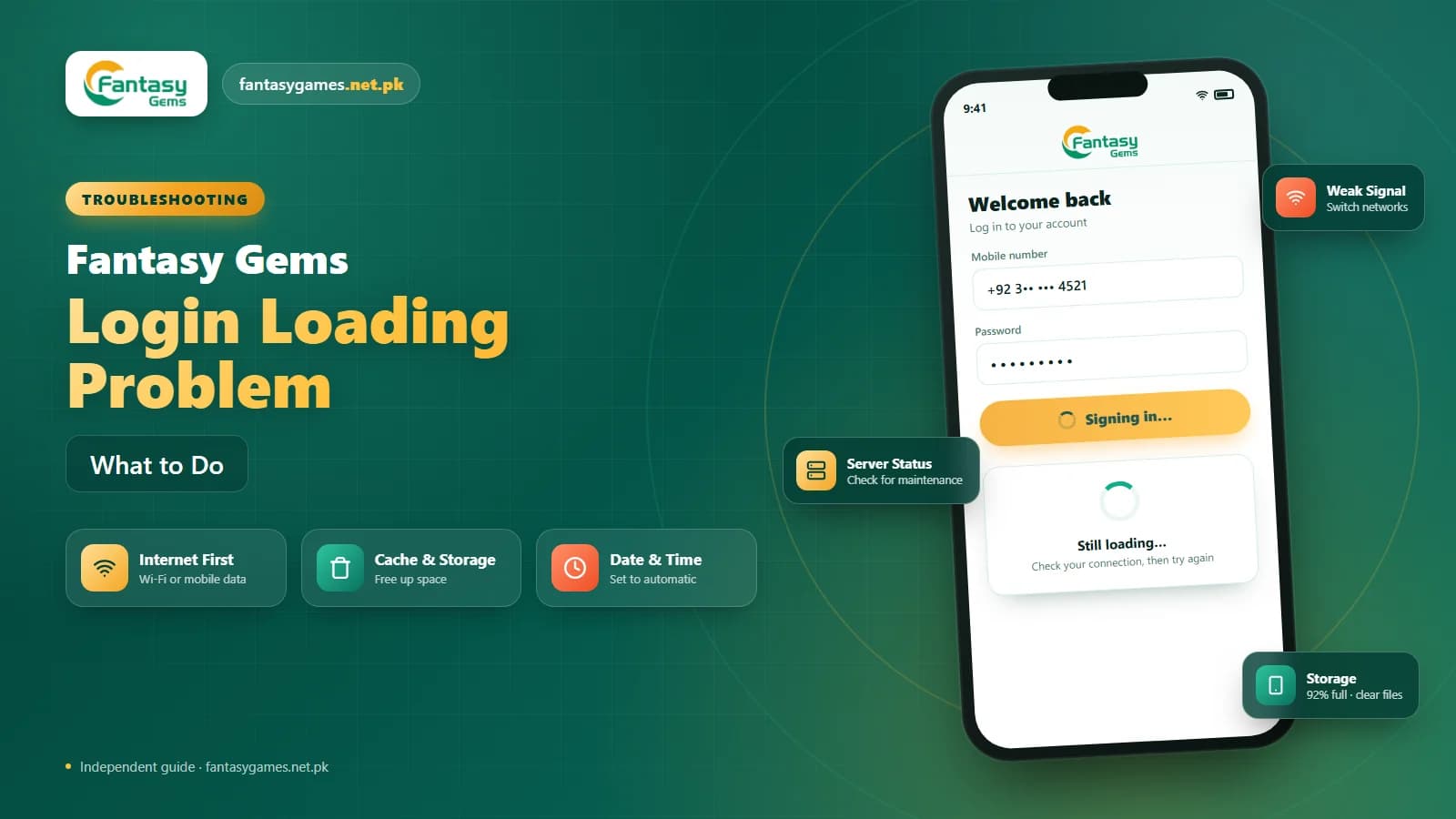
The Fantasy Gems login loading problem looks the same for everyone: you enter your number and password, tap the button, and a spinner turns for a minute, five minutes, sometimes until the app gives up. No error, no explanation. A Fantasy Gems login that hangs like this is almost never an account problem; it is a request that left your phone and never got a proper answer.
That narrows the causes to a short list. A slow or filtered network, a cache that is feeding the app stale data, a phone with no free storage, a wrong clock, an old APK build, or a server that is busy or down. This guide takes them in the order they are most likely, with quick fixes first and a full procedure after.
If you searched for Fantasy Game login instead, you are in the right place; it is the same app under a different spelling.
Quick fixes for the Fantasy Gems login loading problem
Try these in order before anything else. Most stuck logins clear at step two or three, and none of them touch your password or your account.
- Wait a full minute, then force close the Fantasy Gems app and reopen it.
- Switch between Wi-Fi and mobile data and try once more.
- Turn off any VPN, proxy or private DNS on the phone.
- Clear the app cache (not data) from the phone's storage settings.
- Free at least a few hundred megabytes of storage and restart the phone.
- Set date, time and time zone to automatic.
- Check the download page for a newer Fantasy Gems APK.
If the spinner also appears on the app's home screen before you even reach the login form, the problem is more likely the network or the server than anything in your account.
What a stuck Fantasy Gems login screen tells you
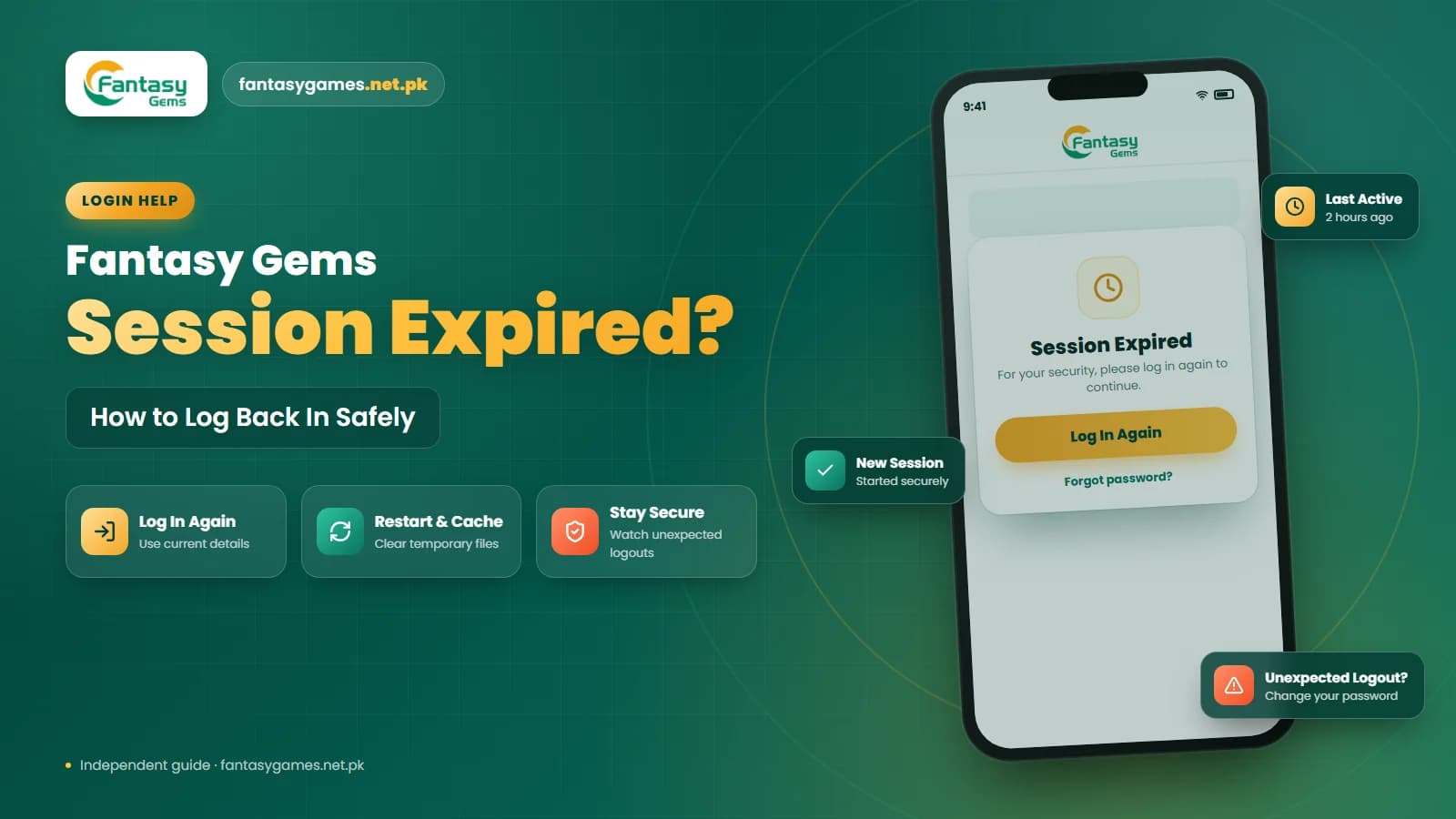
A loader that spins forever is different from a login error. An error means the server answered and said no. A loader means the app is still waiting. Either the request could not get out, the reply could not get back, or the server is taking so long that the app never hears from it.
Two quick tests tell you which. First, open any other website or app; if that is slow too, it is your network. Second, try the same login on the other network, or on a friend's phone. If the Fantasy Gems login stuck symptom follows your account across devices and networks, the cause is server-side and the fix is patience. If it stays on your phone, keep reading.
Unstick the Fantasy Gems login in seven steps
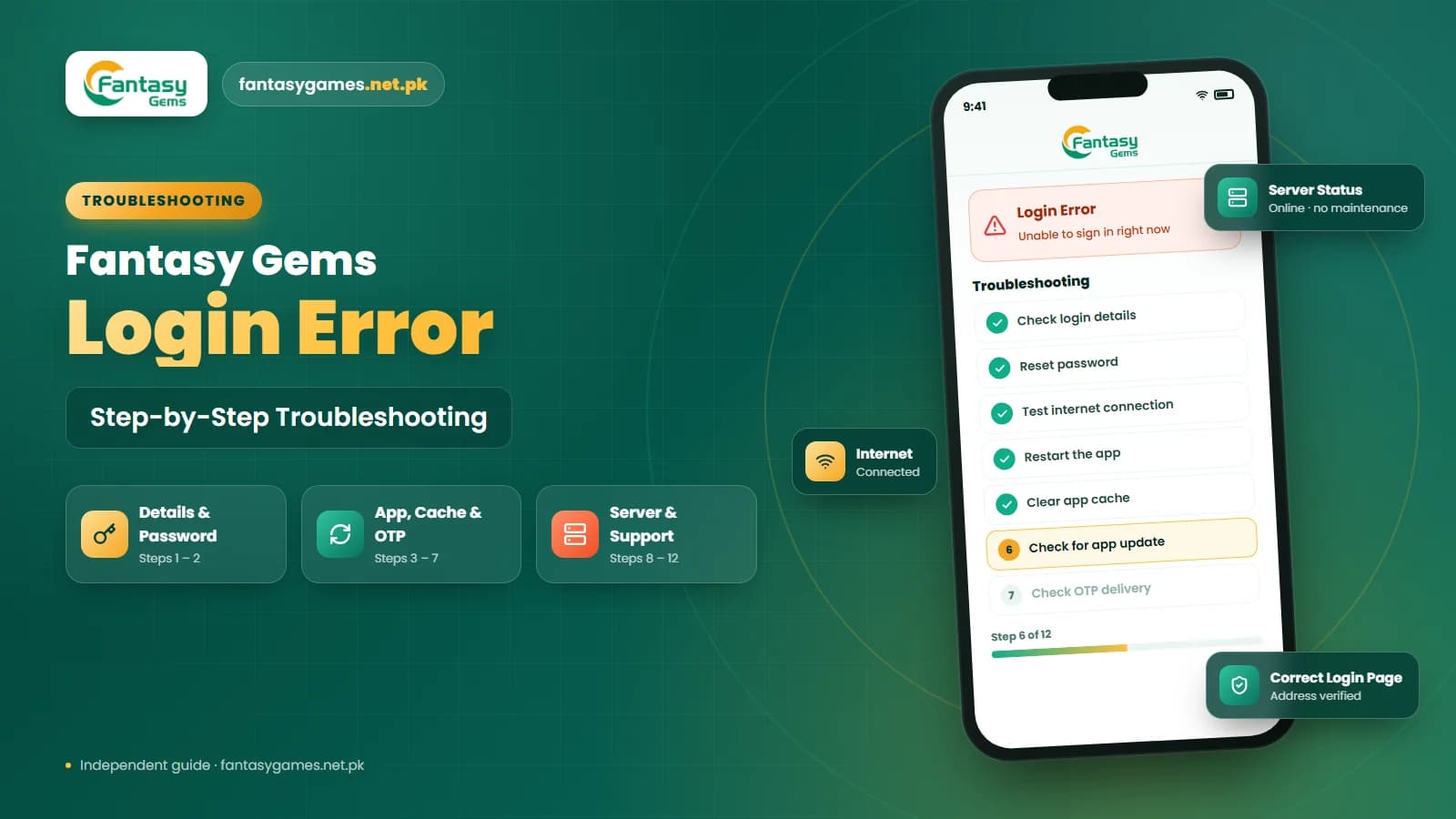
Work through these once, top to bottom. Each step removes one likely cause, and the more disruptive ones are left until last.
- 1
Give the spinner sixty seconds. Slow mobile data sometimes gets there in the end, and tapping again only queues another request.
- 2
Force close the Fantasy Gems app from the recent apps screen, wait a few seconds and reopen it. Do not just press the back button.
- 3
Test your connection with another app. If it is slow, switch between Wi-Fi and mobile data, or restart the router, and turn off any VPN.
- 4
Go to Settings, Apps, Fantasy Gems, Storage and tap Clear Cache. Leave Clear Data alone. Reopen the app and log in again.
- 5
Check free storage on the phone. If it is under a few hundred megabytes, delete old videos or unused apps, then restart.
- 6
Confirm the date, time and time zone are set to automatic, then compare your app version with the download page and update if yours is older.
- 7
If it still hangs, reinstall the Fantasy Gems APK from the download page and sign in fresh with your number and password. Contact support through the app if even that fails.
Do not reset your password during this sequence. A loading problem is not a password problem, and a reset just gives you a new password to remember while the real cause is untouched.
Slow networks and the Fantasy Gems login in Pakistan
The most common reason a Fantasy Gems login keeps loading is a connection that is alive but too slow or too filtered to finish the request. Mobile data indoors, shared Wi-Fi at a hostel or office, or a router that has been on for weeks can all show full bars and still stall the app.
Switch networks first, because it is the fastest test. If the login completes on mobile data but not on Wi-Fi, restart the router or forget and rejoin the network. If it completes on Wi-Fi but not on mobile data, move to a spot with a stronger signal or wait until the cell is less busy. A VPN on either connection adds another hop and is a frequent cause of a spinner that never stops; turn it off before you try again.
Clear the Fantasy Gems cache without losing your login
People ask how to clear Fantasy Gems cache without losing login, and the answer is that the cache and your login are stored separately. The cache is a pile of temporary files the app uses to load faster. When those files go stale or get damaged, the app can sit on the loader waiting for data it will never get. Clearing them forces a fresh start.
On Android, open Settings, then Apps, find Fantasy Gems, open Storage and tap Clear Cache. That is the only button you need. Your Fantasy Gems account, your wallet and your history all live on the server, and a remembered login usually survives a cache clear as well. Clear Data or Clear Storage is a different button that removes everything local, including any saved sign-in, so avoid it unless you have tried everything else.
Do not keep tapping the login button
Every tap on a stuck login button sends another request, and a queue of half-finished requests makes the loader last longer, not shorter. Tap once, wait a minute, and if nothing changes force close the app rather than tapping again. Repeated attempts can also look like suspicious activity and lead to a temporary hold on the account.
Free up storage so Fantasy Gems can load
A phone with almost no free space cannot write the temporary files the login step needs, and the Fantasy Gems app may sit on the loader instead of failing cleanly. If your phone warns about storage or feels sluggish in general, clear some room by removing:
- Large videos and voice notes saved from WhatsApp groups.
- Apps you have not opened in months.
- Old downloads and duplicate photos.
- Cached files from other heavy apps such as video and social media.
- Anything already backed up to the cloud.
After freeing space, restart the phone before you test the Fantasy Gems login again. A restart also clears background processes that may have been holding the app up.
Wrong date and time can stall Fantasy Gems
Secure connections check the phone's clock. If your date or time is off by more than a few minutes, or the time zone is wrong after travel or a SIM change, the app may fail to open a connection at all and simply keep loading rather than showing an error.
Open the phone's date and time settings and switch on the automatic options for both date and time and time zone. Then force close the Fantasy Gems app and try the login again. This fix takes seconds and is easy to overlook.
Signs the Fantasy Gems server is the problem
Sometimes there is nothing wrong on your side. A Fantasy Gems server problem during maintenance, a traffic spike around popular game rounds or an outage leaves every login spinning. You are probably looking at a server issue when:
- The loader appears on both Wi-Fi and mobile data.
- Friends who play Fantasy Gems report the same thing at the same time.
- The app's home screen or game lobby also loads slowly or not at all.
- The problem began at a specific time rather than after you changed something.
- Nothing on the phone, including a reinstall, makes any difference.
The fix here is time. Close the app, wait ten to fifteen minutes and try again. Do not reinstall, reset your password or open a new account while you wait.
Old APK builds that load forever
Fantasy Gems is normally installed from an APK rather than an app store, so it does not update by itself. When an old build talks to a newer server, the request can be accepted but never answered in a way the old app understands, and you get a loader instead of a message.
Compare your version with the one on the Fantasy Gems APK download page and install the newer build over the top; that keeps your saved details, whereas uninstalling first does not. Only use a source you trust. Modified builds passed around on social media are a frequent cause of loading problems, and some of them capture what you type.
Your Fantasy Gems wallet waits behind the loader
A stuck loader can be alarming if you have money in the app, but the loading problem is on the way in, not in the wallet. Any PKR balance you added through JazzCash, Easypaisa or bank transfer stays with your Fantasy Gems account on the server, and a pending Fantasy Gems withdrawal keeps being processed whether or not you can sign in this minute.
That is also why a second account is the wrong answer. The balance belongs to the account you cannot open right now, and platforms of this type usually do not move funds between accounts. Never send a fresh deposit to try to force the login through either; a deposit only credits a wallet you can already reach.
Try Fantasy Gems for PC as a test
Fantasy Gems for PC means running the same APK inside an Android emulator on Windows with the same account. If the phone keeps loading, a login from the emulator is a useful check: if it works on the computer, the fault is on the phone, most often cache, storage or an old build. If it hangs on the computer too, the cause is the network or the server.
Emulator logins can be a little slower on their own, so give the PC version a minute before drawing conclusions. The PC guide covers the setup if you have not used an emulator before.
Fake fast login pages and modified APKs
When the Fantasy Gems app is stuck, searching for a faster login page or a lighter APK is exactly what scammers count on. Copied pages collect your password and OTP, and modified builds can read what you type. Never pay to unlock a login, never share a JazzCash or Easypaisa PIN, and only sign in through the app or page you registered on.
Asking Fantasy Gems support about a loading problem
If the loader survives the full procedure and a wait for any server issue, use the support option shown in the app or on the login page. Describe what happens after you tap login, whether the loader ever finishes, which networks you tried, your app version, your phone model and when it started. A screenshot of the loader helps.
Never include your password or an OTP in the message; genuine support does not need them. Keep the conversation in one thread, since response times may vary.
Final Words on the Fantasy Gems loading problem
The Fantasy Gems login loading problem is nearly always solved at home: test the network, clear the cache, free storage, fix the clock, update the APK and give the server time if the fault is on their side.
Your Fantasy Gems account and wallet are safe behind the loader, so skip the second account, skip the password reset, and keep your login details to yourself. When the spinner finally stops, you will still be exactly where you left off.
Loading Fixed?
Sign in again through the Fantasy Gems app or login page you normally use.
Fantasy Gems login loading problem FAQs
Open your phone's Settings, go to Apps, select Fantasy Gems, open Storage and tap Clear Cache only. The cache holds temporary files; your account, wallet and history are on the server and a remembered login usually survives. The Clear Data button is the one that removes saved sign-in details, so leave it alone unless you know your password.