Fantasy Gems Account Locked: Causes, Recovery Steps and Scam Warnings
Why a Fantasy Gems account gets locked, blocked or put under review, what to do immediately, what to send support, and how to avoid account-unlock scams while you wait.
Independent guide — not an official Fantasy Gems channel.

Account Security
Category
Lock Recovery
Focus
10 min
Read Time
Oct 2026
Updated
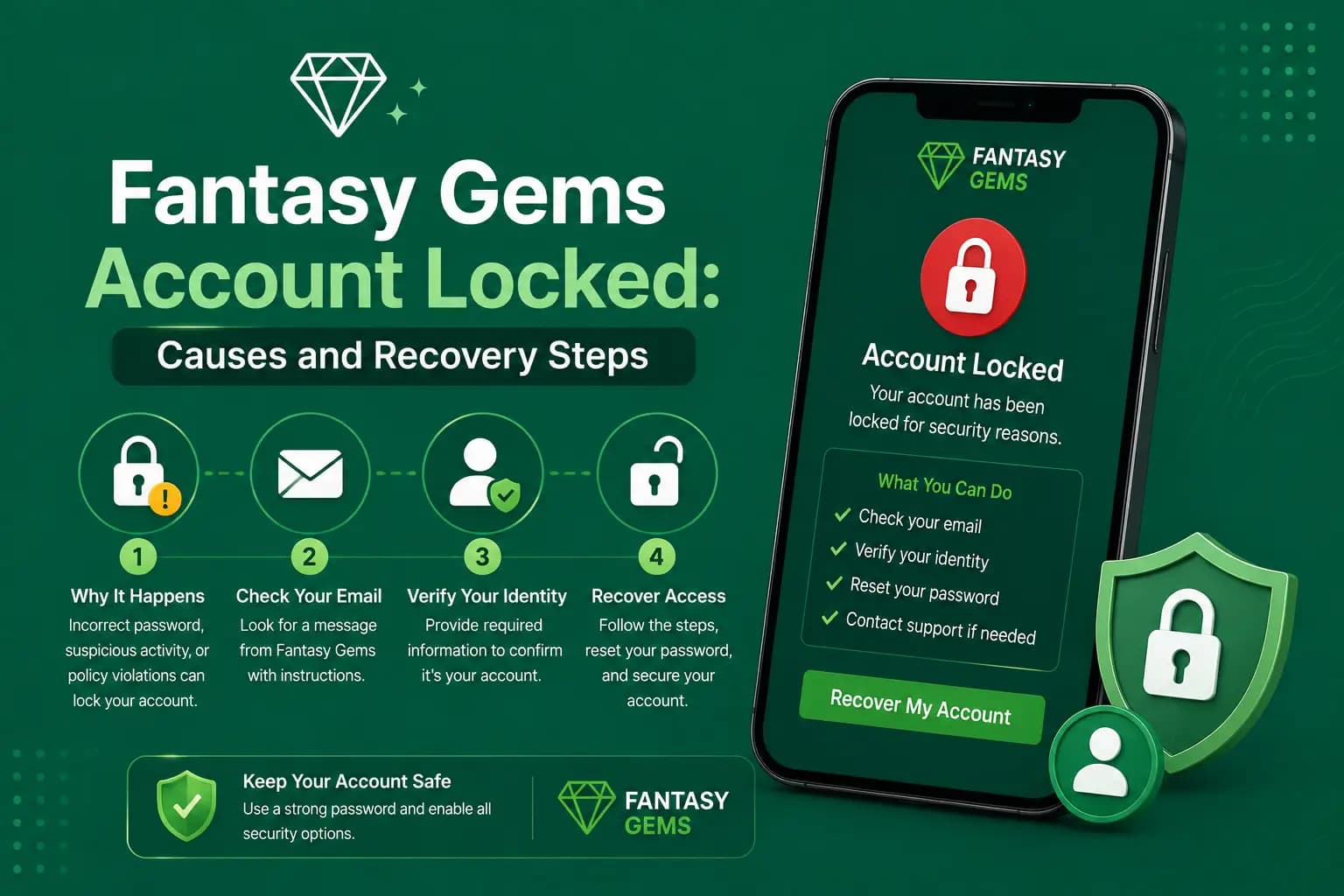
A Fantasy Gems account locked message means the platform has restricted access to your profile, usually for a security or payment reason. It commonly follows repeated failed login attempts, too many OTP requests, access from an unusual device, account verification, payment checks or activity the system treats as suspicious.
An account lock does not always mean the Fantasy Gems account has been permanently closed. Often it is a temporary security measure designed to protect the account and its wallet from unauthorised access. Readers describe the same situation as an account blocked, suspended, frozen or under review.
The best response is to stop repeated login attempts, save the error message, and use the verified account-recovery process. This is an independent guide, so we cannot see or unlock any account, and we describe what typically happens rather than quote exact platform rules.
Quick checks when your Fantasy Gems account is locked
Work through these before anything else. They cost nothing and they stop a short lock becoming a long one.
- Stop entering passwords and stop tapping resend; every extra attempt can extend a restriction.
- Screenshot the exact lock message and note the date and time.
- If the message shows a waiting period, wait it out fully before one careful attempt.
- Check that you are using the registered mobile number, not a second SIM's number.
- Use the Forgot Password option rather than guessing an old or autofilled password.
- Confirm the registered SIM is active and can receive ordinary SMS.
- Contact support only through the option shown inside the app, and never pay anyone to unlock the account.
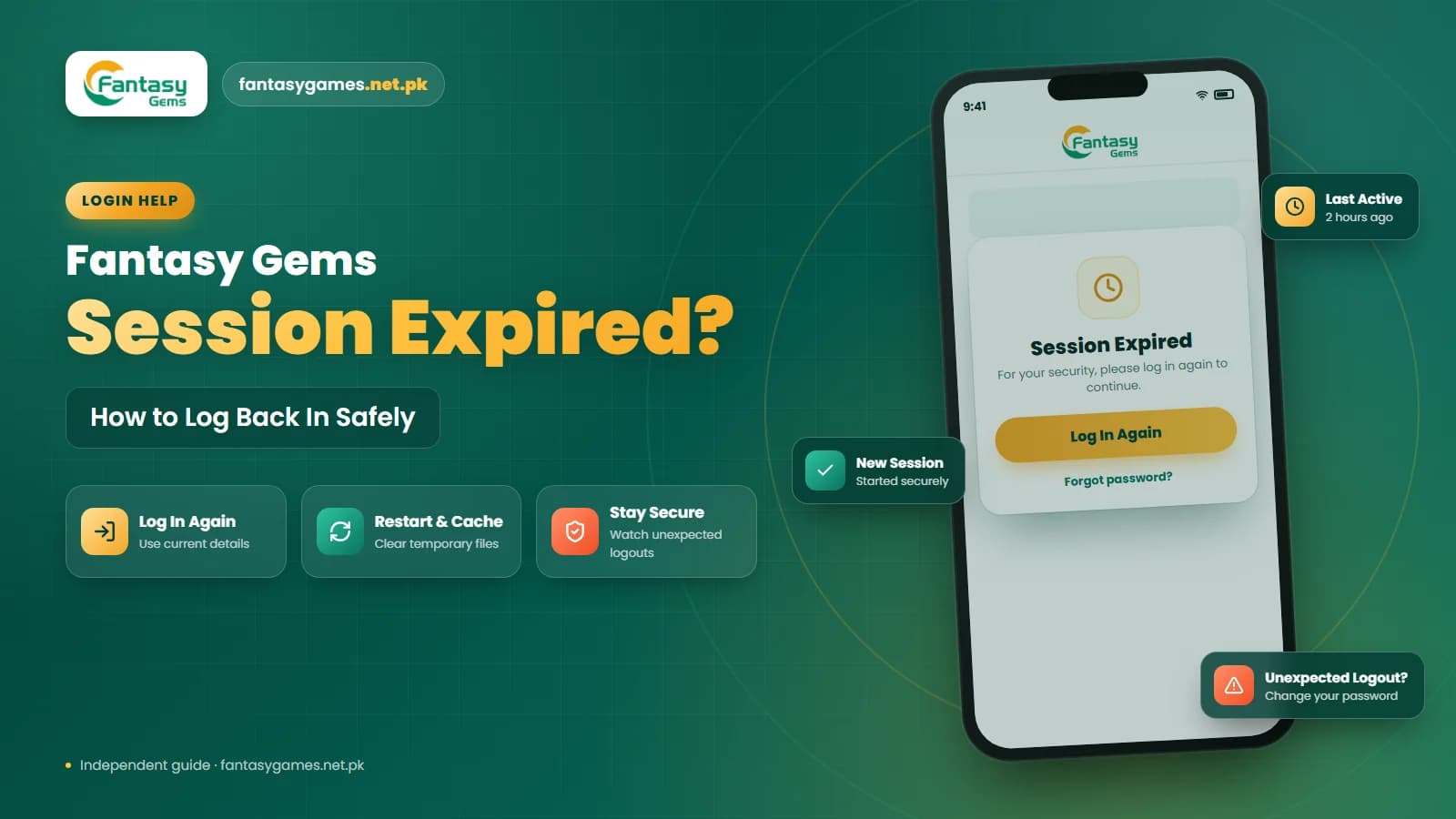
If the Fantasy Gems game login simply sends you back to the sign-in screen with a session expired notice, that is a routine logout rather than a lock; our session expired post covers it.
Fantasy Gems account lock overview
| Detail | Information |
|---|---|
| Main issue | Account access is temporarily restricted |
| Common causes | Failed logins, OTP requests, new devices, or payment reviews |
| First action | Stop repeated login attempts |
| Important evidence | Screenshot, date, time, account ID, and device details |
| Recovery method | Verified recovery option or customer support |
| Security warning | Never pay an individual to unlock the account |
| Sensitive details | Never share passwords, OTPs, wallet PINs, or banking details |
Why is my Fantasy Gems account locked?
Several account-security and payment-related issues may trigger a restriction. These are the ones readers in Pakistan report most often.
Repeated Incorrect Passwords
Several failed login attempts in a row may cause a temporary account lock, because the system cannot tell a forgetful owner from a stranger guessing.
- The wrong password is entered repeatedly.
- An old saved password is used.
- Browser autofill enters incorrect details.
- The wrong mobile number is used.
- Another person tries to access the account.
Too Many OTP Requests
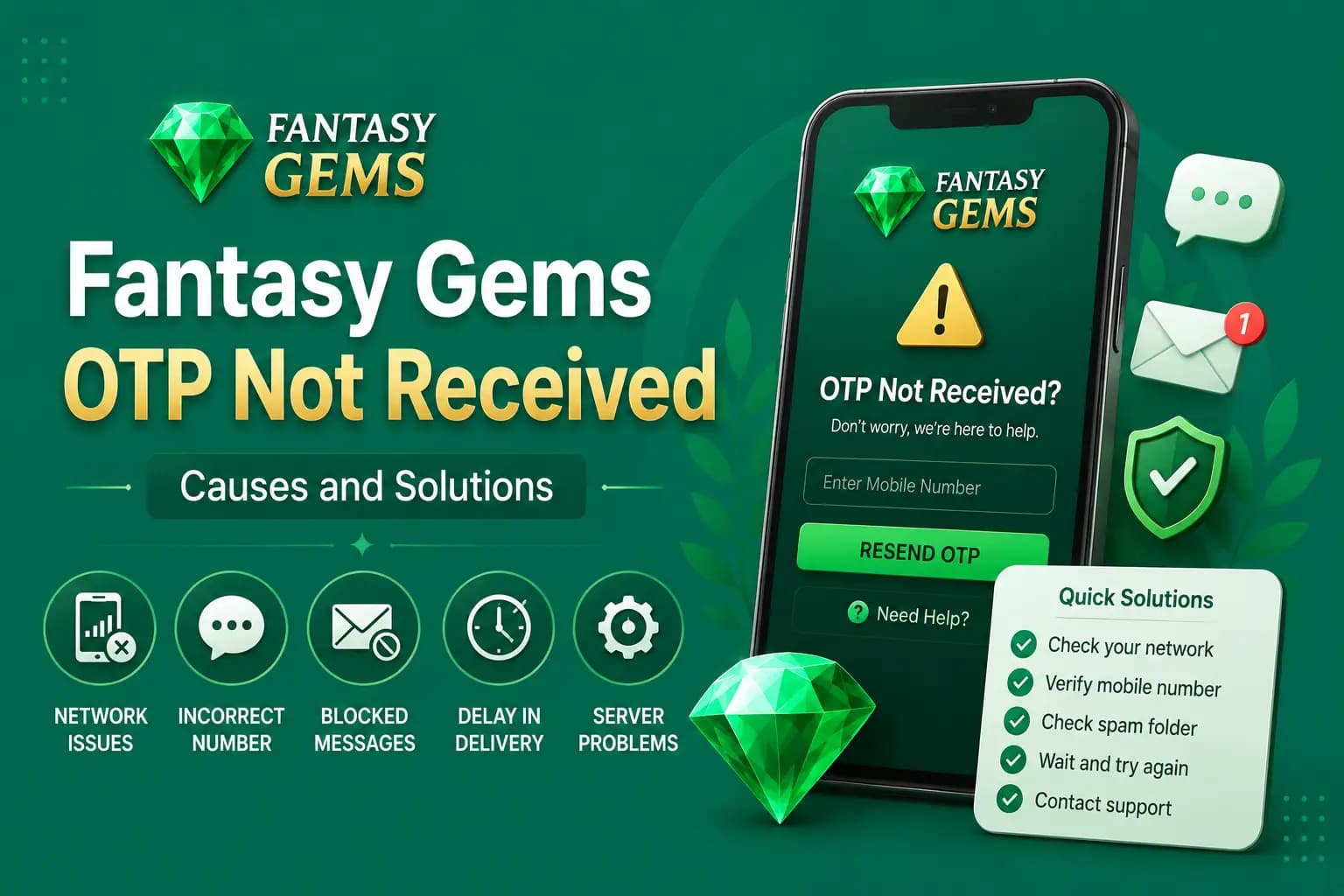
Requesting several codes within a short period can invalidate older OTPs, trigger a temporary restriction, delay new messages, and end the current verification session.
Login From a New Device
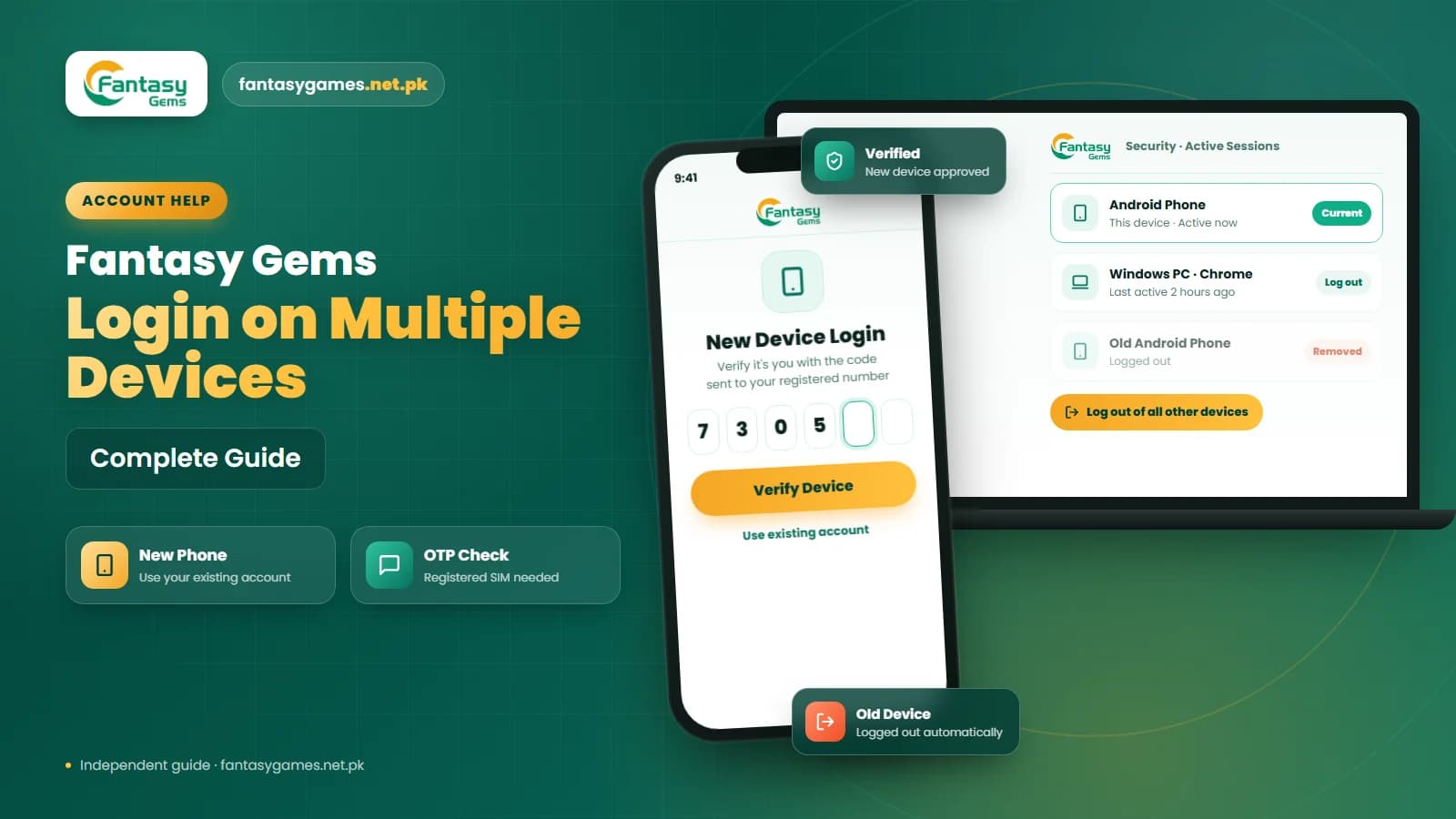
The account may require additional verification when opened on a new mobile phone, different browser, new computer, Android emulator, different internet connection, or new location.
- The platform may ask for an OTP, password confirmation, or identity verification.
Unusual Account Activity
Unexpected changes may trigger an account review.
- New payment details
- Changed withdrawal information
- Unfamiliar login activity
- Several payment attempts
- Unusual game activity
- Login attempts from different locations
Identity Verification
Some account features may be restricted until mobile-number or identity checks are completed — before depositing, adding a withdrawal method, requesting a withdrawal, changing personal details, or recovering a locked account.
Multiple Accounts and Bonus Flags
Using several accounts, phone numbers, payment methods, or devices may conflict with platform rules. Apps of this kind commonly treat repeat sign-ups on one phone or one wallet as bonus abuse, which can lead to bonus cancellation, payment review, withdrawal rejection, or a temporary lock.
Lock reasons, likely causes and what to do
Match what you see on screen to the closest row. Wording differs between app versions, so go by the situation rather than the exact text.
| Cause or message | Possible reason | Recommended action |
|---|---|---|
| Incorrect password | Repeated failed attempts | Stop trying and use Forgot Password |
| Too many OTP requests | Several codes requested quickly | Wait and use only the newest OTP |
| New device login | Additional verification required | Complete OTP or device verification |
| Suspicious activity | Unknown login or payment changes | Change the password and contact support |
| Identity or account under review | Verification is incomplete | Follow the verified verification process |
| Multiple accounts | Account-rule conflict or bonus-abuse flag | Use the original account and contact support |
| Deposit review | Payment-name or transaction issue | Save the transaction ID and payment proof |
| Withdrawal review | KYC or bonus conditions | Review withdrawal and verification requirements |
If no reason is shown at all, ask support which check is pending rather than guessing.
How to unlock a Fantasy Gems account: what to do immediately
There is no trick that unlocks an account from outside; the route back is the platform's own recovery process. Follow these steps in order.
- 1
Stop trying to log in repeatedly.
- 2
Take a screenshot of the lock message.
- 3
Note the date and approximate time.
- 4
Check whether a recovery option appears on the lock screen or login page.
- 5
Confirm that the registered SIM is active.
- 6
Check whether an OTP can be received on that SIM.
- 7
Contact support through the verified app or website.
- 8
Ask for a support-ticket or reference number.
- 9
Save all account and payment evidence.
- 10
Wait for the review process, and reply only inside the same support thread.
Do not create another account to avoid the restriction.
Anyone asking a fee, PIN or OTP to unlock your account is a scammer
Locked-out players are a favourite target. Someone on WhatsApp, Telegram or Facebook claims to be an agent who can unlock the account for a small fee, or asks for your OTP, password or JazzCash or Easypaisa PIN to verify you. No genuine recovery process needs any of these. The fee is simply lost, and the OTP or PIN hands over your account or your mobile wallet. Refuse, block the contact and use only the support option inside the app.
When to contact support and what to send
Contact support when no recovery option appears, when a displayed waiting period has passed and the lock remains, when a payment is involved, or when you suspect someone else accessed the account. Our customer care guide explains how to find the genuine support option. Have these details ready:
| Information | Why it may help |
|---|---|
| Registered mobile number | Helps identify the account |
| Account ID | Helps support locate the correct profile |
| Error screenshot | Shows the exact lock message |
| Date and time | Helps trace when the issue occurred |
| Device model | Identifies new-device or compatibility problems |
| App version | Helps support check version-related issues |
| Transaction ID | Useful when a payment caused the review |
| Recent account activity | Helps identify suspicious access |
| Registered payment method | Helps verify account ownership |
| Support ticket number | Makes follow-up easier |
Hide unnecessary sensitive information when sharing screenshots.
Details you should never provide to anyone
Support can identify an account without any secret. Never provide:
- Account password
- OTP
- Wallet PIN
- Banking password
- ATM PIN
- Card PIN
- Email recovery code
How long does a Fantasy Gems account lock last?
There is no universal account-lock duration, and we have not been able to verify how long reviews take, so treat any fixed number you read online with caution. The restriction period may depend on:
- Number of failed login attempts
- Platform security policy
- Verification status
- Payment review
- Account activity
- Support response
- Identity checks
- Withdrawal investigation
Follow the time displayed in the app when a specific restriction period is shown. Avoid repeated login attempts while waiting, as they may extend the restriction.
Fantasy Gems account locked after changing phones
A new phone may trigger additional security verification. Confirm whether:
- The original registered SIM is available.
- The SIM can receive OTP messages.
- The old device is still logged in.
- Multiple sessions are active.
- The correct mobile number is being used.
- The platform allows access from several devices.
- A VPN or different location is affecting login.
Log out from old or shared devices when possible.
What to do if the old phone was lost
A lost or stolen phone is a security problem first and a login problem second.
- 1
Secure or replace the registered SIM; your mobile operator can block it and issue the same number on a new SIM.
- 2
Change the Fantasy Gems password.
- 3
Review payment and withdrawal information.
- 4
Check recent login activity.
- 5
Contact verified support.
- 6
Ask for unfamiliar sessions to be closed.
Fantasy Gems account locked after a deposit: payment review triggers
A deposit or withdrawal may trigger a payment review and an account restriction when:
- The payment account belongs to another person, such as a relative's JazzCash or Easypaisa wallet.
- The gaming profile and payment-account names do not match.
- The recipient details or other payment information were entered incorrectly.
- The deposit amount does not match the request.
- Several deposits were made quickly.
- A transaction was disputed.
- A withdrawal method changes unexpectedly.
- The payment provider marked the transfer as pending.
Save all payment records and transaction IDs. Do not make repeated deposits while the first transaction remains unresolved. Read the Fantasy Gems deposit guide for detailed payment checks.
Payment evidence to save
- Transaction ID
- Payment amount
- Date and time
- Sender number
- Recipient details
- Payment receipt
- Deposit-request ID
- Account ID
Fantasy Gems account locked before or after a withdrawal request
Withdrawals attract the most checks, because that is the moment money leaves the platform.
Checks Before a Withdrawal
A restriction may appear before or during a withdrawal when the platform requests additional checks.
- Mobile-number verification
- Identity confirmation
- Payment-account ownership
- Account-name matching
- Bonus completion
- Turnover verification
- Security review
- Multiple-account investigation
Review After a Withdrawal Request
A withdrawal request may trigger a security review when:
- A new payment method was added.
- The amount is unusually large.
- The destination number changed.
- Identity verification is incomplete.
- Bonus conditions remain unfinished.
- Account details do not match.
- Suspicious access was detected.
Avoid Fantasy Gems account-unlock scams
Be cautious when someone promises to unlock the Fantasy Gems account in exchange for money or personal information. Common claims:
- Pay an account-unlock fee.
- Upgrade to VIP status.
- Send a tax payment.
- Share your OTP.
- Provide the account password.
- Install a screen-sharing application.
- Transfer money to an agent's wallet.
- Pay to increase an account-security score.
- Deposit more money to remove the restriction.
Use only the support process shown inside the verified app or website.
Warning signs of a fake support agent
| Warning sign | Why it is dangerous |
|---|---|
| Requests your OTP | May allow account takeover |
| Asks for your password | Can provide full account access |
| Requests wallet PIN | May expose payment funds |
| Demands a personal transfer | May be an unlock-fee scam |
| Uses an unknown WhatsApp number | May not represent the platform |
| Sends a shortened link | Can hide a fake login page |
| Requests screen sharing | Can expose OTPs and banking apps |
| Creates urgent pressure | May prevent you from checking details |
Do not open a second account while the first is locked
Registering again with another SIM feels like a shortcut, but it usually makes things worse. A second account on the same phone or the same JazzCash or Easypaisa wallet can be flagged as a duplicate, which may put both accounts under review and leaves your balance and history stranded in the original one. Stay with the original account and let the review finish.
How to prevent future Fantasy Gems account locks
- Use the correct password — store the current password securely and avoid repeated guesses.
- Keep the registered SIM active — it may be required for login, OTP verification, and account recovery.
- Keep one account per person, and deposit and withdraw only through a mobile wallet registered in your own name.
- Enter your name during registration as it appears on your payment account.
- Read the bonus conditions in the promotions section before requesting a withdrawal.
- Avoid VPNs and shared or borrowed phones when logging in.
- Request one OTP at a time and wait for it.
Final Words on a Fantasy Gems account locked message
A Fantasy Gems account locked message is usually a security or payment check rather than a permanent closure. Stop the login attempts, save the evidence, follow any waiting period the app displays and use the recovery or support option inside the app, with a ticket number for follow-up.
Nobody outside the platform can unlock an account, so every offer that involves a fee, an OTP, a PIN or a fresh deposit is a scam. Remember too that this is a real-money app for adults: never deposit more to try to free a locked balance, and never play with money you cannot afford to lose.
Locked Out? Use the Verified Recovery Route
Sign in or reset your password only through the Fantasy Gems app or login page you normally use.
Related Guides
Fantasy Gems account locked FAQs
A Fantasy Gems account is usually locked for a security or payment reason. The common triggers are repeated wrong passwords, too many OTP requests, a login from a new device or location, an incomplete verification check, a payment name that does not match the profile, or a multiple-account flag. The lock message, or support inside the app, should indicate which check is pending.