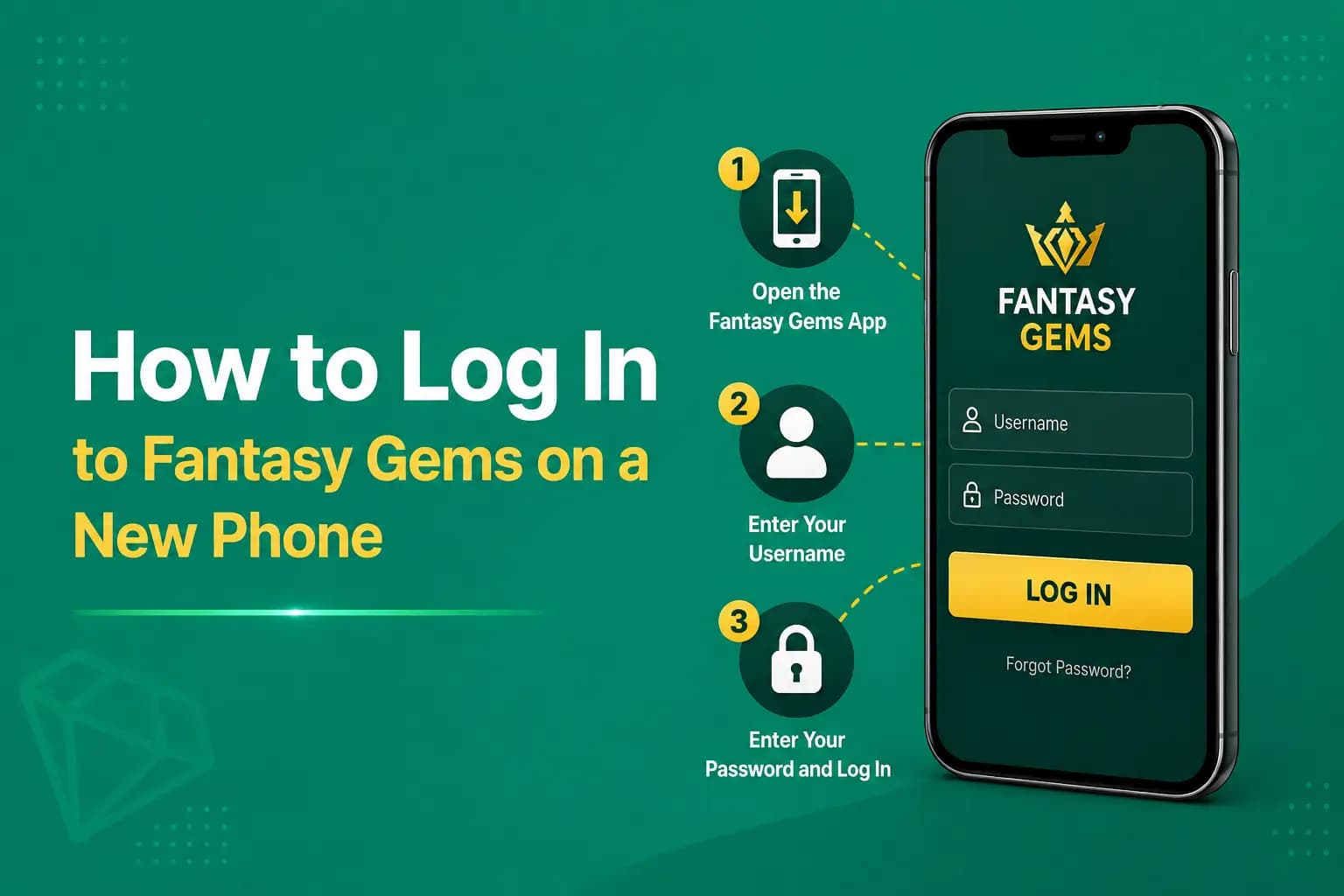
Fantasy Gems Login Failed After App Update: How to Fix It
Fantasy Gems login failed after app update? Before making a new account, check saved details, the APK signature, OTP and device compatibility.
Independent guide — not an official Fantasy Gems channel.

Troubleshooting
Category
Update Fixes
Focus
10 min
Read Time
Sep 2026
Published
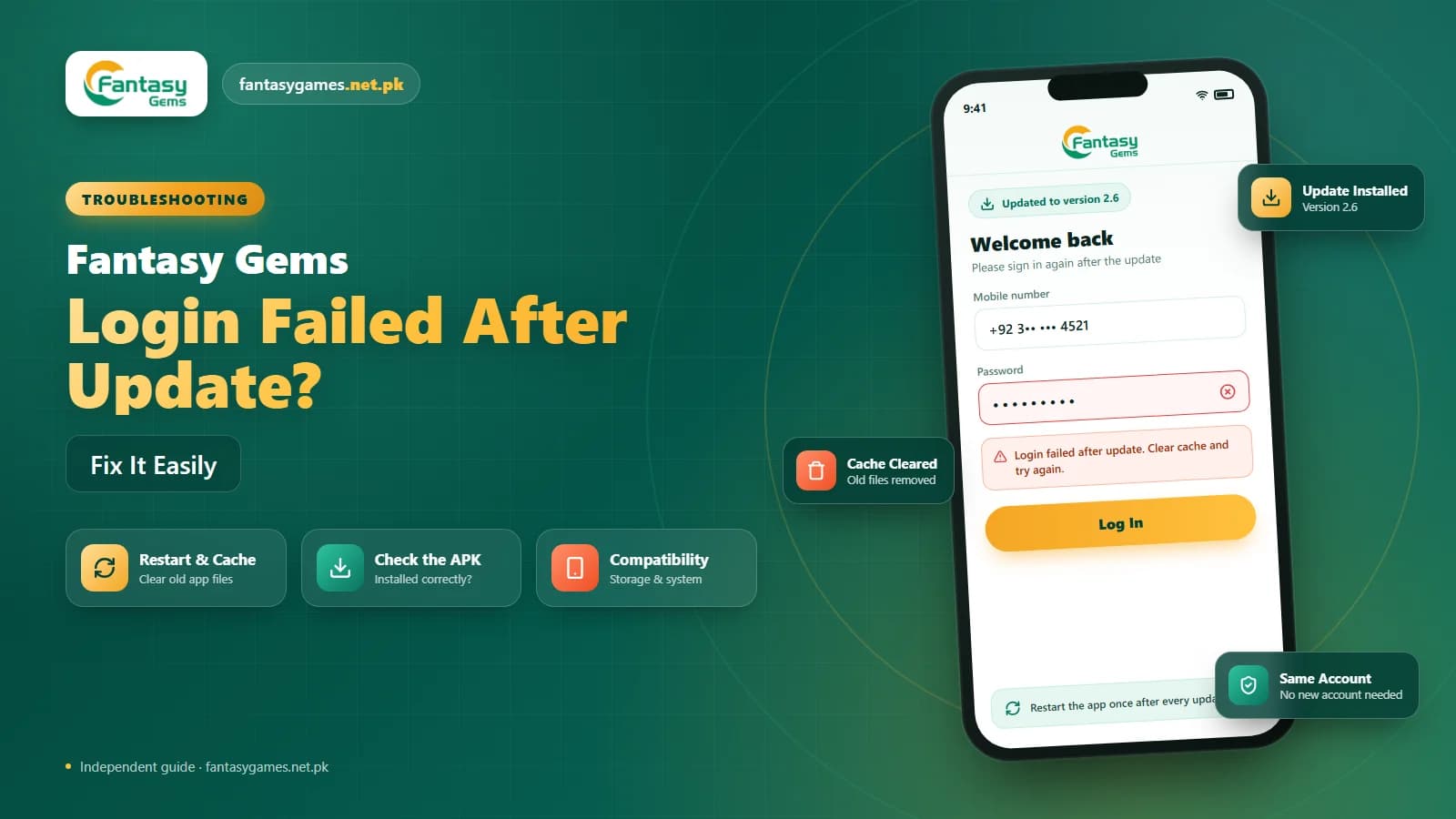
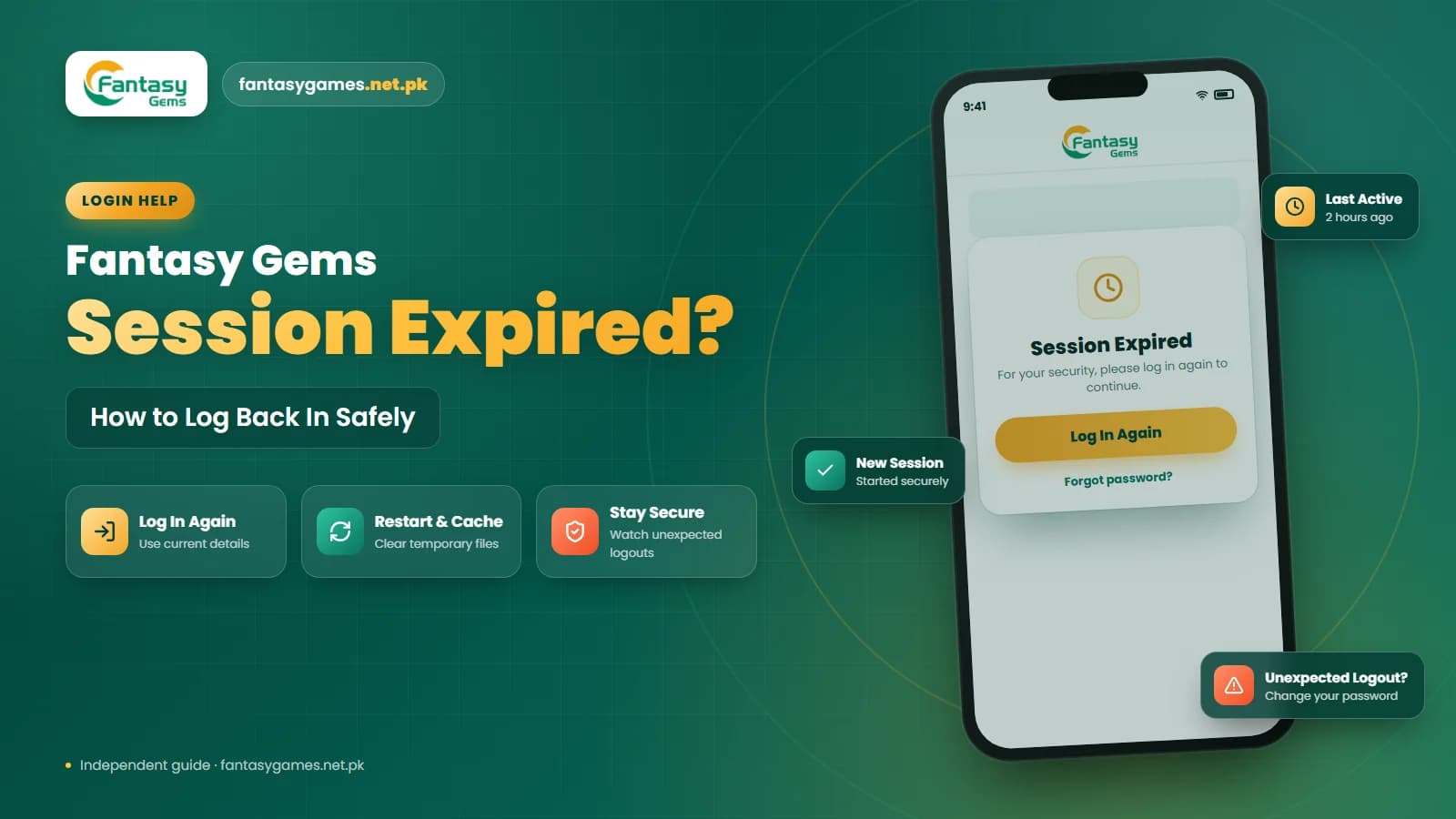
If your Fantasy Gems login failed after app update, the account itself is rarely the problem. An update can wipe saved credentials, reset your session, or ask you to verify your number again, and any one of those can make a normal Fantasy Gems login look broken for a day.
The other common cause has nothing to do with the update at all. A wrong password, an old autofill entry, a half-installed Fantasy Gems APK, or a short maintenance window can arrive at the same moment as the new version, so it is easy to blame the update for something else.
This guide walks through the checks in the order that usually solves the problem fastest. Stop when the sign-in works, and do not register a fresh account until you have tried recovering the one you already have.
Quick fixes for Fantasy Gems login after update
Try these in order. Most people are back in before the end of the list.
- Close the Fantasy Gems app fully, then reopen it and sign in again.
- Delete the autofilled password and type your current password by hand.
- Confirm the number and country code match the ones you registered with.
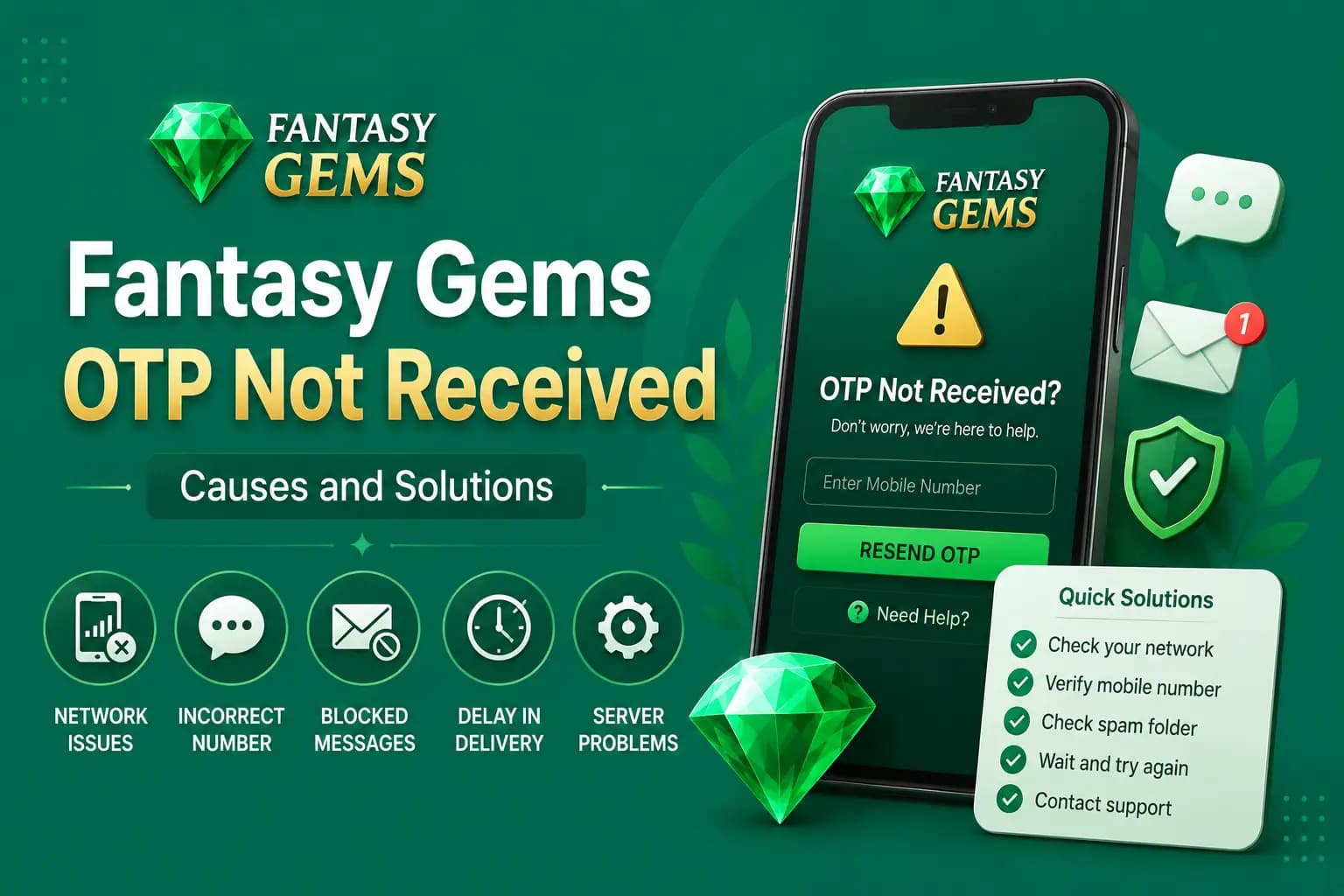
- Request a fresh Fantasy Gems OTP once and wait for it before trying again.
- Check that the installed version is the newest one, not a partial install.
- Restart the phone to clear processes stalled during the update.
- Use the password reset option if the app accepts your number but rejects the password.
Why a Fantasy Gems app update can break login
A Fantasy Gems app update replaces the program files on your phone but should leave your account data alone. In practice, three things go wrong. The update can clear the saved session so you are logged out; it can change how the app stores credentials so old entries no longer apply; or the install can complete only partly, leaving a version that opens but cannot reach the login server properly.
Some people search for Fantasy Game login and mean the same app. Whatever name you use, the recovery logic here is identical.
Check whether your Fantasy Gems login details were removed
After an update, the login screen may be empty, or it may autofill details that are out of date. Look at what the form actually contains:
- The mobile number, including a country code the app may now require
- The username, if the platform uses one instead of the number
- The password, which autofill may have replaced with an older one
- The login tab selected, since some apps separate number and username sign-in
If you changed your password shortly before the update, your phone may still be offering the old one. Clear the field and type the new password slowly. This one step fixes a surprising share of Fantasy Gems login problems.
Fantasy Gems login after update: step-by-step fix
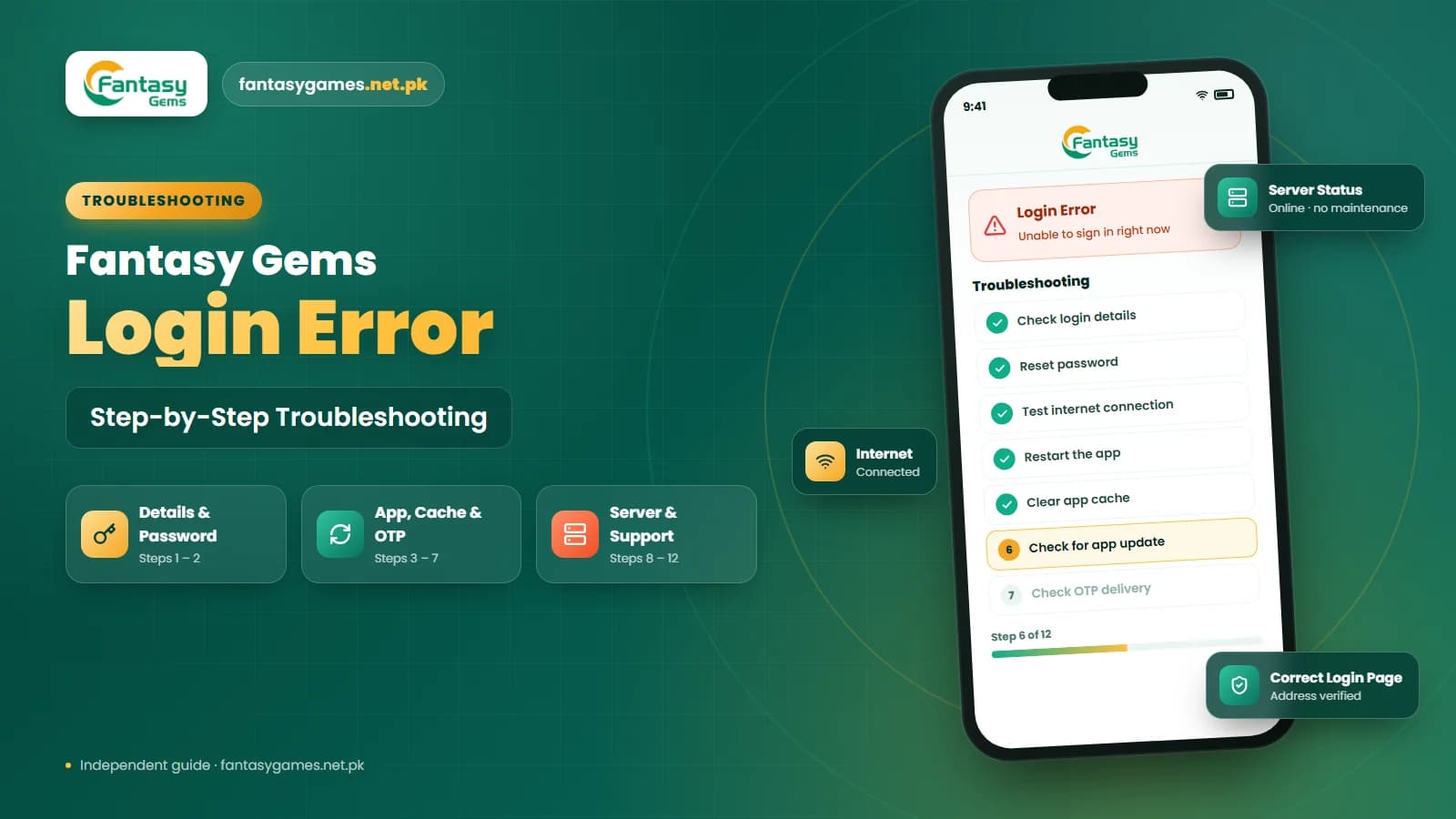
If the quick fixes did not help, follow this fuller procedure. It moves from the least disruptive checks to reinstalling.
- 1
Read the exact error text. Wrong password, verification required, and cannot connect each point to a different cause.
- 2
Force close Fantasy Gems, wait a few seconds, and reopen it. Sign in with details you have typed yourself, not autofilled.
- 3
Switch between Wi-Fi and mobile data once. If the login screen behaves differently, the update was not the cause.
- 4
Check the installed version in your phone's app settings. If it still shows the old number, the update never finished.
- 5
If the app rejects the password but accepts the number, use the Fantasy Gems password reset option and complete the OTP step.
- 6
If the app crashes, shows a blank screen, or reports a signature conflict, uninstall it and install the current Fantasy Gems APK from the download page you trust.
- 7
Sign in on the fresh install. If the wallet looks empty, give the app a moment to sync before assuming anything is lost.
- 8
Still stuck? Gather a screenshot, your device model, and the version number, then use the support option shown in the app.
Do not skip step four. A large share of update-related failures are simply updates that never completed.
Fantasy Gems signature conflict and app not installed errors
Android checks that a new version of an app is signed with the same key as the one already installed. If you first installed Fantasy Gems from one source and try to update with an APK from another, the phone may refuse with an app not installed message, or the update may seem to finish while leaving the old version in place. Users call this a Fantasy Gems signature conflict, and it is the main reason a Fantasy Gems update failed on a sideloaded app.
The fix is unglamorous but reliable. Uninstall the existing app, restart the phone, then install the new APK from the source you plan to keep using. Your Fantasy Gems account lives on the platform's servers, not inside the app files, so removing the app does not remove the account. What you lose is any saved login, which is why the next section covers what to record first. If the install still fails after a clean uninstall, the file itself is usually the problem; delete it and download again.
Should you uninstall Fantasy Gems before updating
For a normal in-app update you usually do not need to uninstall anything. For a sideloaded APK update that keeps failing, a clean uninstall is often the only way through. Before you remove the app, make sure you have:
- Your registered mobile number written down exactly as you entered it
- Your username, if the platform assigned one
- Your current password, tested once by typing it manually
- Access to the SIM that receives your Fantasy Gems OTP messages
- A screenshot of your wallet balance and any pending deposit or withdrawal
Uninstalling does not close your account or touch your balance. It only removes the app from the phone.
How to download the latest Fantasy Gems APK safely
Search for Fantasy Gems download Pakistan and you will find dozens of mirror sites, many of which repackage the app with extra code. A safe Fantasy Gems APK download comes from one consistent source, ideally the same download page you used the first time, so the signing key matches and the update installs without conflict.
Before installing, check that the file size roughly matches what the page states and that the name has not been changed to something like premium, mod, or unlimited. Those builds may run on a different account system, which is why some users end up with a login that fails only on the modified version. Never install a Fantasy Gems APK sent by a stranger in a chat group, and if the login page looks different from the one you remember, close the app before entering anything.
Fantasy Gems APK permissions that are normal
A permissions prompt after an update makes many people nervous, and it should. Here is what an app like this usually asks for, and what should make you stop:
- Network access is expected; the app cannot log in without it
- Storage or notification access is common and usually optional
- SMS reading permission is not needed to receive an OTP; you can type the code yourself
- Contacts, call log, or accessibility access has no place in a login flow
- Device admin rights or permission to install other packages should never be granted
If a Fantasy Gems APK demands SMS or contacts access before it will even show the login screen, treat it as a modified file and remove it.
Fantasy Gems OTP and re-verification after an update
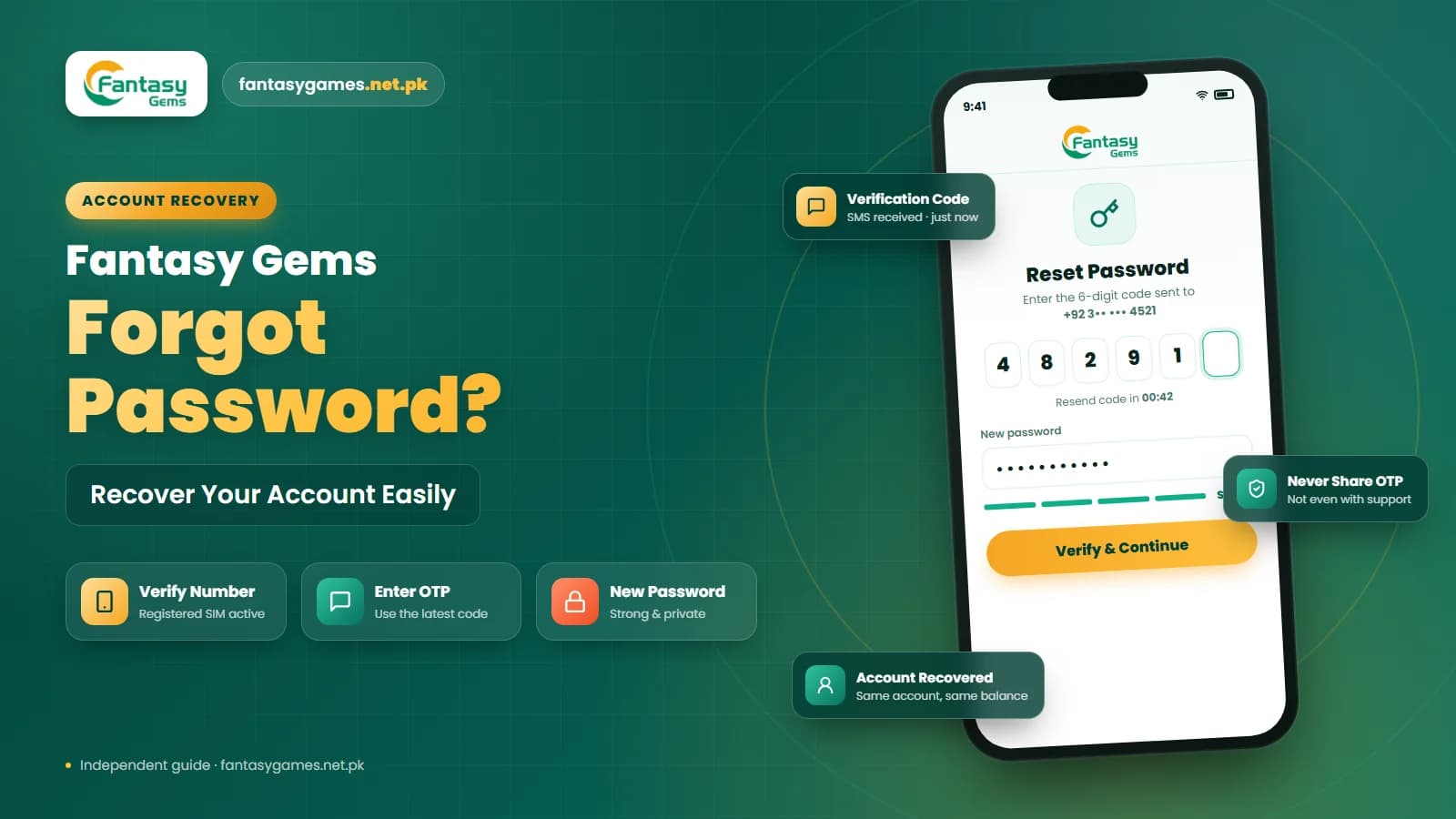
An updated app may treat your phone as a new device and ask you to verify the number again. That is normal. Request the Fantasy Gems OTP once, keep the registered SIM active in the phone, and wait. Asking for several codes in a row can invalidate the earlier ones, which then looks like a login failure. If the code never arrives, make sure the number on the verification screen is actually your registered one.
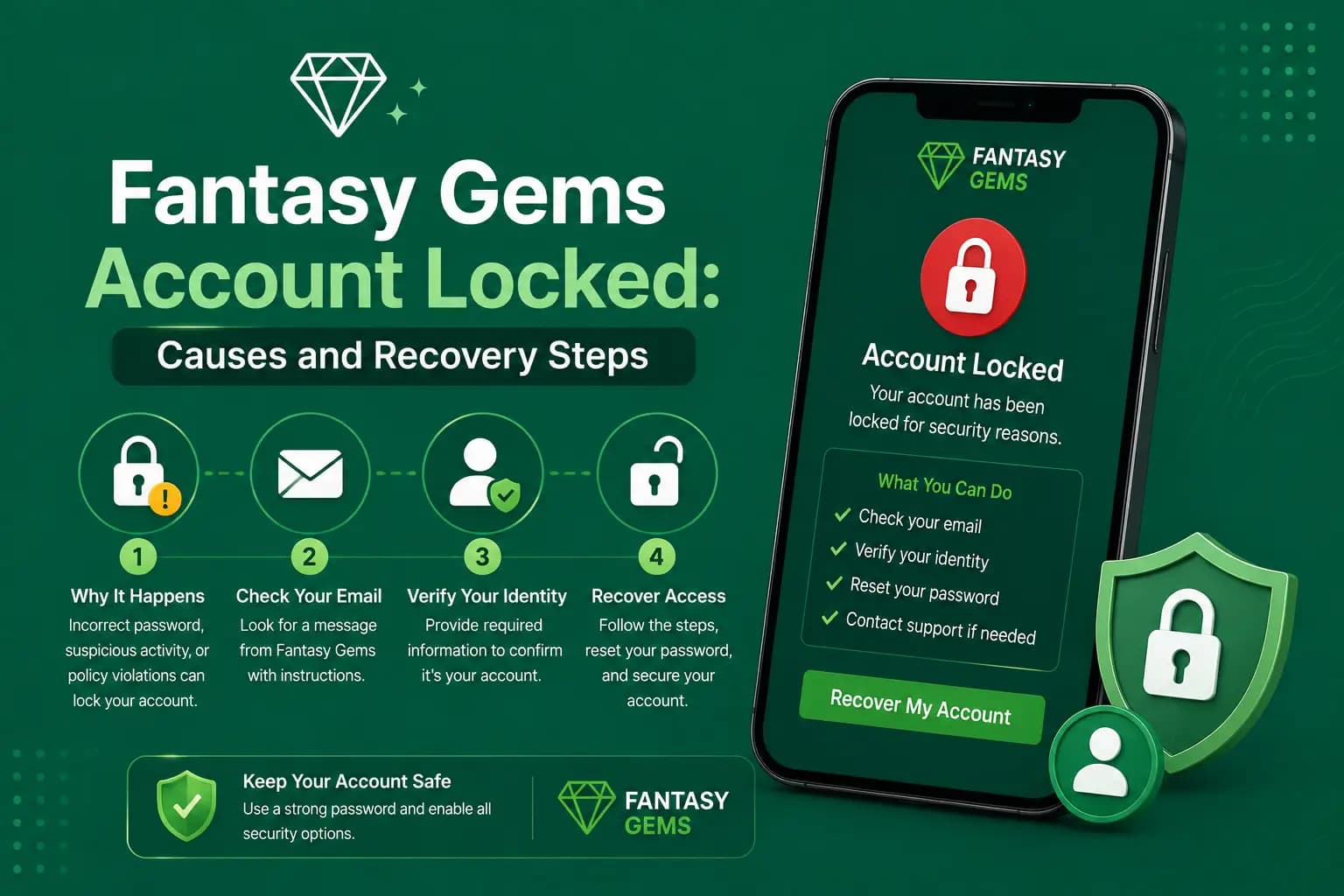
When the password is the issue rather than the code, use the Fantasy Gems password reset flow instead of guessing, because repeated wrong attempts may trigger a temporary lock. If you have lost the registered number entirely, the Fantasy Gems account recovery option in the app is the right path, not a new registration.
Your Fantasy Gems wallet stays with your account
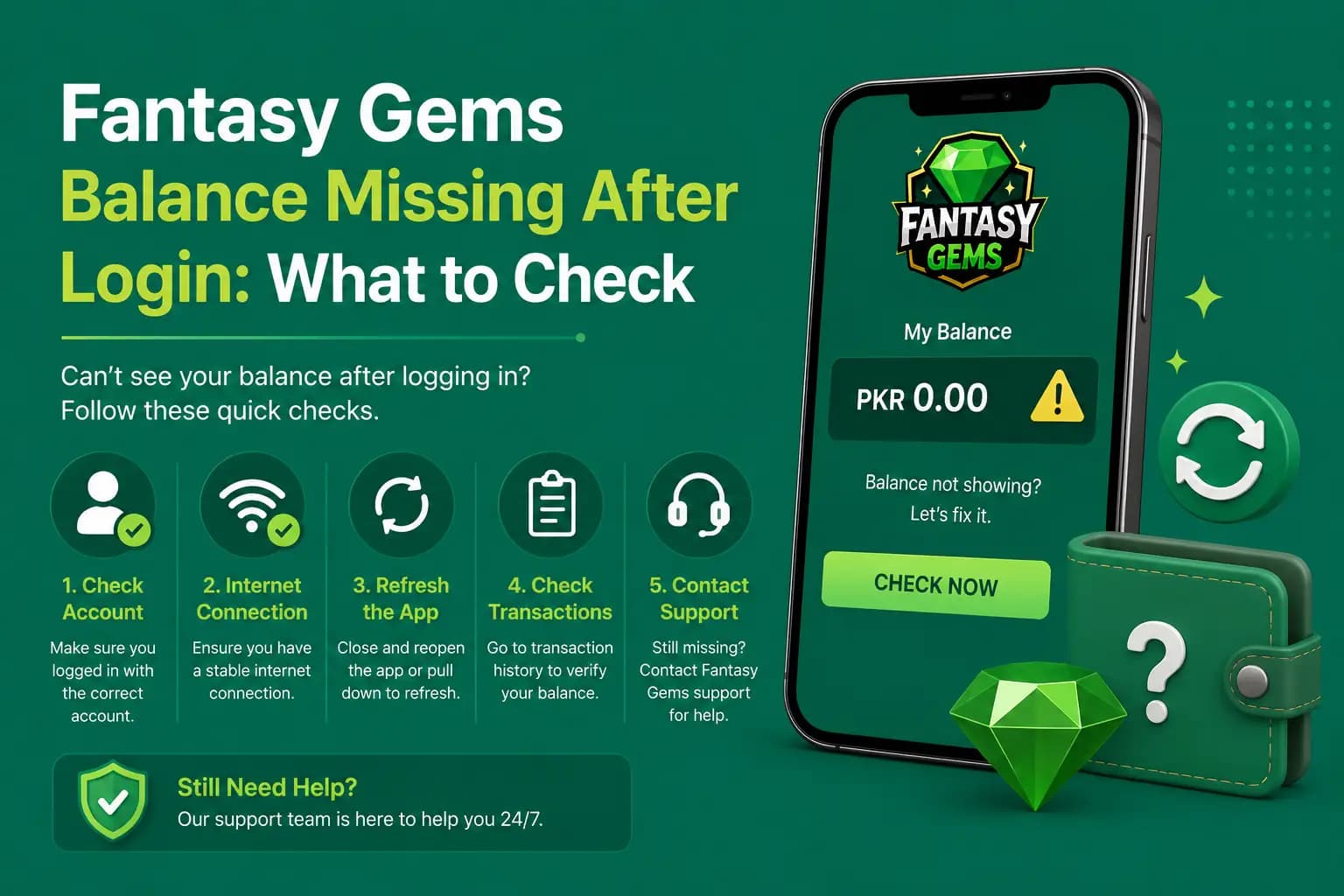
People panic after an update because the balance is not visible on the login screen, and they assume the PKR they deposited through JazzCash or Easypaisa is gone. The Fantasy Gems wallet belongs to the account on the server, not the app install, so once you sign back in on any version, the same balance and history should appear.
This is also the strongest reason not to register a second account when login fails. A deposit made from your JazzCash or Easypaisa number is linked to the account that received it. A fresh account starts empty, and moving funds between two accounts you own is usually not something the platform supports. Recover the original; do not replace it. If the balance still does not appear after a successful sign-in, check the deposit and withdrawal history screens before contacting support.
Updating Fantasy Gems on PC or an emulator
If you run Fantasy Gems for PC through an Android emulator, updates behave a little differently. The emulator keeps its own copy of the app, and an old emulator build can fail login once the server expects a newer version.
Install the same APK inside the emulator that you would use on the phone. Your account works on both, but if the PC version shows a signature conflict or refuses to install, uninstall the old copy inside the emulator first, exactly as you would on a phone. If your phone is genuinely too old for the new version, the emulator route is a reasonable workaround until you change devices.
Fake Fantasy Gems update pages steal logins
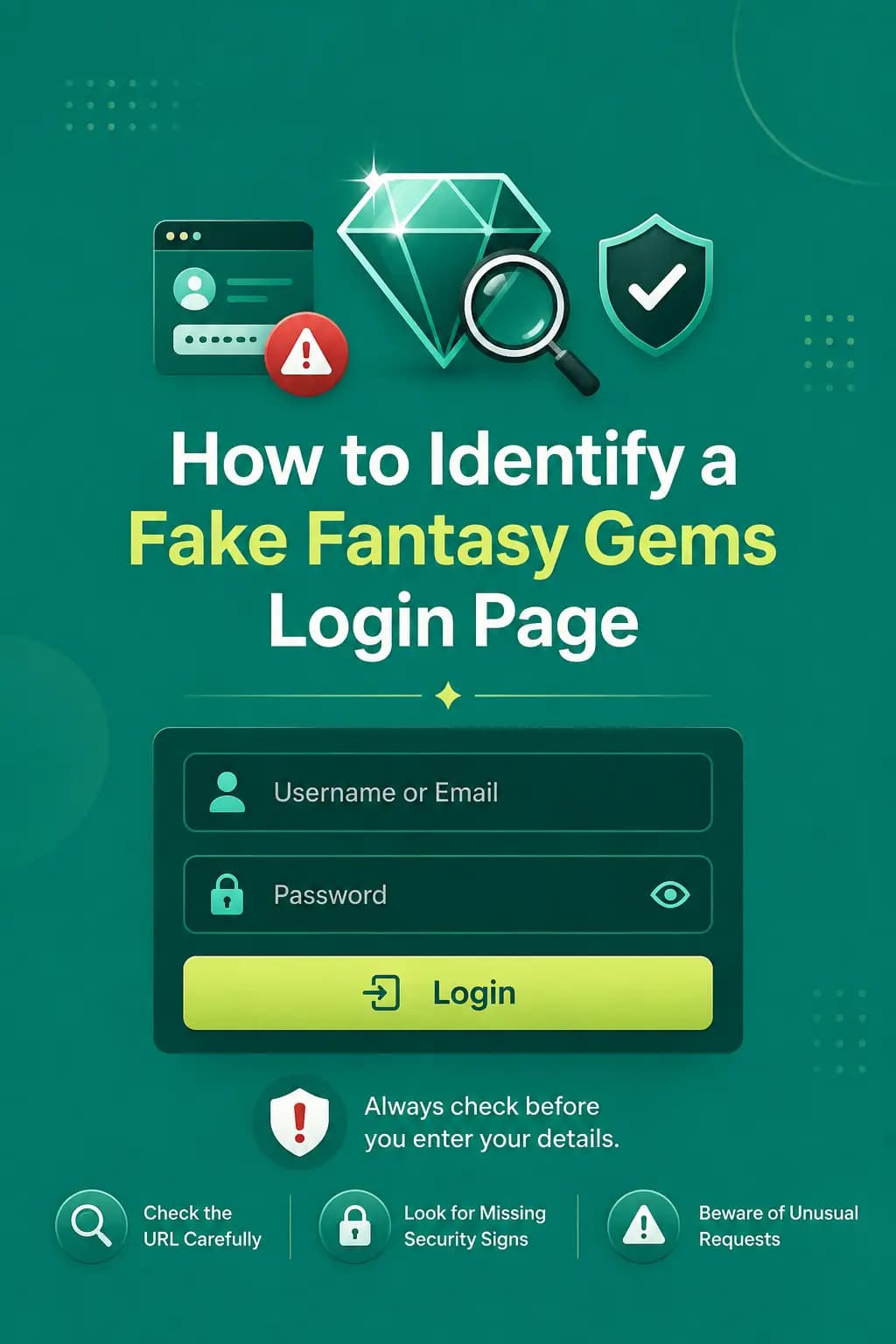
A page or message that says your Fantasy Gems account will be closed unless you update, verify, or pay a reactivation fee is a scam. A real update never asks for your Easypaisa PIN, JazzCash PIN, wallet PIN, or banking password, and no support agent needs your OTP. Use only the download and login pages you already trust.
Do not create a second Fantasy Gems account
Registering again because the update logged you out may leave your balance and history stranded in the original account, and some platforms restrict users who hold more than one. A new Fantasy Gems account registration should be a last resort after support confirms the old one cannot be restored.
When to contact Fantasy Gems support
If the app installs cleanly and the OTP arrives but the Fantasy Gems login still fails, use the support option shown in the app. Have these ready:
- The exact error text or a screenshot of it
- The version number of the app you installed
- Your phone model and Android version
- When the update was installed and when the login last worked
- Your registered number, but never your password, OTP, or payment PIN
Specific reports are answered faster than a message that only says login not working.
Final Words on Fantasy Gems login after updates
A Fantasy Gems login failed after app update problem almost always comes down to one of a few things: cleared saved details, an update that never finished, a signature conflict from mixing download sources, a re-verification step waiting for an OTP, or a short server-side issue that clears on its own.
Start with the quick fixes, confirm the installed version, and reinstall from a consistent source if you must. Record your number and password before you uninstall, and remember that your Fantasy Gems wallet stays with the account, not the app.
Above all, ignore anyone who offers to fix your login in exchange for a PIN, a code, or a payment. The real fix is free.
App Updated and Ready?
Sign in again through the Fantasy Gems app or login page you normally use.
Fantasy Gems login failed after app update FAQs
It usually means the new APK was signed with a different key than the version already on your phone, which happens when you mix download sources. Android blocks the install to protect you. Uninstall the current app, restart the phone, and install the new version from one consistent source. Your account and balance are stored on the platform, not in the app files.