How to Secure Your Fantasy Gems Login Account
Secure your Fantasy Gems login account with a strong password, private OTP codes, fake login page checks and a protected SIM, plus the steps to take if someone else gets in.
Independent guide — not an official Fantasy Gems channel.

Account Security
Category
Secure Login
Focus
15 min
Read Time
Oct 2026
Published
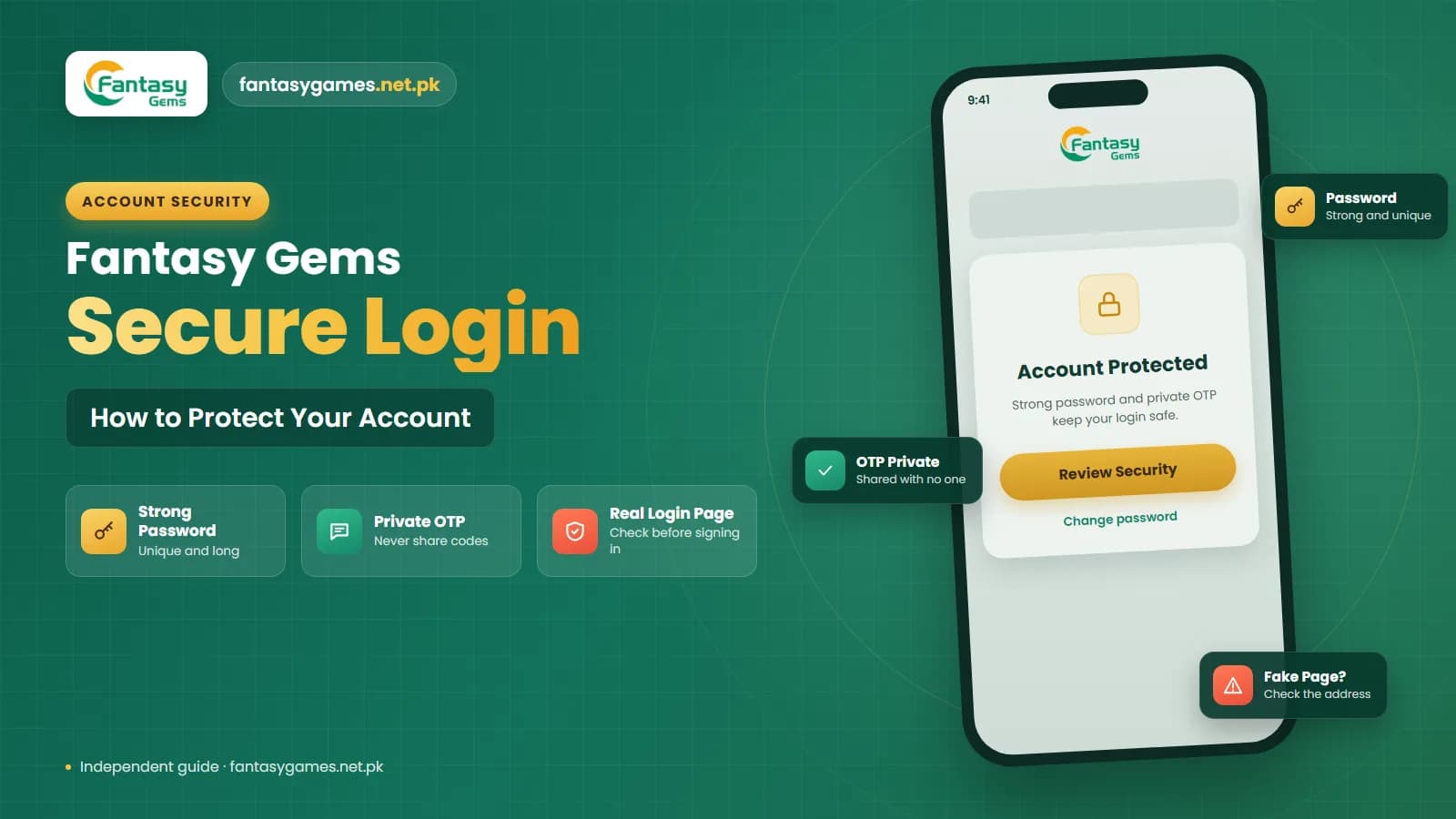
Knowing how to secure your Fantasy Gems login account is important because the account may contain personal details, login information, balance records, and transaction history. Weak passwords, fake login pages, shared devices, and exposed OTP codes can all increase the risk of unauthorized access to your Fantasy Gems account.
Securing your account does not require complicated steps. In many cases, simple habits such as using a strong password, checking the Fantasy Gems login page carefully, keeping OTP codes private, and logging out of shared devices can make a significant difference.
This independent guide explains Fantasy Gems account security in plain steps: what to set up today, what to avoid, how the common scams in Pakistan work, and what to do if you think someone else has reached your account.

Quick checklist for Fantasy Gems account security
If you only have five minutes, do these. Each one closes a door that account thieves commonly use.
- Set a long password that you use for Fantasy Gems only, not for email, JazzCash, Easypaisa or social media.
- Never tell anyone an OTP, including people who say they are support staff.
- Sign in only through the app or the login page you normally use, never through a link in a message or advert.
- Keep the registered SIM active, in your own name and in your own phone.
- Lock your phone screen and hide message previews on the lock screen.
- Log out after using a shared, borrowed or public device.
- Remember that a JazzCash or Easypaisa PIN is never needed to log in.
The sections below explain each point and the reasons behind it.
Use a Strong Fantasy Gems Login Password
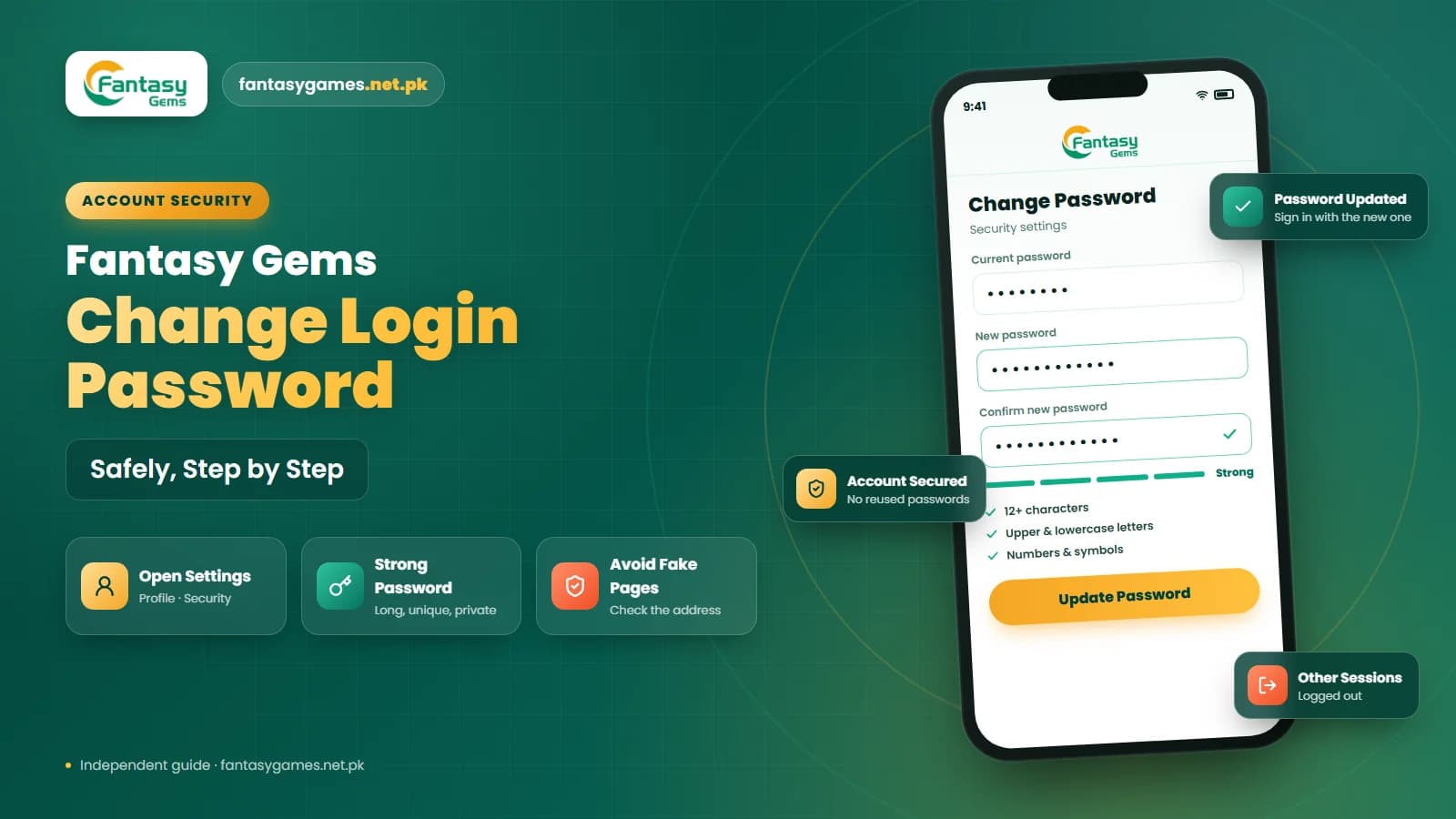
Your password is one of the main protections for your Fantasy Gems login account. Avoid passwords that are easy to guess. Do not use:
- Your name
- Mobile number
- Date of birth
- 123456
- 000000
- Repeated numbers
- Your username
- Common words
Where Fantasy Gems allows it, use a combination of uppercase and lowercase letters, numbers, and symbols. A longer password is generally harder to guess than a short and simple one. A phrase of three or four unrelated words with a number is easier to remember than a random string and still hard to guess.
Do not reuse your Fantasy Gems password
You should also avoid using the same password for Fantasy Gems, email, Easypaisa, JazzCash, social media, and other accounts. If one service is compromised, reused passwords may put several accounts at risk. Attackers routinely try leaked email and password pairs on other apps, so one unique password per service limits the damage to a single account.
When to Change Your Fantasy Gems Password
You do not need to change your password constantly, but there are situations where updating your Fantasy Gems login password makes sense. Consider changing it if:
- Someone else may know it
- You logged in on a shared device
- You entered it on a suspicious page
- You noticed unexpected account activity
- Your old password is weak
- You reused the same password elsewhere
After changing your Fantasy Gems password, make sure your phone or browser does not automatically fill in the old one. Update the saved password in your password manager if necessary.
Never Share Your Fantasy Gems OTP
An OTP may be used during login, password recovery, or account verification. Your Fantasy Gems OTP should always remain private. Do not share it through:
- Telegram
- SMS
- Phone calls
- Social media messages
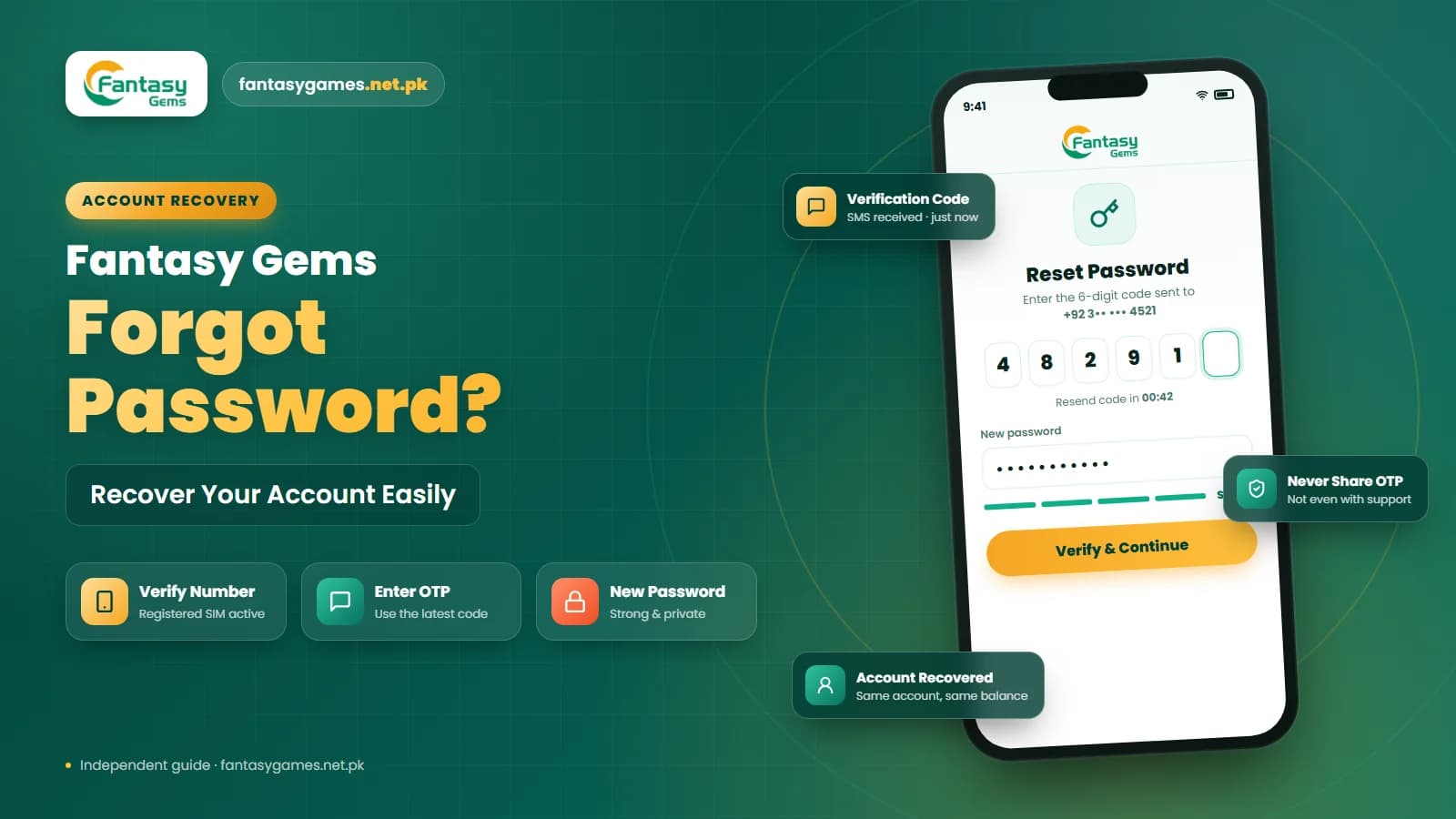
Anyone who obtains a valid OTP may be able to interfere with your Fantasy Gems account security or account recovery process. Be especially careful if someone claims to be support and asks you to send the OTP. A verification code is generally intended to be entered by you on the relevant Fantasy Gems login or recovery screen.
Fake support agents ask for your OTP or wallet PIN
A common scam in Pakistan starts with a call or WhatsApp message from someone claiming to be Fantasy Gems support, an agent or a helper who can release a bonus or unblock a withdrawal. They then ask you to read out an OTP, or to share your JazzCash or Easypaisa PIN. No genuine login or recovery needs you to give a code or a payment PIN to another person. End the conversation, do not send anything, and change your password if you already shared details.
Check the Fantasy Gems Login Page Carefully
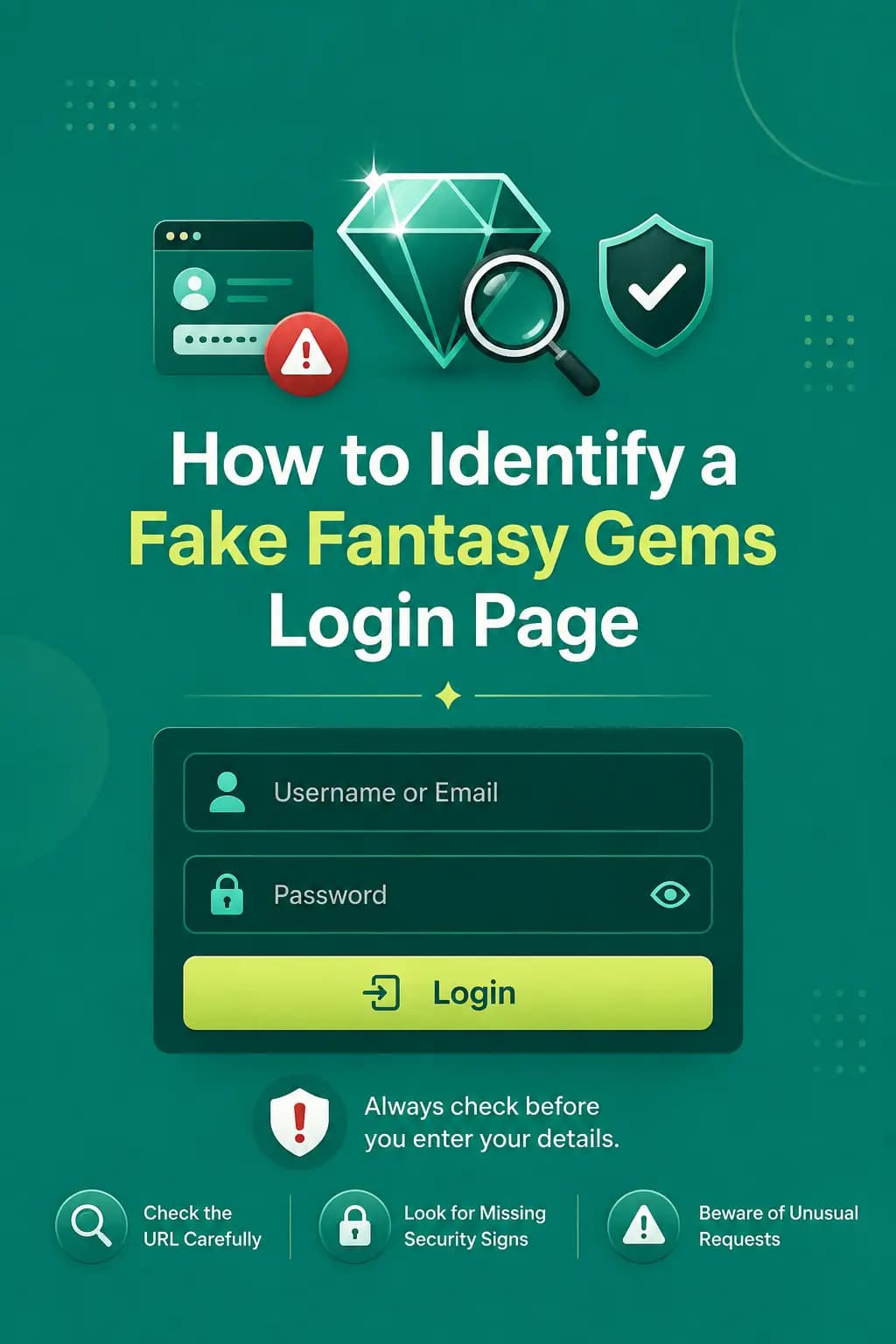
Fake websites may copy the Fantasy Gems name, logo, colors, or page layout to appear genuine. Before entering your username, password, or OTP, check the Fantasy Gems login page carefully. Be cautious if a page:
- Uses unusual spelling
- Redirects through several different domains
- Asks for unexpected personal information
- Requests payment before login
- Forces you to download an unknown APK
- Claims your account will be closed immediately unless you enter credentials
Do not assume a page is genuine simply because it displays the Fantasy Gems logo. Using the correct login page is an important part of protecting your Fantasy Gems login account.
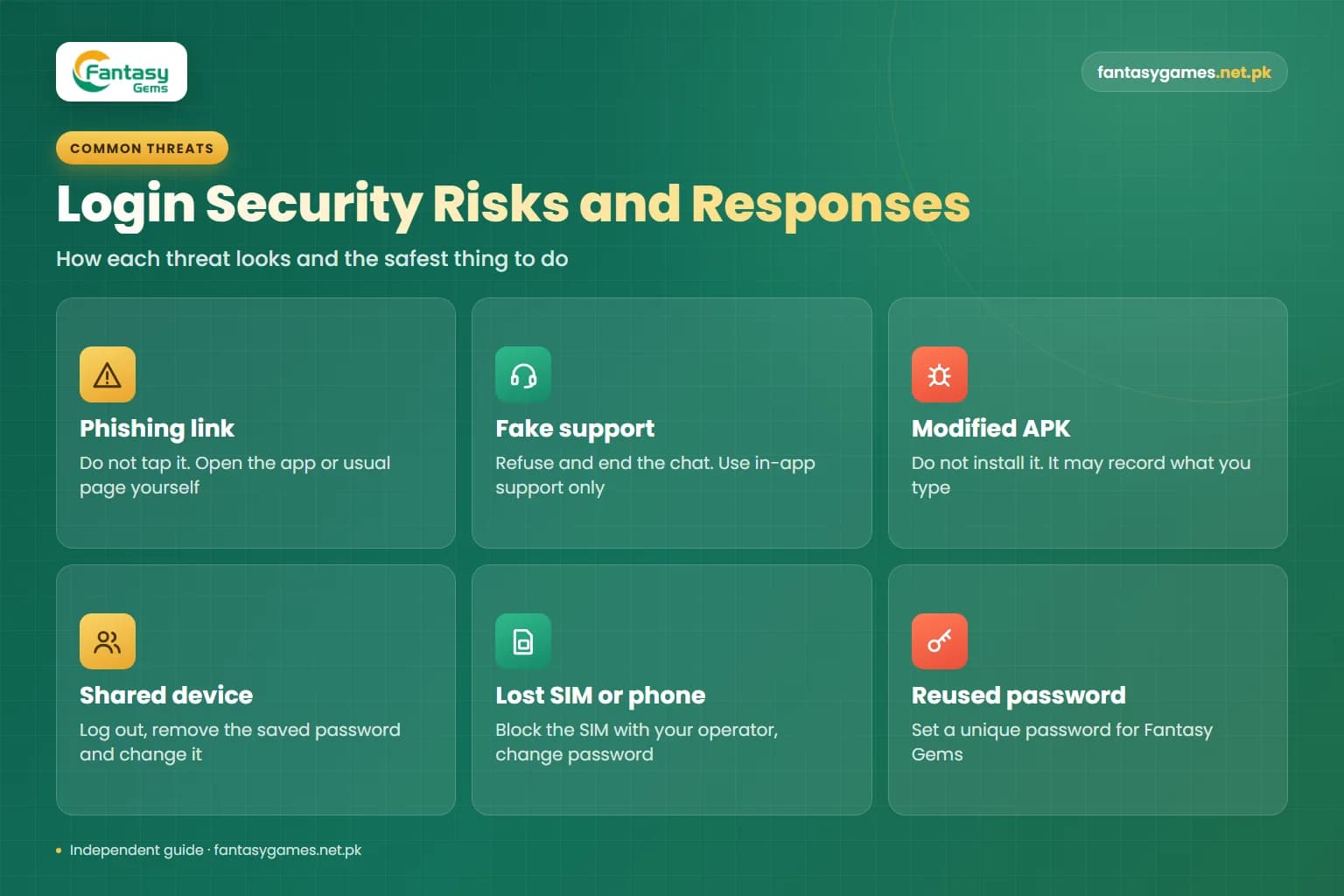
Fantasy Gems login security risks and how to handle them
Most account losses come from a small number of situations. This table shows how each one usually looks and the safest response.
| Risk | How it usually looks | What to do |
|---|---|---|
| Phishing link | SMS, WhatsApp or advert saying your account needs verification, with a link to a login form | Do not tap it. Open the app or your usual login page yourself. |
| Fake support | A caller or chat contact asks for your OTP, password or payment PIN | Refuse and end the chat. Use only the support option inside the app. |
| Modified APK | A file promising hacks, unlimited access or a login bypass | Do not install it. It may record what you type. |
| Shared device | Password saved on a family, cafe or office device | Log out, remove the saved password and change it. |
| Lost SIM or phone | Someone else can receive your OTP messages | Block the SIM with your operator, then change your password. |
| Reused password | The same password is used on email or social media | Set a unique password for Fantasy Gems. |
Prediction tools, hack apps and paid signal groups belong in the same category: they cannot beat a random game, and many exist only to collect logins or deposits.
Avoid Saving Fantasy Gems Passwords on Shared Devices
Do not save your Fantasy Gems login details on devices that other people can access. This includes:
- Public computers
- Internet cafe systems
- Shared family phones
- Friends' phones
- Office computers
- Borrowed devices
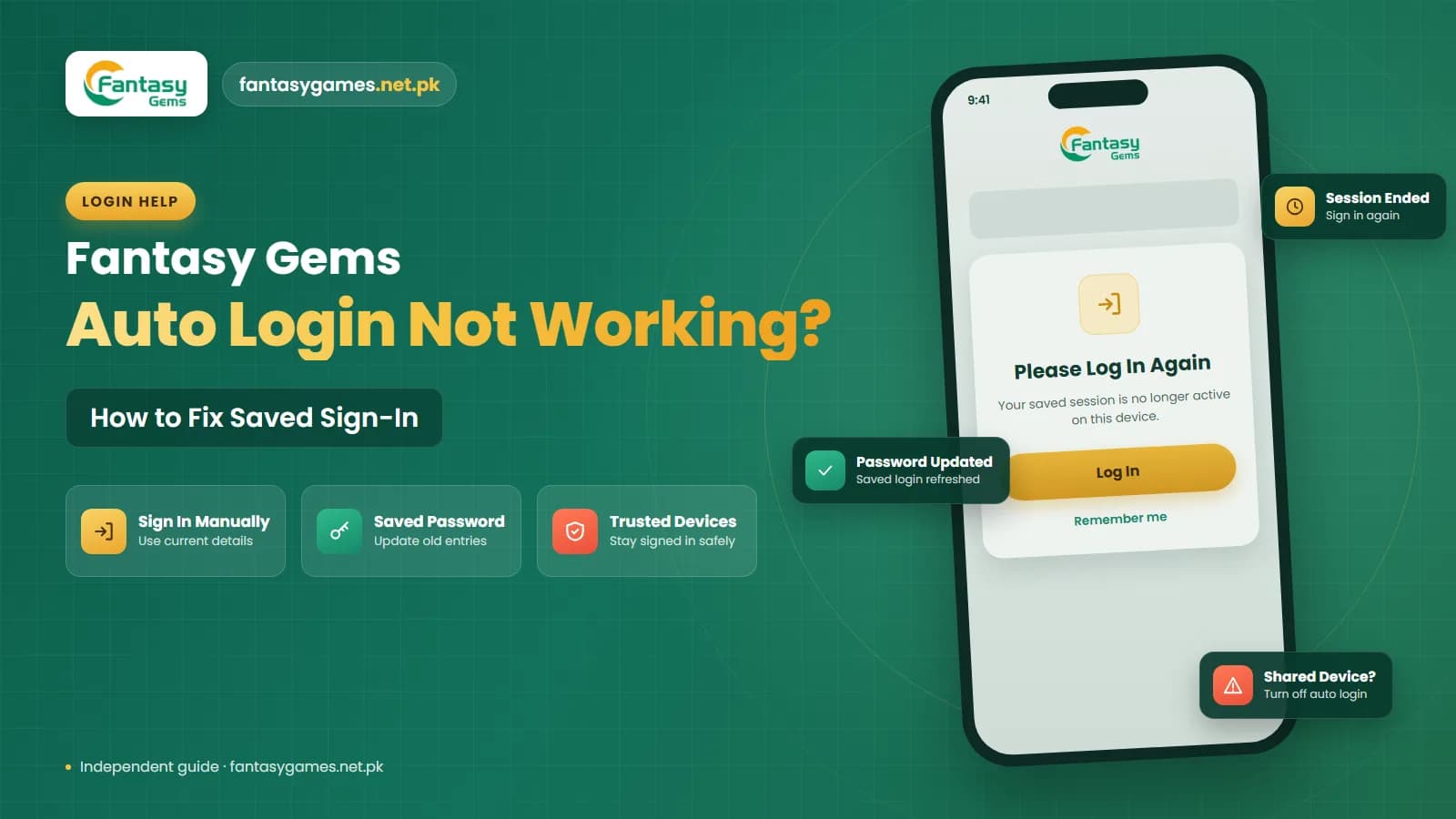
If you need to log in on a shared device, avoid choosing options such as Remember Me or Save Password. Log out when you finish using your Fantasy Gems account. If you think the device stored your login credentials, changing your Fantasy Gems login password afterward may be a sensible security step.
Log Out of Fantasy Gems When You Finish
Leaving your Fantasy Gems account logged in on a shared or unattended device can increase the risk of unauthorized access. Always log out if:
- The phone belongs to someone else
- You are using a public computer
- You are selling or giving away an old phone
- Other people regularly use the device
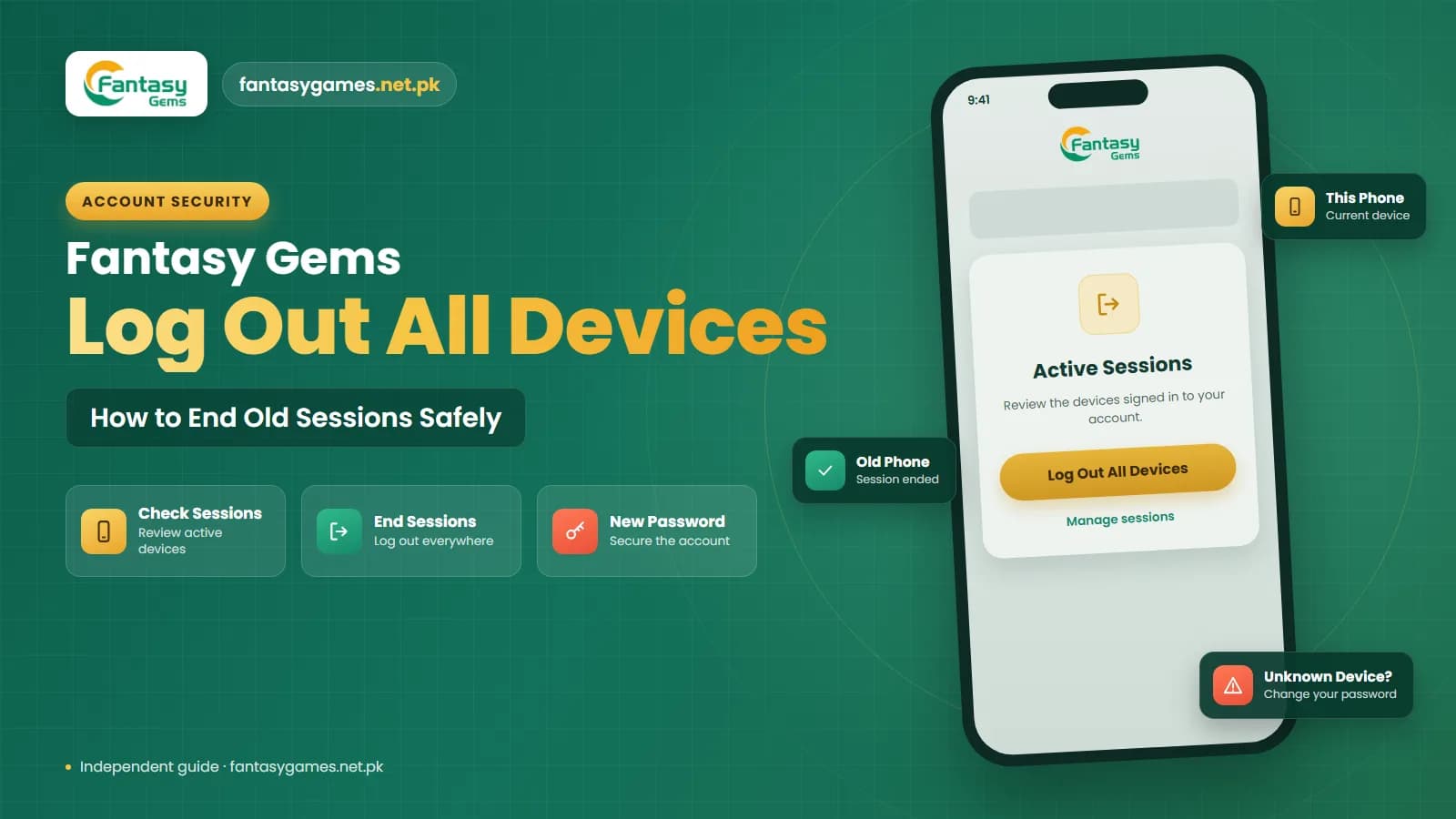
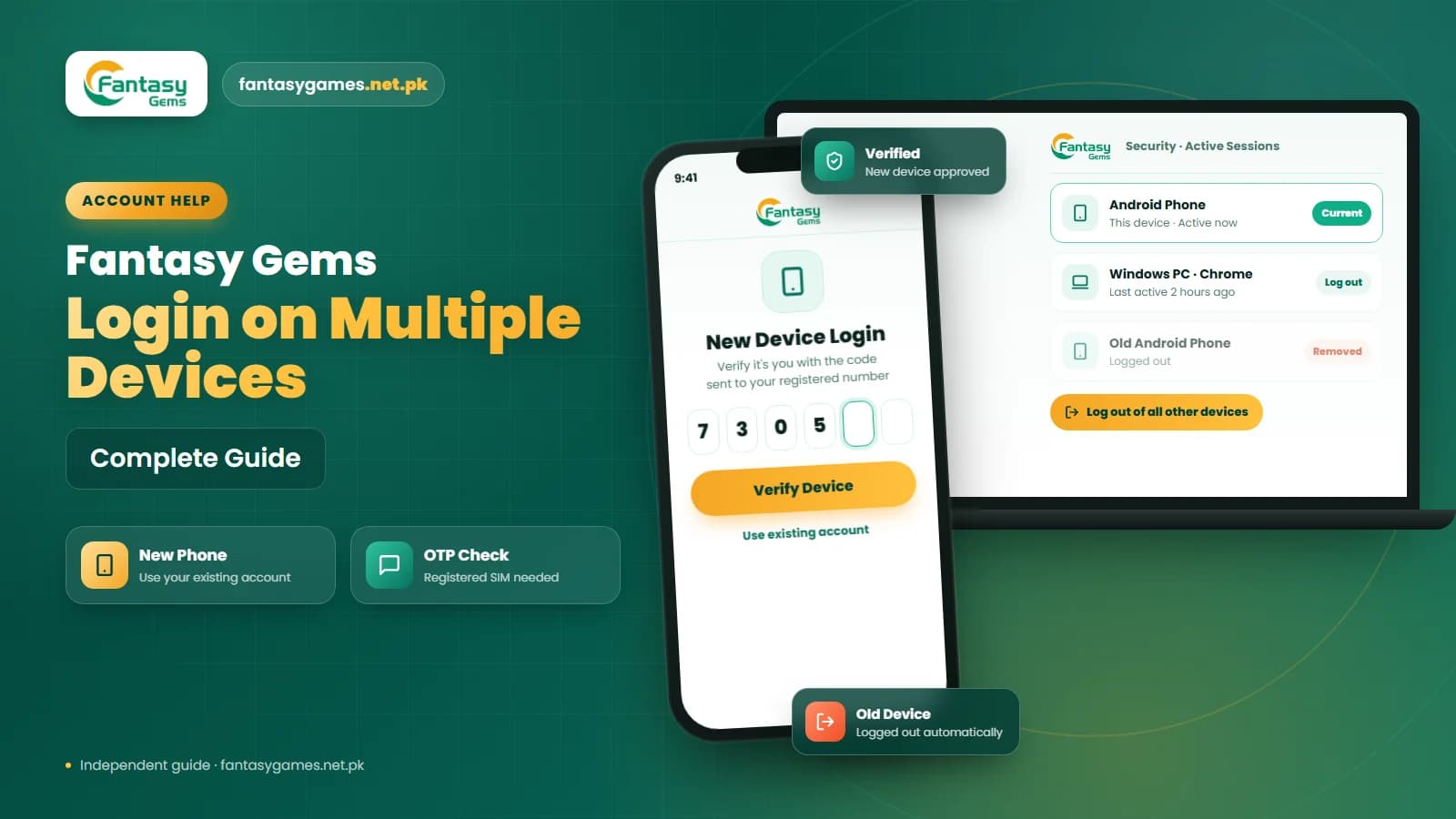
If Fantasy Gems provides options such as Log Out of All Devices, Manage Sessions, or Device Management, review them when you think another device may still have access to your account. Before selling a phone, log out, uninstall the app and factory reset the device.
Fantasy Gems secure login on PC, emulator or iPhone browser
The same rules apply when you use the account away from your own Android phone, but the weak points are different. On a Windows PC with an Android emulator, the emulator keeps your login just as a phone would, so anyone who can open that Windows user account can open the app. Use a Windows password or PIN, and sign out of the app inside the emulator on a computer that others use.
In a browser, on a PC or an iPhone, the main risks are saved passwords and look-alike pages. Decline the browser's offer to save the password on a device that is not yours, type the address or use your own bookmark rather than a search advert, and close the tab after logging out. A private or incognito window is a reasonable choice on a borrowed device because it forgets the session when closed.
Our PC guide and iOS guide cover how access works on those devices in more detail.
Watch for Unauthorized Fantasy Gems Login Activity
Pay attention to unusual account behavior. Possible warning signs include:
- Unexpected OTP messages
- Password reset requests you did not make
- Account details changing unexpectedly
- Unknown login notifications
- Sudden logout from your normal device
- Balance or transaction activity you do not recognize
If you notice suspicious activity, change your Fantasy Gems login password and review your account information. If possible, log out of other active sessions. Contact Fantasy Gems support if the activity cannot be explained.
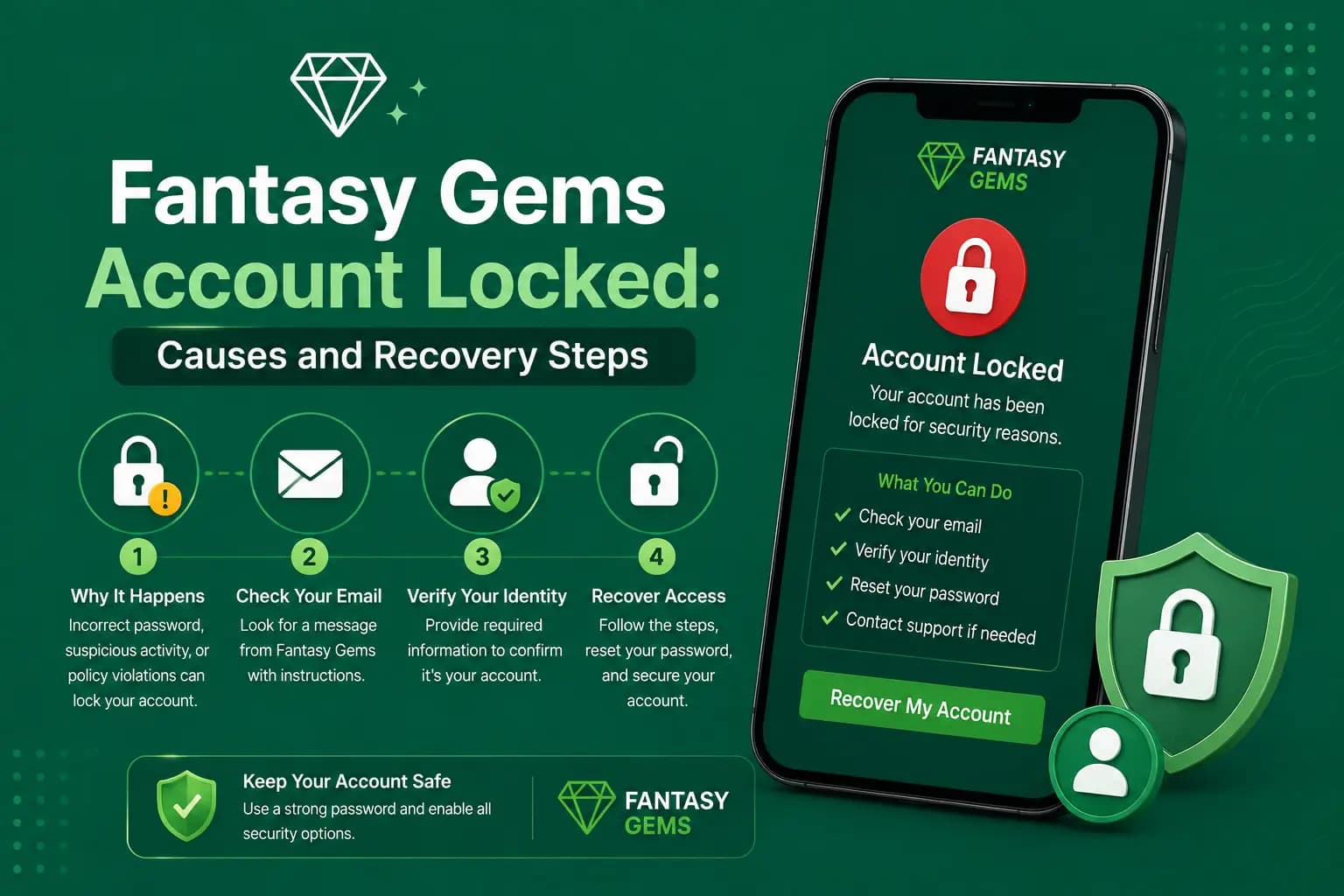
What to do if someone accessed your Fantasy Gems account
Speed matters more than certainty. If you see the warning signs above, work through these steps in order rather than waiting to be sure.
- 1
Open the app or your usual login page yourself and sign in. Do not use any link from a message you received.
- 2
Change your password straight away using the password option in your account settings, or the forgot password option if the old one no longer works.
- 3
If the app shows a log out of all devices or session list, use it so older logins stop working.
- 4
Check your profile details, wallet balance, and deposit and withdrawal history for anything you did not do, and take screenshots.
- 5
If you shared a JazzCash or Easypaisa PIN with anyone, change that PIN in the wallet app and call the wallet provider's helpline.
- 6
If your SIM or phone is missing, ask your mobile operator to block the SIM and issue a replacement on the same number.
- 7
Report the problem through the support option inside the app, with your screenshots and the time you first noticed it.
If you cannot log in at all, do not register a new account. Use the recovery option with your registered number, then contact support.
Keep Your Registered Mobile Number and SIM Secure
Your registered mobile number may be used for Fantasy Gems password recovery or OTP verification, so keep the SIM connected with your Fantasy Gems account active and secure. Avoid giving your SIM or unlocked phone to other people if it can receive Fantasy Gems OTP messages.
If your phone is lost or stolen, contact your mobile provider when necessary and take steps to protect accounts connected with that number. In Pakistan a SIM is issued against a CNIC, so a number registered in your own name is far easier to block and replace than one registered to a relative or friend. Moving a number to another operator through MNP keeps the same number, but messages can be unreliable for a short time while the switch completes.
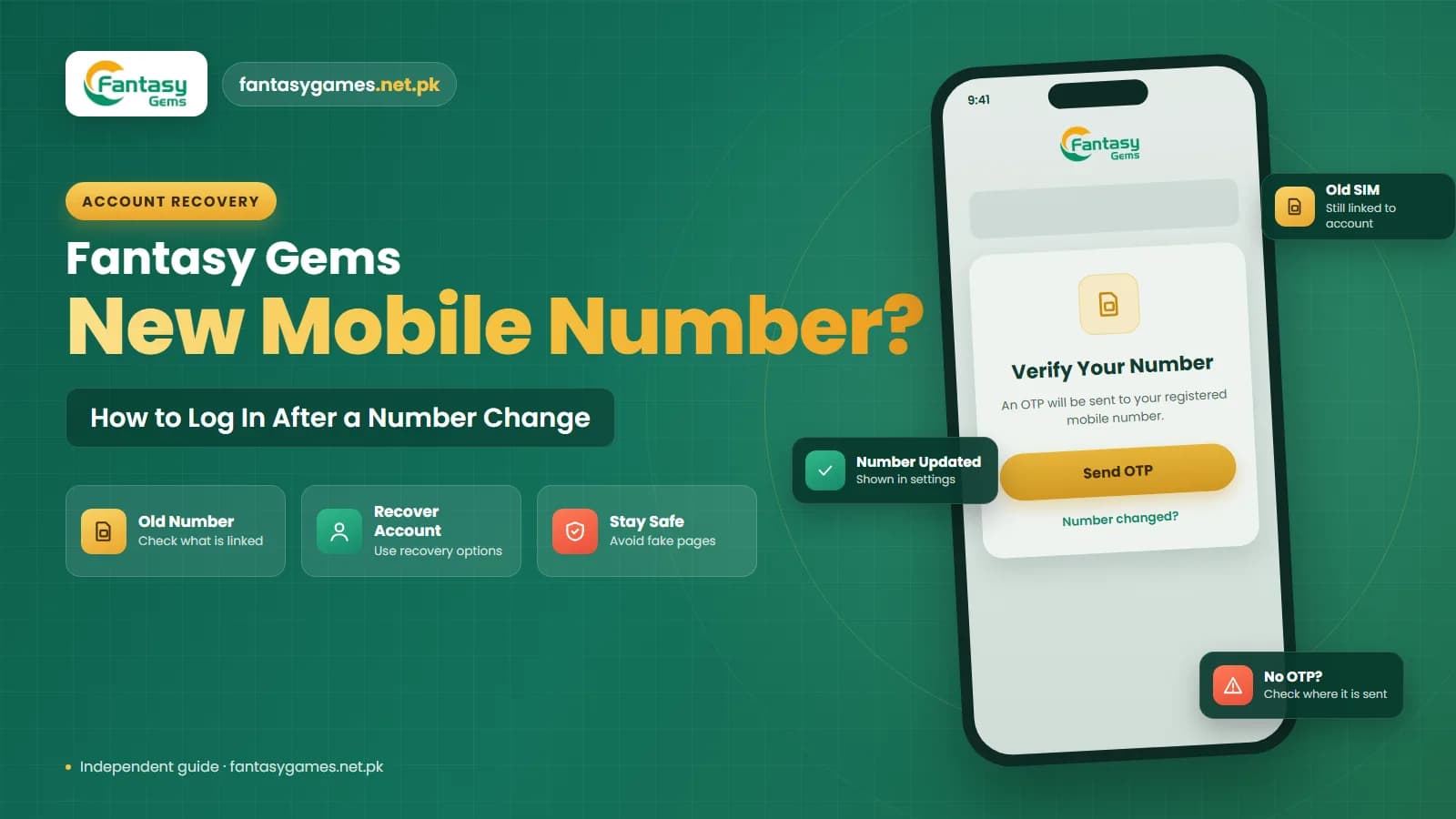
If you change your mobile number, check whether your Fantasy Gems account information also needs to be updated. Do this while you still have the old SIM, because a recovery code sent to a number you no longer control cannot help you. On a dual-SIM phone, note which slot holds the registered SIM so you do not remove or deactivate the wrong one.
Protect the phone and the mobile wallet behind your account
Fantasy Gems account protection is only as strong as the phone it sits on. Use a screen lock, whether a PIN, pattern or fingerprint, and set message notifications to hide their content on the lock screen so an OTP cannot be read from a locked phone. If your phone offers an app lock feature, adding it to the app and to your SMS inbox is a useful extra layer.
Keep payment security separate from login security. Logging in to the app never requires a JazzCash or Easypaisa PIN, and a mobile wallet PIN should only ever be typed inside the wallet's own app or confirmation prompt during a payment you started. Use a different PIN for each wallet, and never the same digits as your password.
Because real money is involved, keep only what you can afford to lose in the wallet, never borrow to play, and remember the platform is for adults aged 18 and over.
Keep the Fantasy Gems App Updated
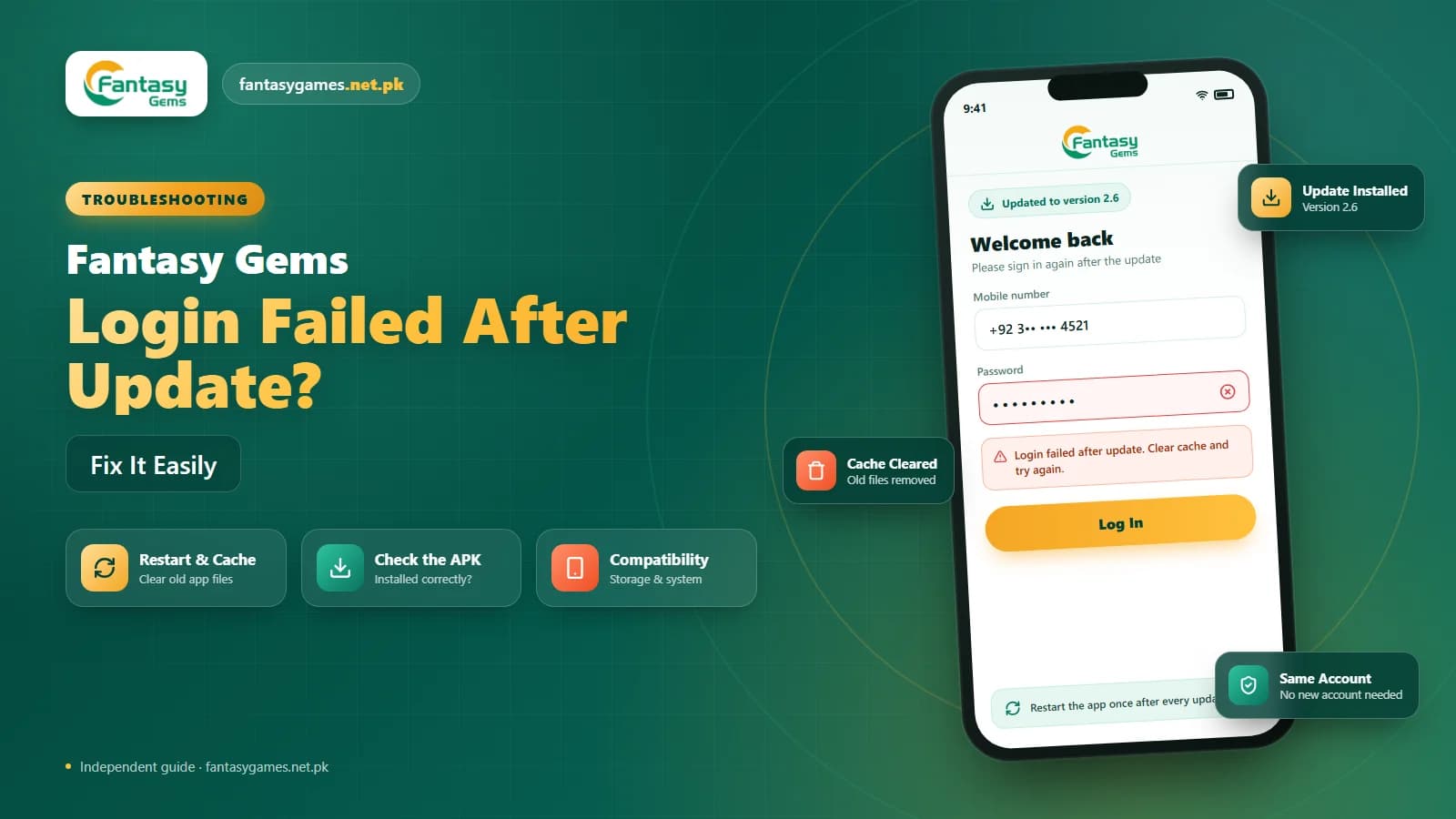
An outdated Fantasy Gems app may sometimes cause login, security, or compatibility problems. If you use a Fantasy Gems APK, check whether the version installed on your device is still suitable. Be careful when installing updates from unfamiliar websites. Avoid modified APK files that claim to provide:
- Unlimited access
- Login bypass
- Account unlocking
- Wingo hacks
- Guaranteed results
Unknown APK files may expose your login information or create additional account-security problems. Use a source you trust and review the permissions requested by the app before installing an update. A game app asking to read your SMS, contacts or accessibility settings deserves a second look.
When to contact Fantasy Gems support and what to send
Contact support through the option inside the app when you see activity you cannot explain, when recovery with your registered number fails, or when your details have been changed without you. A clear first message saves time. Include:
- Your registered mobile number or user ID
- What you noticed and the date and time it happened
- Screenshots of unknown transactions or changed details
- The device you normally use and whether you recently changed phone or SIM
- The steps you have already taken, such as a password change
Never include your password, an OTP, or a JazzCash or Easypaisa PIN in a support message. Genuine support does not need them. Our customer care guide explains how to recognise real support channels.
Final Words on securing your Fantasy Gems login account
A secure Fantasy Gems login account comes down to a few habits: a strong password used nowhere else, OTP codes that stay with you, a login page you open yourself, and a registered SIM that stays in your own phone.
Add a locked screen, a logout on shared devices and an app from a source you trust, and most common attacks have nothing to work with. If something still looks wrong, change the password first and ask questions second.
Keep Your Fantasy Gems Login Secure
Sign in only through the Fantasy Gems app or login page you normally use.
Fantasy Gems account security FAQs
Secure your Fantasy Gems login account by setting a long password used only for this app, keeping every OTP private, and signing in only through the app or the login page you normally use. Keep the registered SIM active and in your own phone, lock your screen, and log out on shared devices. These habits block the most common ways accounts are taken over.