Fantasy Gems Account Not Found During Login: Reasons and Fixes
A Fantasy Gems account not found message rarely means the account is gone. Check the registered number, login method and app source before you register again.
Independent guide — not an official Fantasy Gems channel.

Account Recovery
Category
Account Access
Focus
10 min
Read Time
Sep 2026
Published
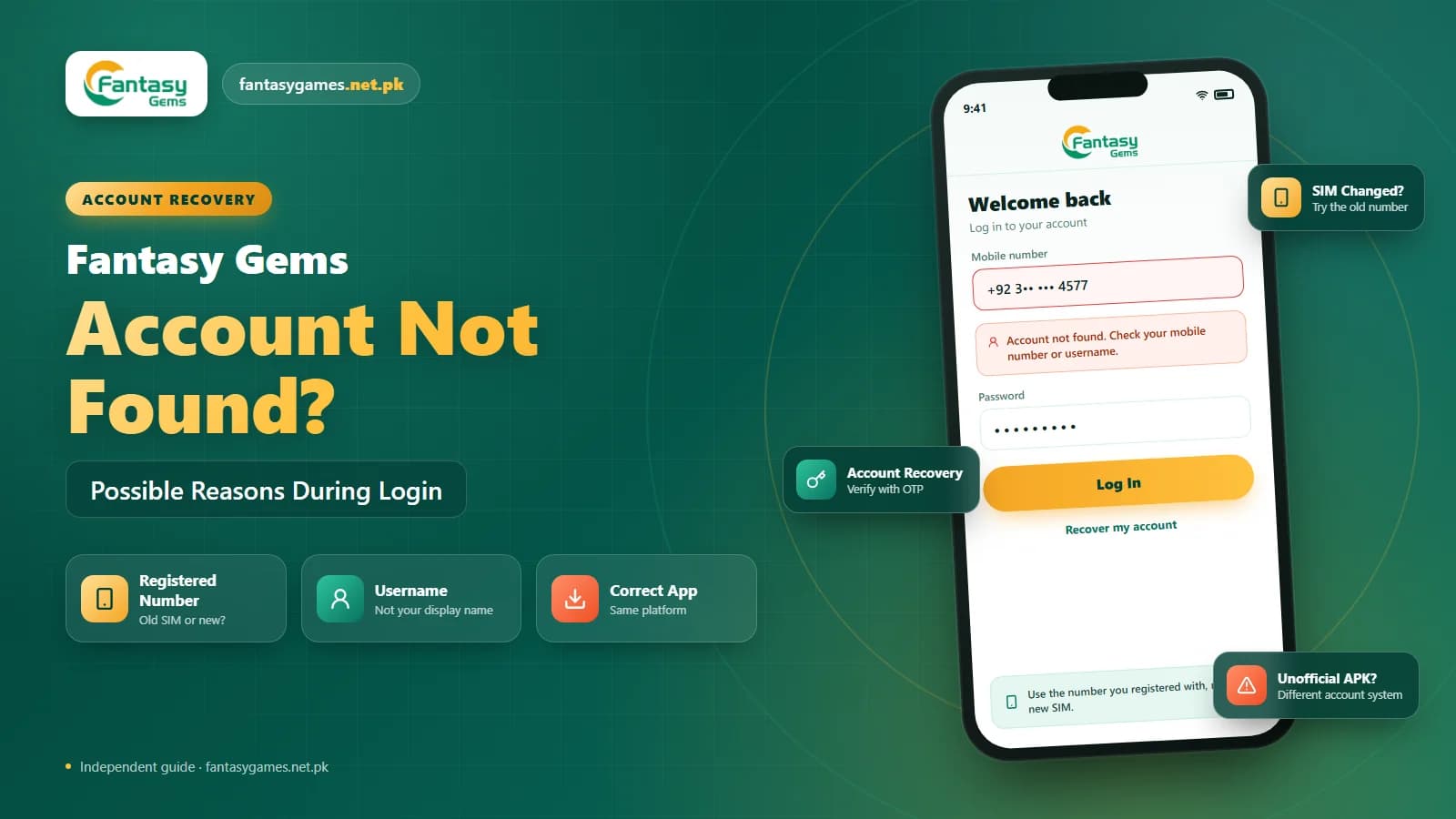
A Fantasy Gems account not found message means the login system could not match what you typed to any account it holds. It does not say the account is gone, only that the lookup failed, and in most cases the Fantasy Gems login works again once the right number, username, or app is used.
The usual culprits are a mistyped or old mobile number, a username entered where a number was expected, a SIM change the platform was never told about, a lookalike APK with its own account system, or, less often, an account under review or closed.
This guide takes each of those in turn, starting with the checks that take seconds. Try them before you register again, because a second account will not carry over the balance from the first.
Quick fixes for Fantasy Gems account not found
Run through these before anything else. They resolve the majority of lookup failures.
- Retype your mobile number slowly, with the country code the app expects.
- Switch the login tab if the app separates number and username sign-in.
- Try the number from your previous SIM if you changed it recently.
- Confirm you opened the Fantasy Gems app you registered on, not a lookalike.
- Look for a different message such as under review, which is a separate problem.
- Use the Fantasy Gems account recovery option rather than guessing more details.
If a code arrives during recovery, the account exists and the system can see it; the problem is then which details you used.
What a Fantasy Gems account not found message means
Every login starts with a lookup. The app sends the identifier you typed to the server, which searches its records for a match. Account not found is the answer when nothing matches. It is a different result from wrong password, where the account was found but the second check failed, and from under review, where it was found but is blocked.
That distinction matters because each message points to a different fix. A lookup failure is almost always about the identifier: the number, its format, the username, or the app doing the searching. Reading the exact words on the screen, and screenshotting them, is the first real step.
Some users search for Fantasy Game login and mean the same app, and they hit the same message for the same reasons. The advice below applies either way.
Check your Fantasy Gems registered mobile number
The number is the identifier most accounts hang on, and it is where most lookups fail. Compare the login screen with what you actually registered:
- A missing or repeated digit, which is easy to miss on a small keyboard
- The country code, which the app may now require or may now reject
- A leading zero that should be dropped when a country code is present
- The old number from a SIM you replaced or stopped using
- A second SIM's number, if your phone holds two
If you have two numbers, try both. People often register with the SIM that had balance for the first Fantasy Gems deposit and forget which one it was.
Recover a Fantasy Gems account that is not found
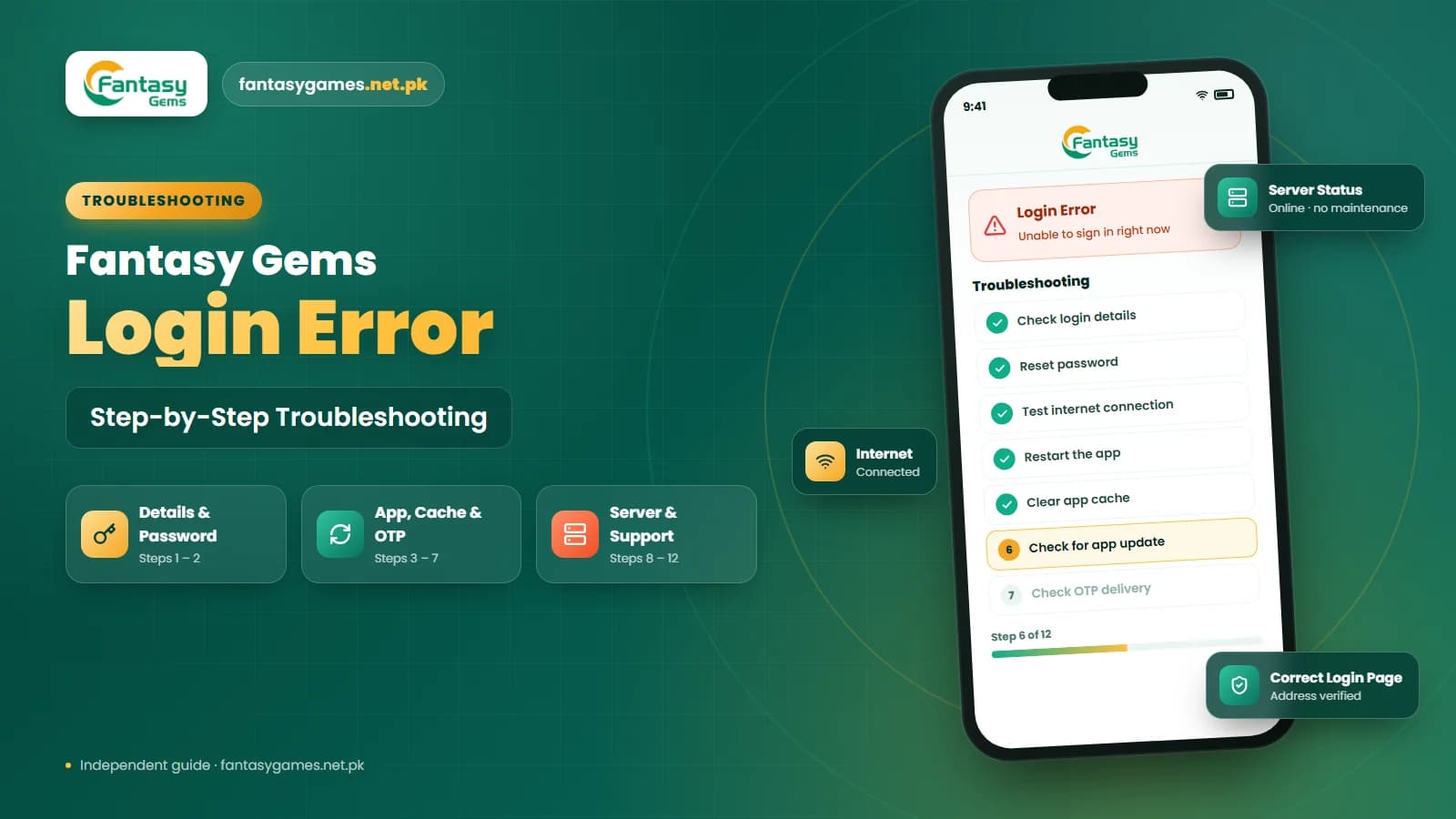
Follow these in order. Each step either finds the account or rules out a cause, so you know exactly what to tell support.
- 1
Read the exact error text and screenshot it. Confirm it says account not found and not a password, review, or connection message.
- 2
Retype the mobile number by hand with the country code, then without it if the app allows both. Do not paste from a contact.
- 3
Switch the login method. If you entered a username, try the number, and vice versa.
- 4
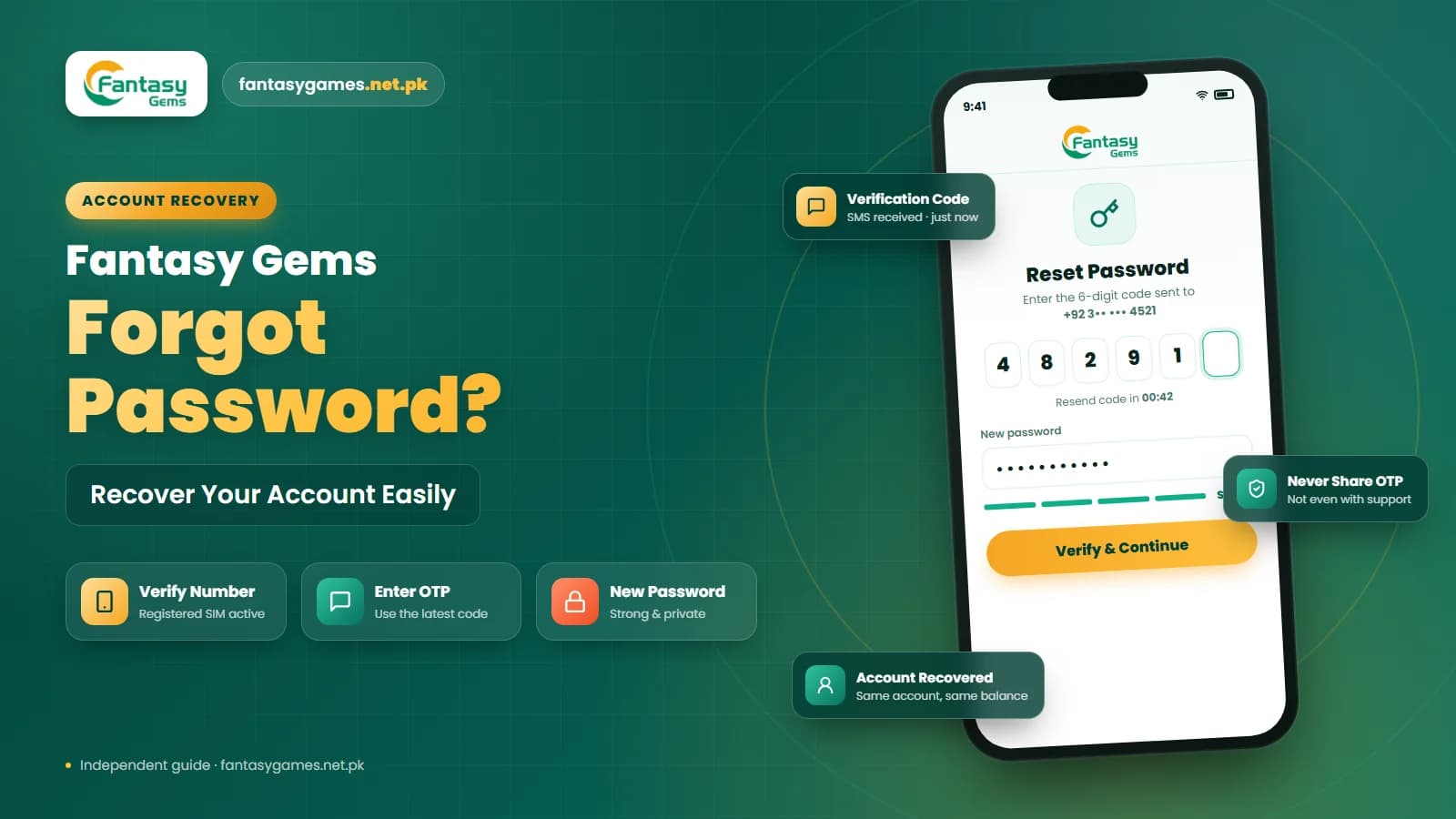
Open the account recovery option and enter your number. If a Fantasy Gems OTP arrives, the account exists and you can set a new password.
- 5
Confirm the app you installed is the one you registered on, and reinstall the correct Fantasy Gems APK if unsure.
- 6
If you changed SIMs, try the old number and, if you still have it, put the old SIM back in the phone so the code can arrive.
- 7
Still nothing? Contact support through the app with the screenshot, the numbers you tried, and when the account last worked.
Stop after step four if a code arrives. Then you are dealing with a password, not a missing account.
Fantasy Gems login method and username mismatch
Some platforms let you sign in with a mobile number, a username, or an email, but not every field searches every identifier. Type a username into a box expecting a number and the server reports nothing found, even though the account is fine.
Look closely at the login screen for a tab, toggle, or small link that switches the method. If the platform gave you a username during Fantasy Gems account registration, it may differ from the display name you see inside the app, and the two are easy to confuse. If you signed up on the Fantasy Gems register page with a friend's help, ask what was entered before assuming the account is lost.
New phone or SIM and Fantasy Gems account lookup
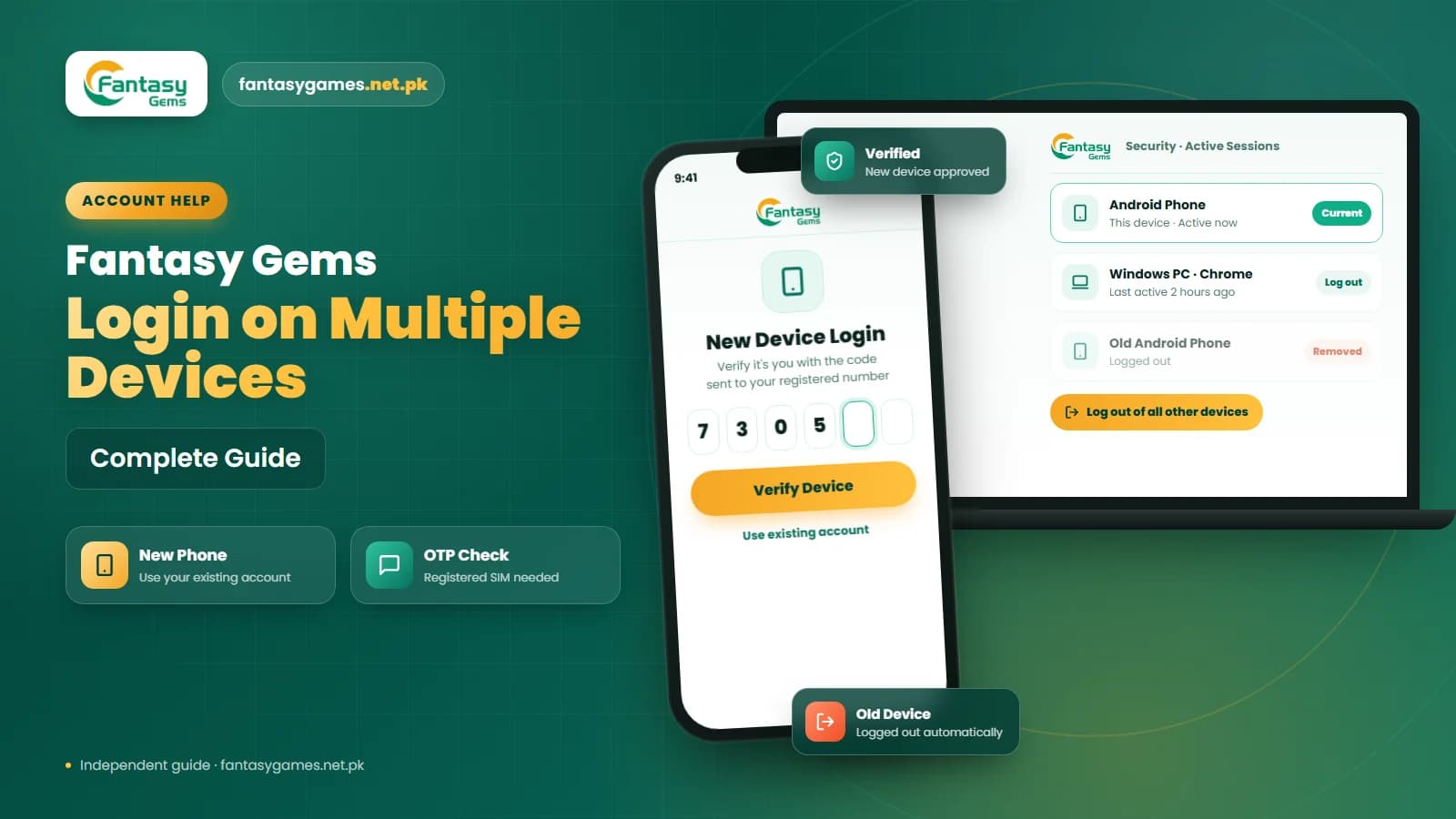
Switching phones does not move your login. A new device has no saved details, and if the old one signed you in automatically, you may never have typed the number yourself. Enter it manually, and do not rely on the number the phone reports for its own SIM, which may not be the one you registered with.
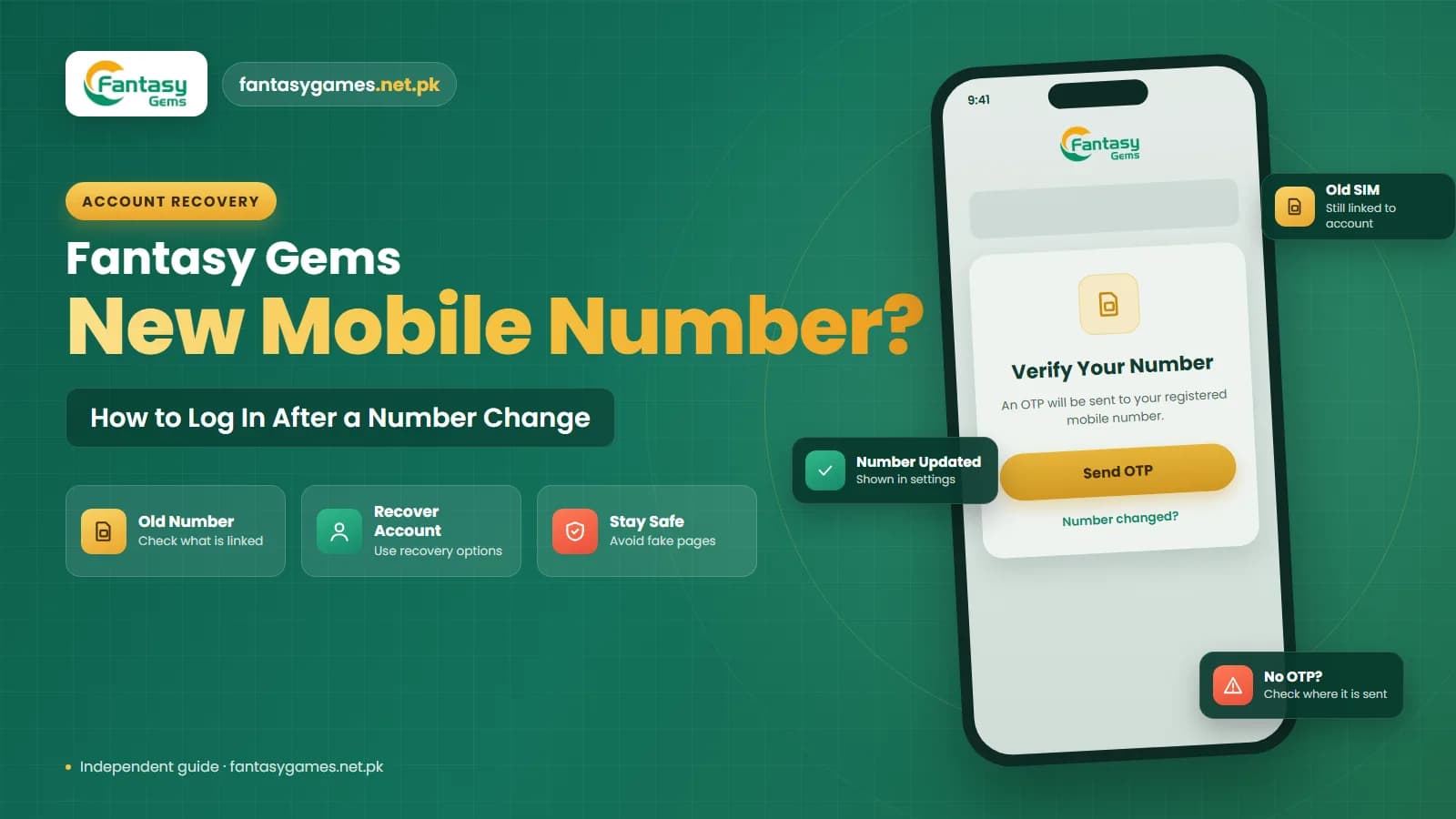
A SIM change is worse, because the account is still tied to the old number, so entering the new one produces account not found every time. If you kept the old SIM, put it back in temporarily so the Fantasy Gems OTP can reach you. If the old number is gone for good, the Fantasy Gems account recovery option or the support channel is the route, and expect to prove ownership with deposit references.
Wrong Fantasy Gems APK or a lookalike app
Copies of the app circulate under near-identical names and icons, and some run on a separate account database. Sign in to one of those with your real details and you get account not found, because as far as that app is concerned, you never registered.
Check the app you installed against the download page you used when you first registered. If you recently installed a new Fantasy Gems APK from a chat group link, a social post, or a random search result, remove it and reinstall from the source you know. The login page should look the way you remember, and it should not ask for anything beyond your number, password, and a code.
Fantasy Gems account under review or restricted
A Fantasy Gems account under review message is not a lookup failure. Review usually means the platform has paused the account to check something, often a verification detail, a deposit pattern, or activity that tripped an automated rule. The account exists and the balance is usually still recorded, but you cannot get in until the check is done.
You can respond to any verification request in the app, provide what is asked for through the official support option, and avoid opening a second account meanwhile. Timings vary and are not published, so be wary of anyone promising to lift a review for a fee.
Was your Fantasy Gems account deleted
It is possible, but it is usually the last explanation, not the first. Accounts may be closed at your own request, removed after long inactivity, or terminated for a rule breach such as holding duplicate accounts. Most platforms show a specific message in those cases, not a plain lookup failure.
Before you conclude your Fantasy Gems account was deleted, exhaust the identifier checks above and try recovery. If a code never arrives on the correct number and support confirms no record exists, it may genuinely be gone, and the register page is the next step. Keep any JazzCash or Easypaisa transaction references, because they may be the only proof of the old account if a balance dispute follows.
Missing Fantasy Gems deposit after account not found
The scariest version of this problem is sending PKR through JazzCash or Easypaisa, then being told the account is not found. The money is not in the app on your phone; it is credited to the Fantasy Gems wallet of whichever account the deposit was matched to. If you cannot log in, you cannot see it, but it has not vanished.
Find the transaction reference in your JazzCash or Easypaisa history and recover the original account first. Once you are in, check the deposit history screen. If the Fantasy Gems deposit went to a number you no longer control, support will need that reference to trace it. Do not deposit again into a new account hoping the first payment will follow; it will not.
Fantasy Gems account not found on PC or emulator
If you use Fantasy Gems for PC through an emulator, the same lookup rules apply, with one extra trap: the emulator may hold a stale or different app build. Install the current APK inside the emulator, from the same source as your phone, before assuming the account is missing.
Your account is not tied to a device. If it is found on the phone but not on the PC, the emulator copy of the app is the problem, not the account. Sign in on the phone first, then fix the emulator install.
When to register a new Fantasy Gems account
Registering again is right only after you have ruled out the account you already have. Go to the Fantasy Gems register page when all of these are true:
- Recovery on every number you have ever used returns no code
- Support has told you no account exists for your details
- You have no deposit in the old account that still needs tracing
- You understand the platform's rules on one account per person
If you do register again, use the number you will keep long term and write down exactly what you entered. Fantasy Gems account registration takes a minute; recovery without records takes far longer.
Fake Fantasy Gems account recovery pages
Searching for a lost account turns up pages offering instant recovery. Any service that asks for your password, an OTP, your Easypaisa PIN, JazzCash PIN, wallet PIN, or a fee to unlock the account is a scam. Genuine recovery happens inside the app or through its support option, and never needs your payment PIN.
Avoid duplicate Fantasy Gems accounts
Opening a second account while the first is merely mislaid can strand your balance and, on platforms that allow one account per person, can get both restricted. Treat a new Fantasy Gems account registration as the last resort after recovery and support have both failed.
Contact Fantasy Gems support with these details
When the checks are exhausted, send a precise report:
- A screenshot of the exact account not found message
- Every mobile number you may have registered with
- When the account last worked and on which device
- Whether you changed SIM, phone, or app recently
- Deposit references from JazzCash or Easypaisa, if money is involved
Never send your password, OTP, or payment PIN, even if the person asking claims to be from support.
Final Words on Fantasy Gems account not found
A Fantasy Gems account not found message is a lookup failure, not a verdict. In most cases the number, its format, the login method, or the app itself is wrong, and the account is waiting behind the right combination.
Work through the number, the method, the SIM history, and the app source, then use recovery. If a code arrives, you are nearly done. If nothing arrives on any number, contact support with a screenshot and deposit references, and only after that consider registering again.
Whatever happens, keep your PINs and codes to yourself. Nobody who genuinely helps will ask for them.
Found Your Account?
Sign in with your registered details on the Fantasy Gems app or login page you normally use.
Fantasy Gems account not found FAQs
It usually means the platform has paused the account while it checks something, such as a verification detail, a deposit pattern, or activity that triggered an automated rule. The account exists and the balance is normally still recorded, but you cannot sign in until the review ends. Respond to any request in the app and avoid opening a second account meanwhile.