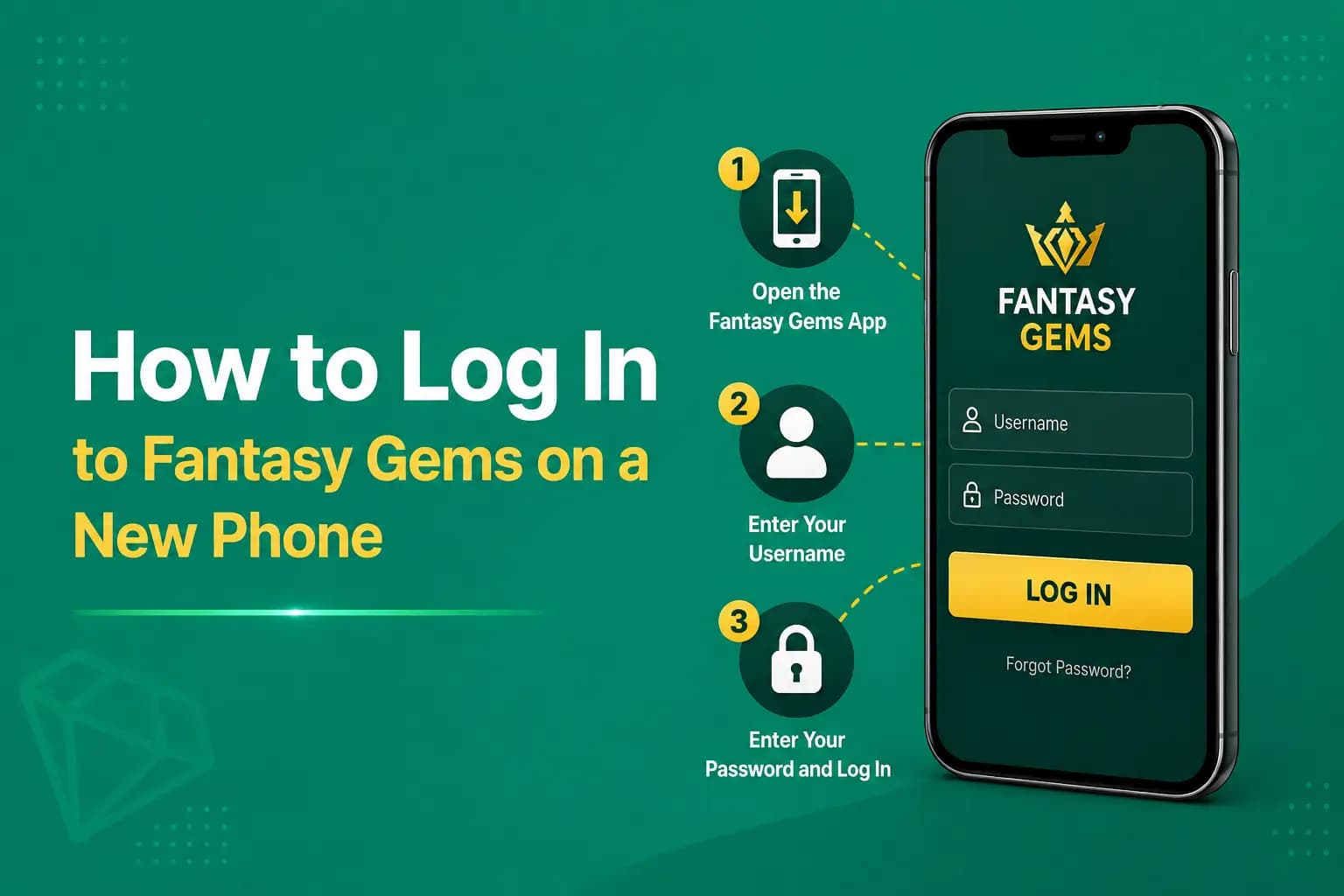
Fantasy Gems Login After Changing Mobile Number: What to Do
Fantasy Gems login after changing mobile number explained: sign in with your old registered number, get OTPs working again, recover a lost SIM and update your number safely.
Independent guide — not an official Fantasy Gems channel.

Account Recovery
Category
Number Change
Focus
16 min
Read Time
Oct 2026
Published
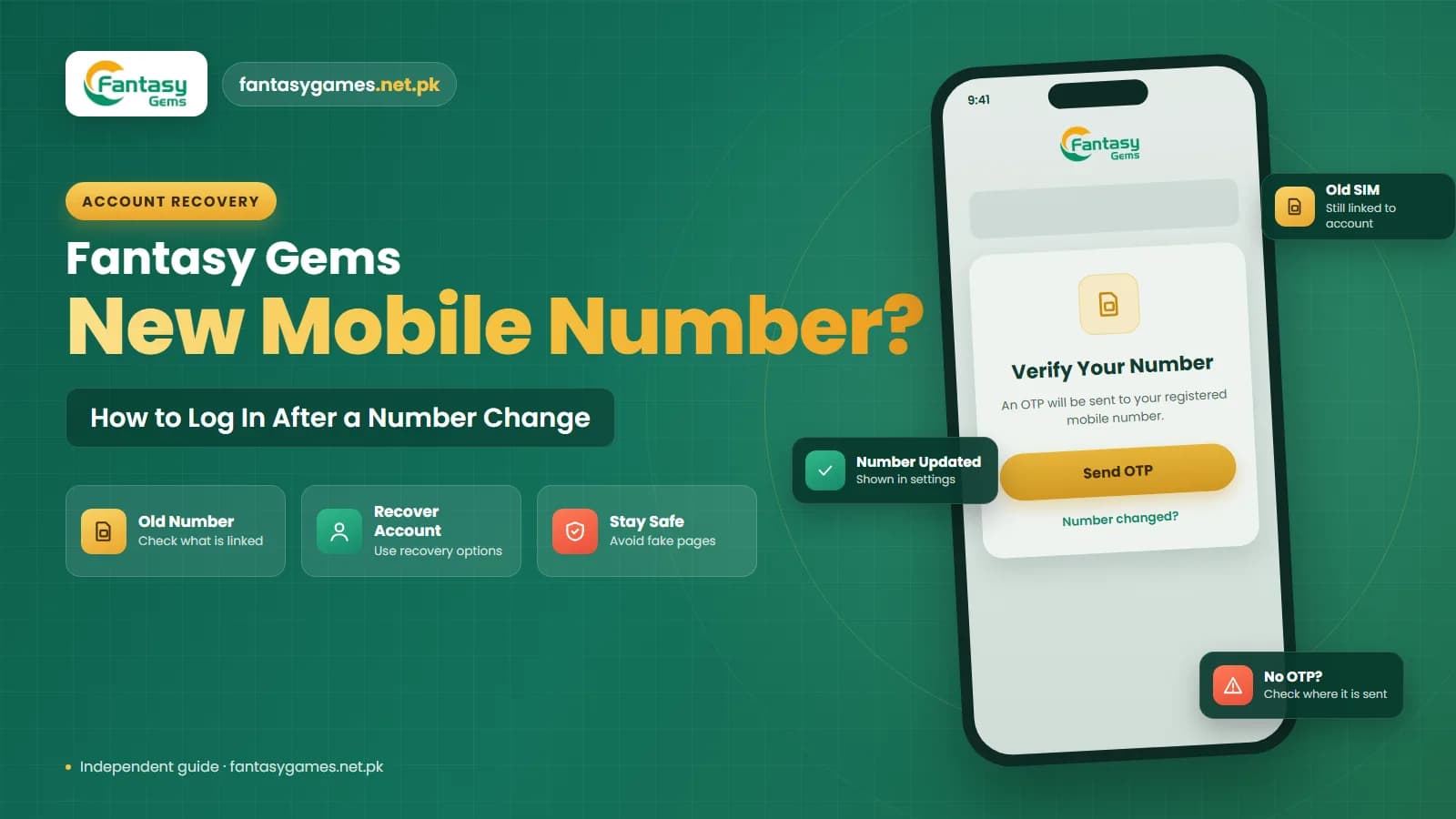
A Fantasy Gems login after changing mobile number problem can happen when your account is still linked to the phone number used during registration. If you replace your SIM, get a new number, or lose access to your old phone number, Fantasy Gems may still expect the original number for login, OTP verification, or password recovery.
Changing the SIM in your phone does not always change the number connected with your Fantasy Gems account. The account is tied to a number, not to the piece of plastic or the handset, so the question that matters is whether you can still receive an SMS on the number you registered with.
Before creating another account, first check whether your old registered number can still be used and whether the platform provides an account recovery or number-update option. This guide explains what to do if Fantasy Gems login is not working after changing your mobile number. It is an independent guide, so where the app's own options may differ we tell you what to look for.
Quick answer: logging in to Fantasy Gems after a number change
Start here. These steps solve most cases without contacting anyone.
- Log in with the old registered number and your current password, not with the new number.
- If the old SIM still works, put it in any phone to receive the OTP.
- If you only replaced the SIM card or switched network and kept the same number, nothing changes: log in as usual.
- If the old SIM is lost but the number is in your name, have it reissued by your operator before trying again.
- Once you are in, look for a mobile number option in the profile or security settings and update it.
- Do not register a second account with the new number while the old one holds a balance.
- Never give a password, an OTP or a JazzCash or Easypaisa PIN to anyone offering to change the number for you.
If you are simply moving to a new handset with the same number, our guide on Fantasy Gems login on a new phone is the better match.
Can you log in to Fantasy Gems after changing your mobile number?
You may still be able to access your existing Fantasy Gems account after changing your number if you remember your username, password, or other account credentials. However, the old mobile number may still be required for:
- OTP verification
- Password recovery
- Account verification
- Login confirmation
- Security checks
If Fantasy Gems sends an OTP to your old number, simply entering your new number may not work unless the account information has already been updated.
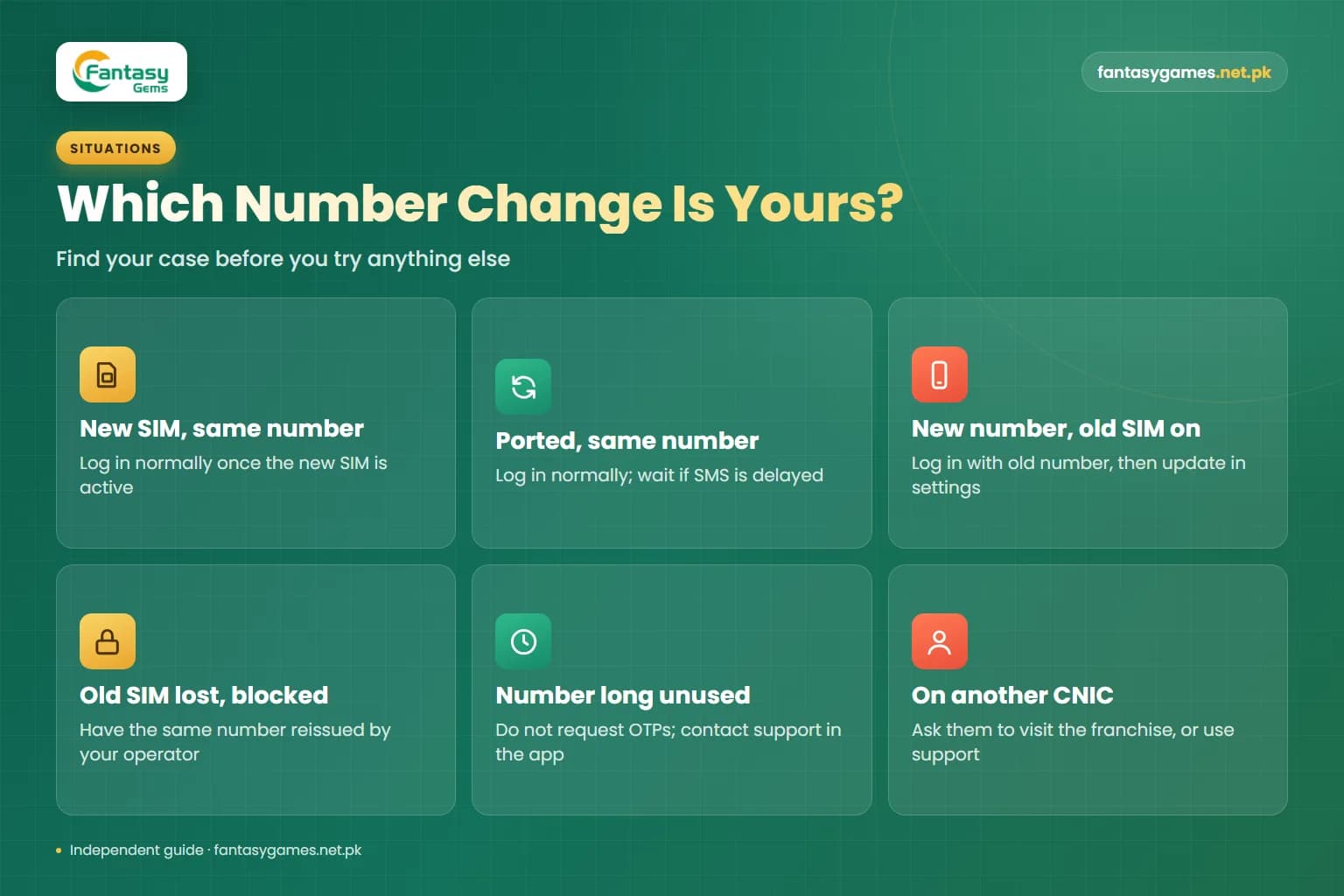
Fantasy Gems login after SIM change: which situation is yours?
Changing your number can mean several different things. Find your case before you try anything else.
| Your situation | What it means | What to do |
|---|---|---|
| New SIM card, same number | Nothing changed for the account | Log in normally once the new SIM is active |
| Moved to another network, kept the number | Number portability keeps the same number | Log in normally; wait if SMS is delayed just after porting |
| New number, old SIM still works | The account still expects the old number | Log in with the old number, then update it in settings |
| Old SIM lost, damaged or blocked | OTPs are going to a SIM you cannot read | Have the same number reissued by your operator |
| Old number unused for a long time | The operator may have reassigned it | Do not request OTPs; contact support in the app |
| Number was registered on someone else's CNIC | Only that person can get the SIM reissued | Ask them to visit the franchise, or contact support |
The first two rows need no action inside Fantasy Gems at all. The remaining rows are covered in the sections below.
Check which mobile number is linked to your Fantasy Gems account
Start by identifying the number originally used when your account was created. Think about:
- Which SIM you used during registration
- Whether you had more than one mobile number
- Whether the number was changed recently
- Whether your browser saved the old login details
If you still have access to your old device, check whether the account information or profile settings show the registered number. Knowing the Fantasy Gems registered mobile number can make account recovery much easier. Old OTP messages in your SMS inbox, and the saved entries in your phone's password manager, are two more places where the number may be recorded.
Try Fantasy Gems login with your old registered number
If you still know the old mobile number, try using it on the Fantasy Gems login page. Enter:
- Old registered mobile number
- Username if required
- Current password
If the account accepts the old number, you may be able to log in even if that SIM is no longer installed in your current phone. The difficulty begins if Fantasy Gems requires an OTP that is sent to the old number. In that case, you may need access to the old SIM or another account recovery method.
What if you no longer have access to the old SIM?
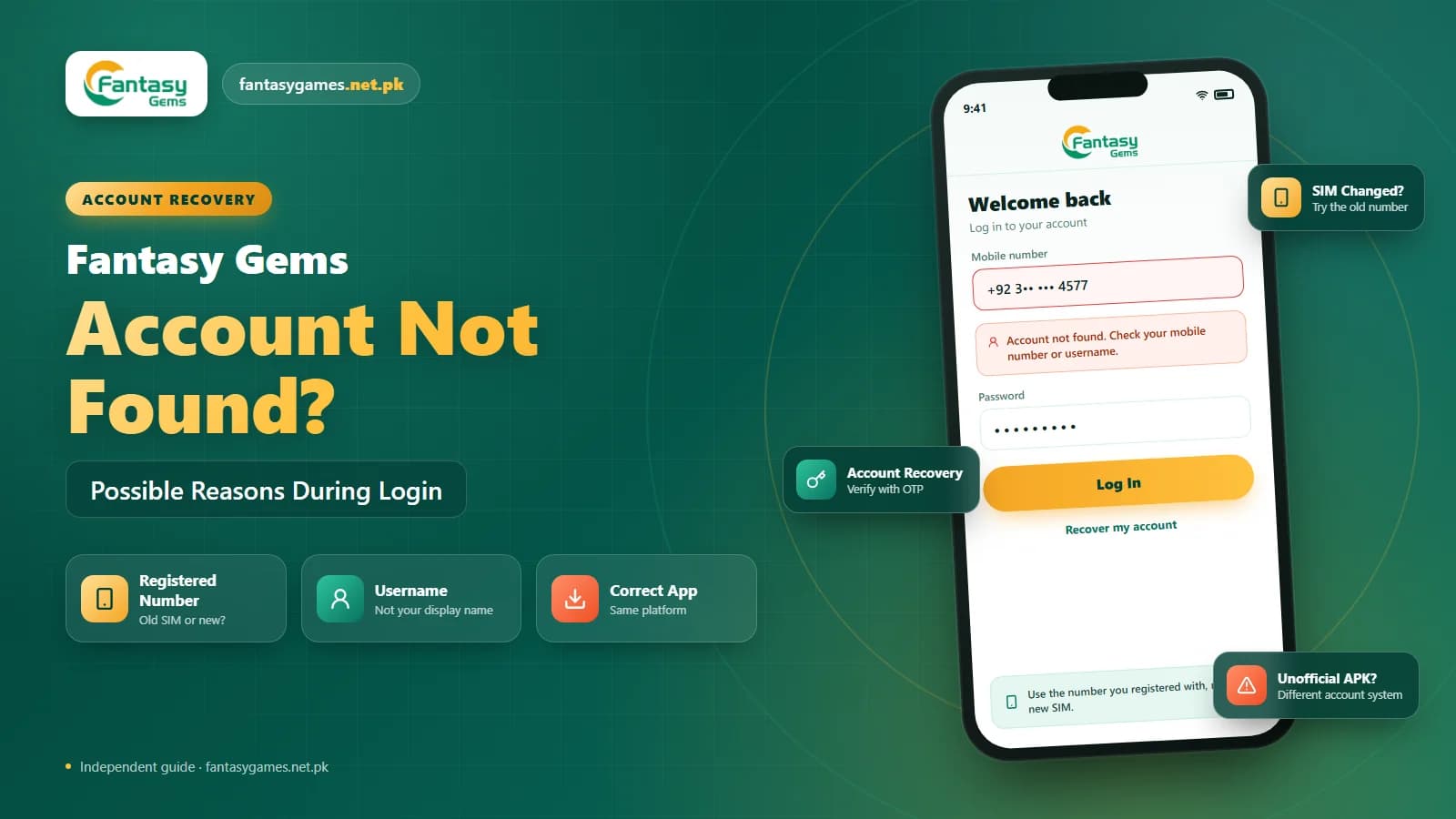
If the old SIM is lost, inactive, blocked, or no longer belongs to you, OTP-based login may become more difficult. Do not repeatedly request OTP codes if you cannot receive messages on that number. Instead, look for:
- Account Recovery
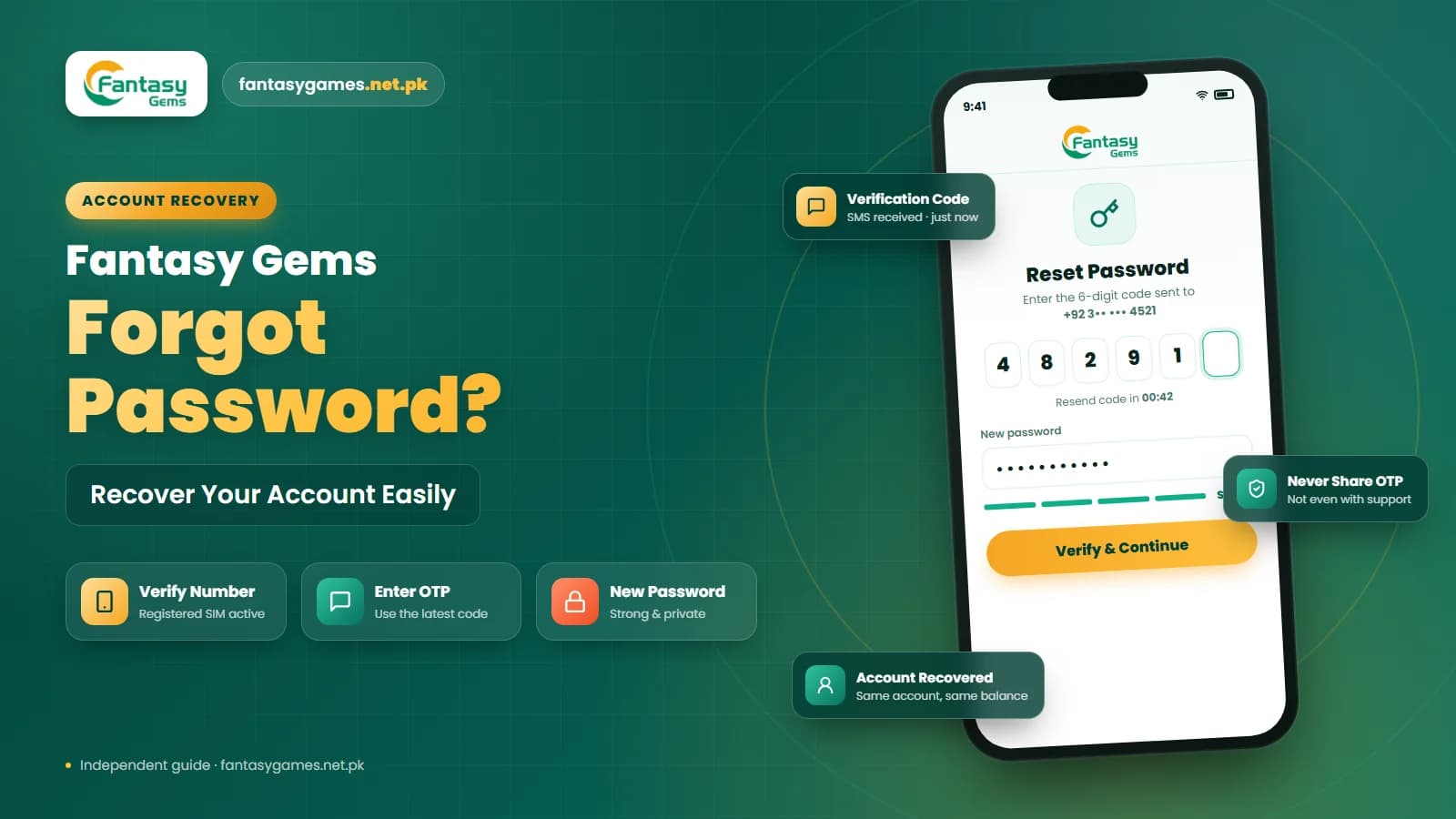
- Forgot Password
- Change Mobile Number
- Security Settings
- Customer Support
If the platform offers another verification method, follow the instructions shown on the screen. Avoid creating another Fantasy Gems account immediately, especially if your existing account contains a balance, transaction history, or other important information.
Getting your old number back from your mobile operator in Pakistan
In many cases the fastest route back into the account has nothing to do with the app. If the old number is registered in your name and the SIM is lost, damaged or stolen, your operator can generally issue a replacement SIM with the same number. This is done at the operator's franchise or service centre, in person, against your original CNIC and biometric verification. Once the replacement is active, OTPs reach you again and the login works as before.
If the number is registered on a relative's CNIC, which is common in families, that person has to make the request. If you moved the number to another network through mobile number portability, the number did not change, so the account is unaffected; SMS can be unreliable for a short time around the switch, so wait before requesting codes.
The difficult case is a number left without use or recharge for a long period. Operators deactivate such numbers and may later issue them to a new customer. If that has happened, any OTP you request goes to a stranger, so stop requesting codes and take the problem to support inside the app instead.
Use Fantasy Gems account recovery
The Fantasy Gems account recovery process may help if you cannot access your old mobile number. Depending on the available options, you may be asked to provide information such as:
- Username
- Old registered mobile number
- Current mobile number
- Account details
- Error message
Only provide the information required for account recovery. Never send your password, OTP, wallet PIN, or banking password to another person. If you are asked to verify account ownership, use the recovery process available through the platform rather than unknown third-party services.
Fantasy Gems OTP not received after changing mobile number
A common issue is Fantasy Gems OTP not received after changing mobile number. First, check where the OTP is being sent. If the code is going to your old number, your new SIM will not receive it unless the account number has already been updated. If the OTP should be coming to your new number, check:
- SIM is active
- Mobile signal is available
- SMS messages are working
- Airplane mode is off
- Correct country code is used
- Message inbox has enough space
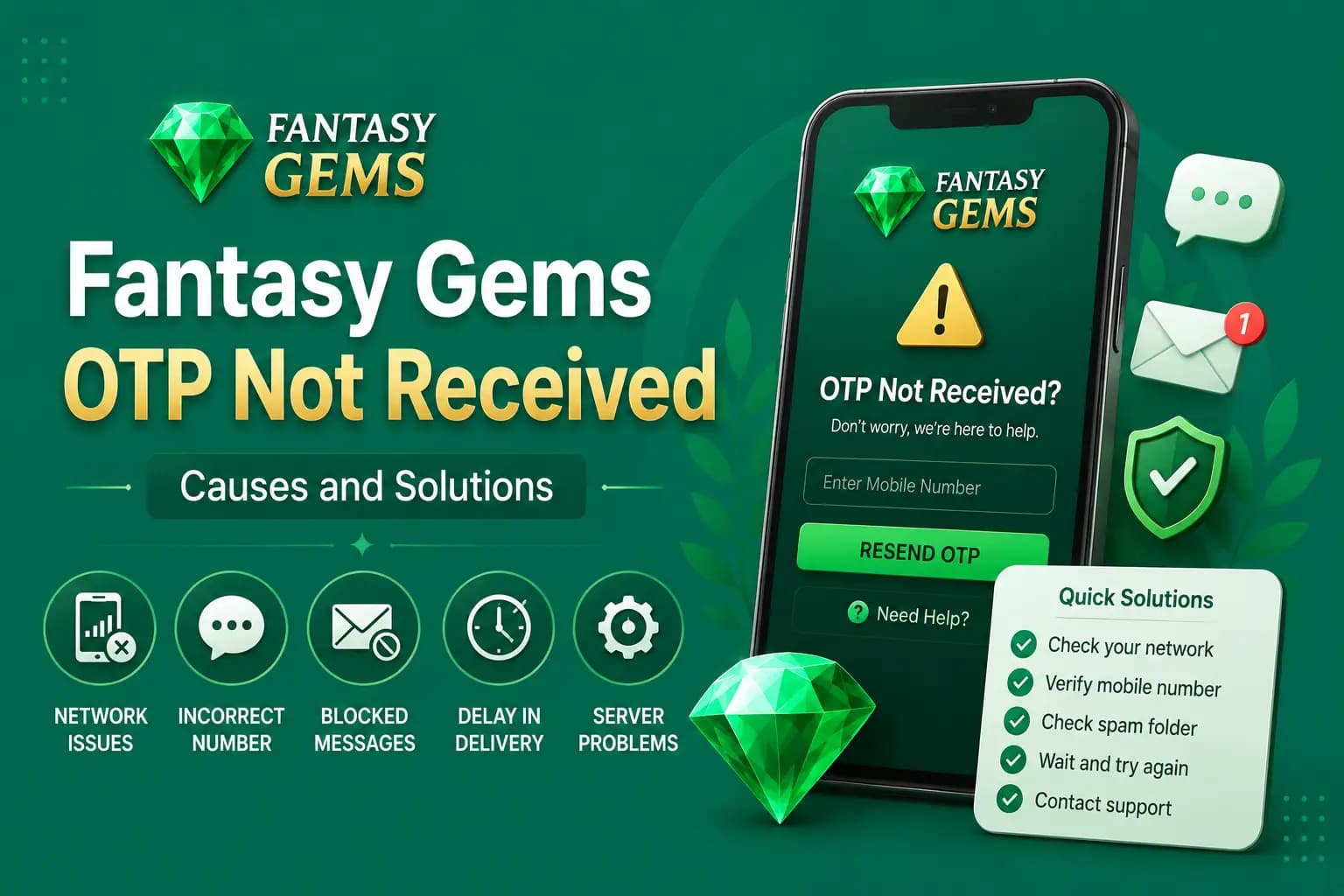
Restarting the phone may also help. Avoid requesting several OTP codes in quick succession because older codes may stop working when a new one is generated. On a dual-SIM phone, make sure the registered SIM is switched on in the SIM settings and has signal, and look in the SMS app's spam or blocked folder. Our Fantasy Gems OTP not received guide goes through the remaining causes.
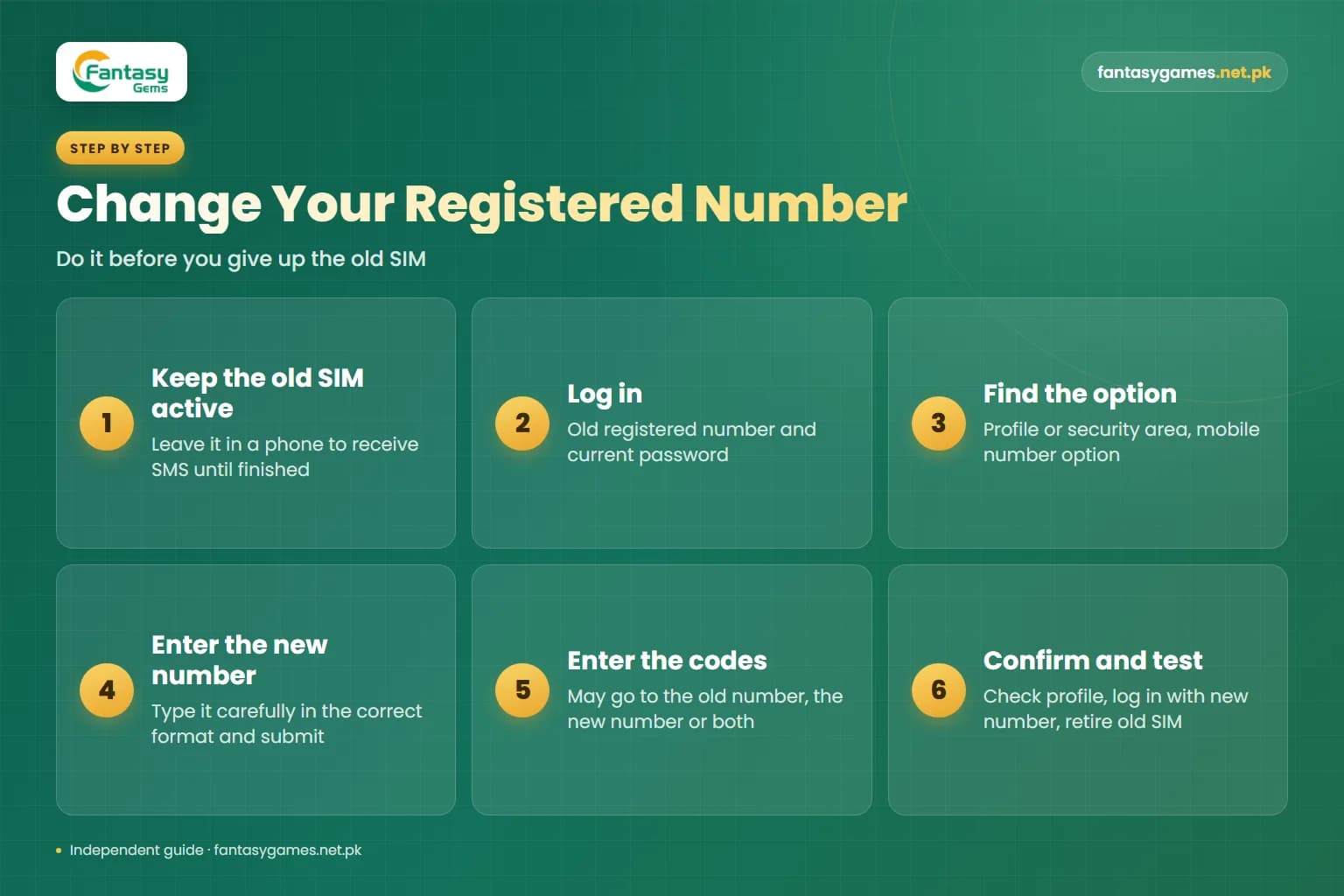
How to change your registered mobile number in Fantasy Gems safely
The best time to change the number on the account is before you give up the old SIM. If you still have both, follow this order.
- 1
Keep the old SIM active and in a phone, so it can receive SMS until the change is finished.
- 2
Log in with the old registered number and your current password through the app or login page you normally use.
- 3
Open the profile, account or security area and look for a mobile number or personal information option.
- 4
If a change option exists, enter the new number carefully, including the correct format, and submit it.
- 5
Enter the verification codes requested. The platform may send one to the old number, the new number or both.
- 6
Go back to the profile and confirm that the new number is now the one displayed.
- 7
Log out and log in again with the new number to prove it works, and only then retire the old SIM.
If you cannot find any option to change the number, the app may only allow it through support. Ask through the support option in the app rather than through anyone who contacts you first.
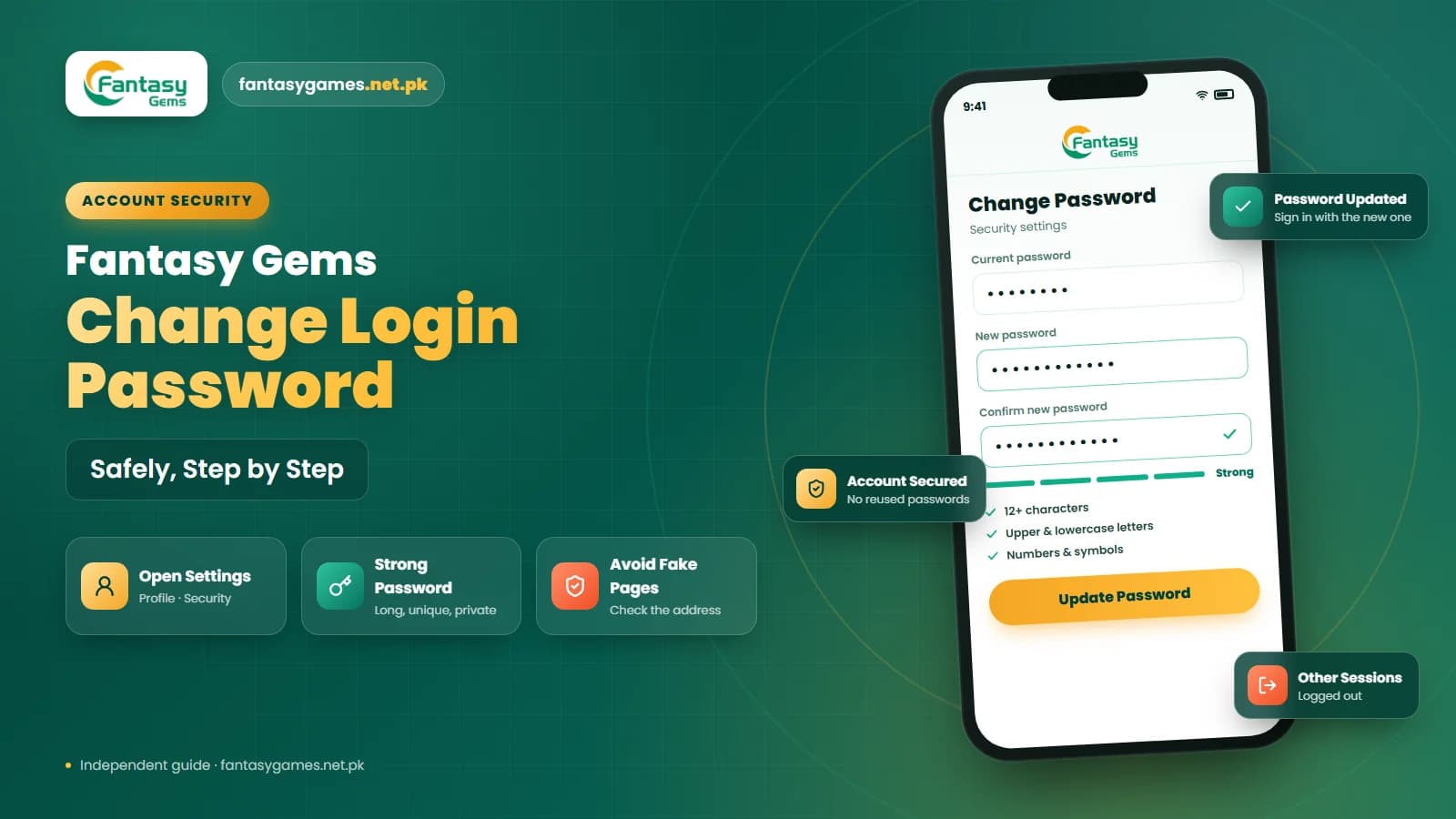
Update your mobile number in Fantasy Gems account settings
If you can still log in, check your account or security settings for an option to update the Fantasy Gems registered mobile number. Possible menu names may include:
- Profile
- Account Settings
- Security
- Mobile Number
- Personal Information
If a change mobile number option is available, follow the instructions carefully. The platform may require verification of the old number, new number, or both. Do not assume the change is complete until the new number appears in your account settings.
Your JazzCash or Easypaisa account after a number change
A change of number often affects payments as well as login. JazzCash and Easypaisa accounts are themselves tied to a mobile number, so if your mobile wallet was on the old number, a payout sent there may no longer reach you. Before you request a withdrawal, open the withdrawal screen and read the payout account details shown there, and correct them if the app allows it.
Keep the two things separate in your mind. The number you use to log in to Fantasy Gems and the mobile wallet number you are paid on can be different, and updating one does not necessarily update the other. Your JazzCash or Easypaisa PIN belongs only inside those apps; it is never needed to log in, to recover an account or to change a registered number. Our withdrawal guide covers the payout side in more detail.
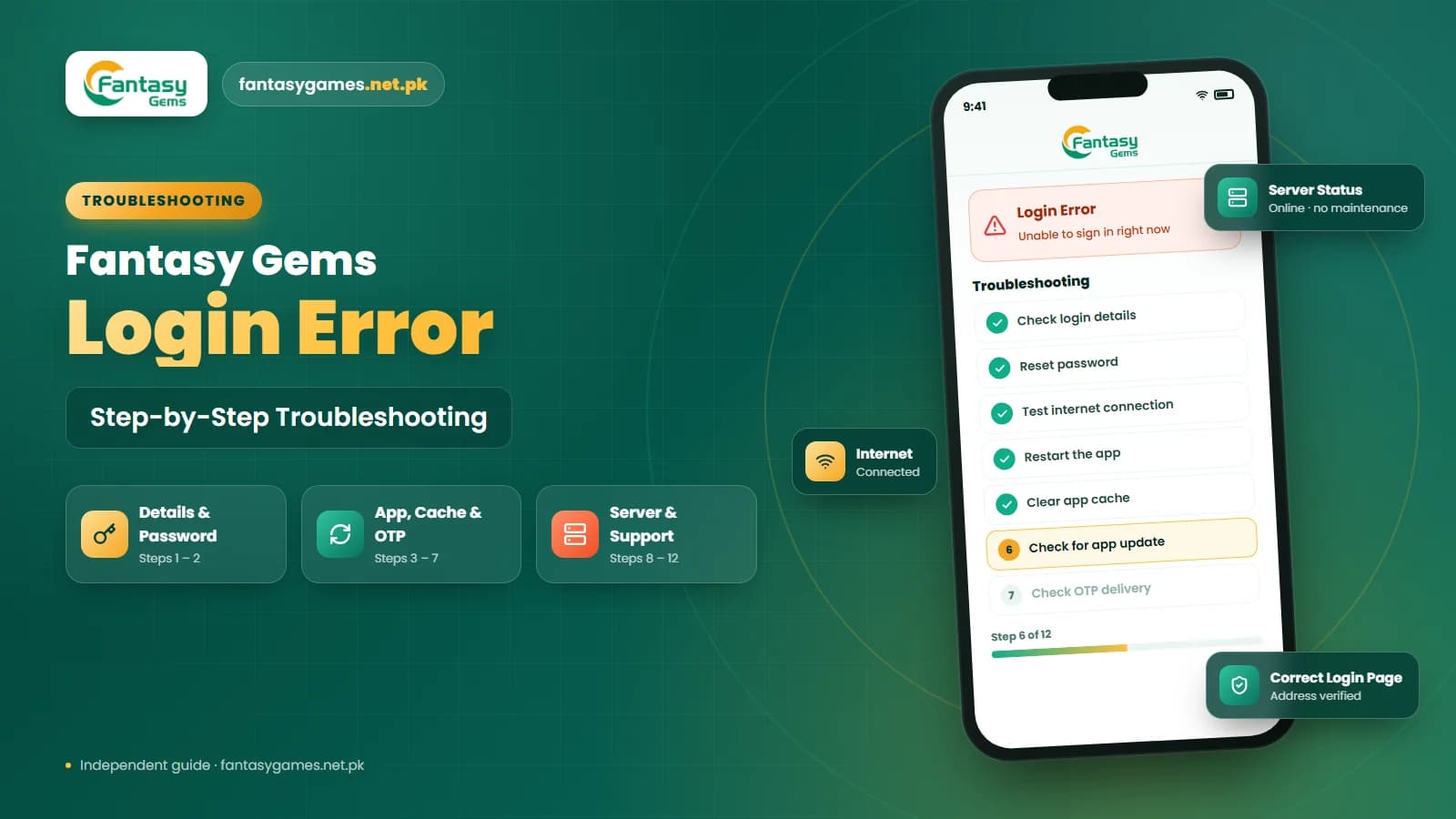
Fantasy Gems login not working after SIM change
A Fantasy Gems login after SIM change problem may also be caused by something unrelated to your mobile number. Check whether:
- Username is correct
- Password is current
- Internet connection is stable
- App version is working properly
- App cache is not causing problems
- Account is not temporarily restricted
If the password is rejected, try entering it manually instead of using an auto-filled password. If necessary, restart the Fantasy Gems app and your phone. A newly inserted SIM also needs working mobile data settings; if the app will not load on mobile data but works on Wi-Fi, the problem is the connection rather than the account.
Check your Fantasy Gems username and password
Changing your mobile number does not normally change your username or password automatically. Make sure you are still using the correct Fantasy Gems account credentials. Check for:
- Typing errors
- Old saved password
- Extra spaces
- Wrong username
- Wrong country code
If you recently reset your password, delete the old saved password from your browser or password manager and enter the new one manually. On Android, autofill may also suggest the number of the SIM now in the phone instead of the registered one, so read the number field before you tap login.
Logging in on PC or an emulator after a number change
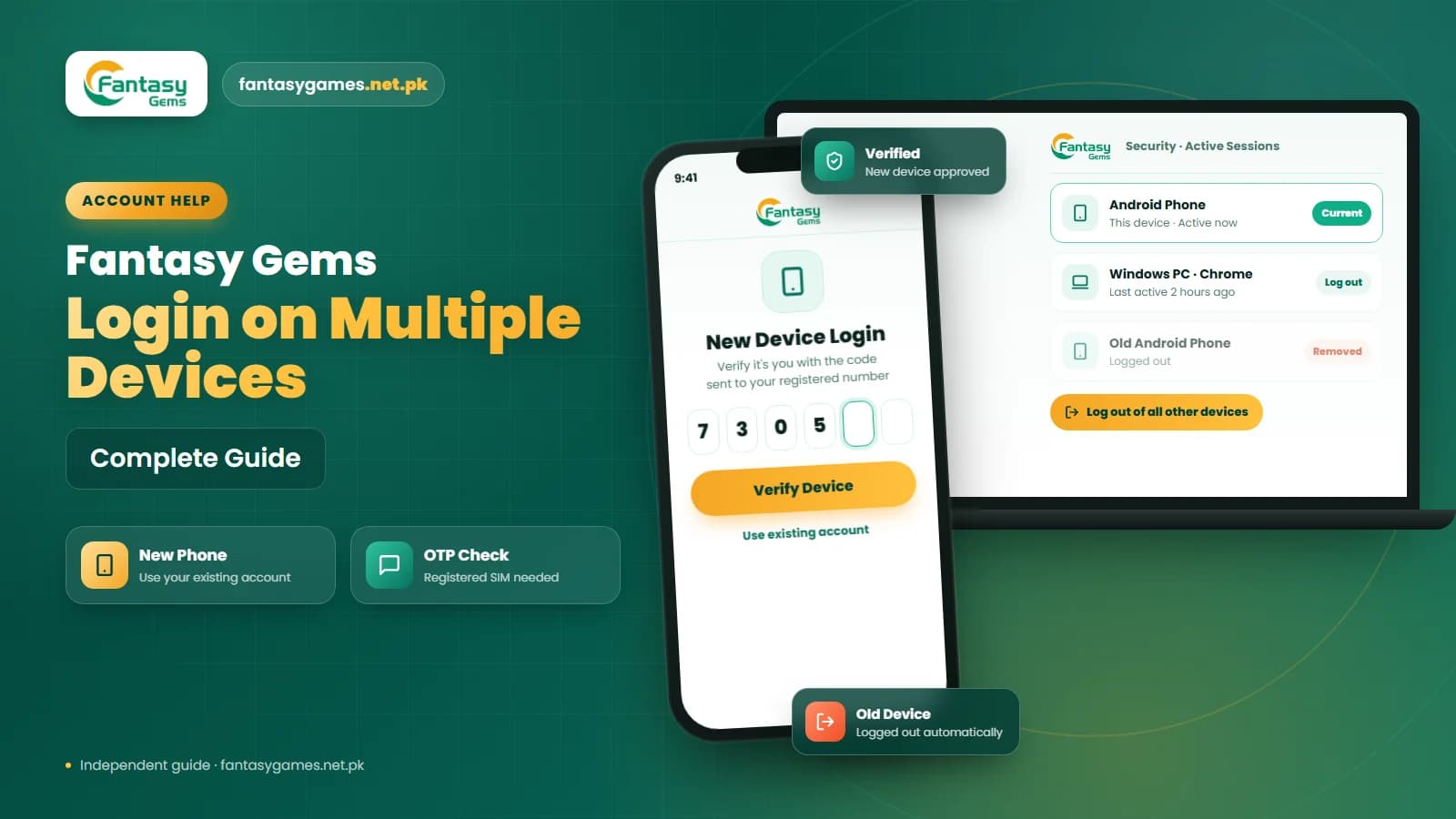
If you use Fantasy Gems in a browser or through an Android emulator on a computer, the number rules are exactly the same. An emulator has no SIM of its own, so any OTP still arrives by SMS on the phone that holds the registered number, and you type it into the PC. A different device does not get you around the verification step.
An existing session on a PC or second phone can be useful, though. If the app is still signed in there, you may be able to open the profile settings and update the number from that device before the session ends. Do not log out of it until the change is confirmed.
Avoid creating a new Fantasy Gems account immediately
Creating another account may seem like an easy solution, but it can create confusion. Multiple accounts may make it harder to manage:
- Account balance
- Deposit history
- Withdrawal history
- Registered mobile numbers
- Verification details
- Password recovery
Try to recover your existing account first. If the original account contains important information or funds, regaining access is usually more useful than starting over.
A new number is not a reason to open a second account
Registering again with the new number does not move anything across. The balance, deposit and withdrawal history and any pending payout stay in the original account, and you would still need the old number to reach them. Holding two accounts may also be against the platform's rules and can complicate a later ownership check. Recover and update the account you already have, and keep playing within what you can afford while you wait; real-money games can lose money and are for adults only.
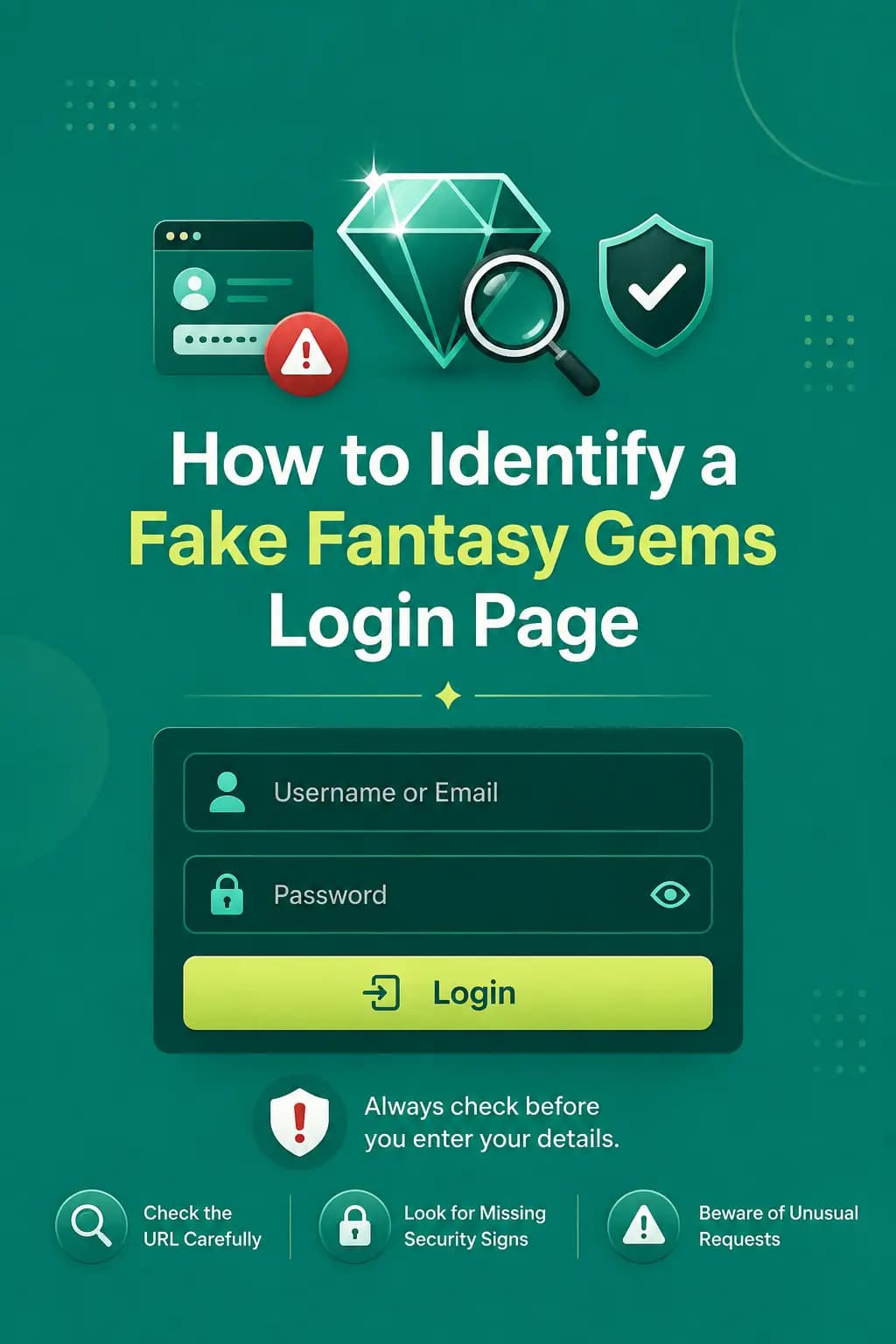
Be careful with fake Fantasy Gems account recovery pages
Users who lose access after changing their mobile number may search online for Fantasy Gems account recovery links. Be cautious. A fake recovery page may ask for:
- Password
- OTP
- Easypaisa PIN
- JazzCash PIN
- Wallet PIN
- Bank password
- Payment before account recovery
A normal Fantasy Gems account recovery process should not require your private payment PIN. Do not trust a page simply because it uses the Fantasy Gems name or logo.
Paid number change and account recovery agents are scams
People who post in WhatsApp, Telegram and Facebook groups offering to change your registered number or recover your account for a fee have no access to the platform. They ask for your password and the OTP sent to your phone, or for a payment through JazzCash or Easypaisa, and then take the account or the money. Changing a number is done by you inside the app or through its own support option, without a fee to a third party and without any payment PIN.
Contact Fantasy Gems support for mobile number change issues
If you cannot access your account because the old mobile number is no longer available, use the support option provided through the platform. Explain:
- Your old registered number
- Your new number
- Whether you still know the password
- Whether OTP is going to the old SIM
- Whether you can access the account on another device
- The exact error message
A screenshot of the error may also help. Support may ask questions to confirm that the account is yours, such as when it was created or details of a recent deposit you made; a JazzCash or Easypaisa transaction ID from your own payment history is useful evidence. Never provide your full password, OTP, Easypaisa PIN, JazzCash PIN, wallet PIN, or banking password to someone claiming to provide support.
Final Words
A Fantasy Gems login after changing mobile number problem usually occurs because the account is still linked with the number used during registration. Start by checking your old registered number, username, and current password. If you can still access the account, look for a Fantasy Gems change mobile number option in the account settings.
If you no longer have access to the old SIM, use the available Fantasy Gems account recovery or support process instead of creating unnecessary new accounts. Where the old number is still registered in your name, having the SIM reissued by your operator is often the quickest fix of all.
Most importantly, keep your password and OTP private, avoid fake recovery pages, and verify where any login or verification code is being sent before making repeated login attempts.
Changed Your Mobile Number?
Recover your existing account through the Fantasy Gems app or login page you normally use.
Fantasy Gems number change FAQs
Log in with the old registered number and your current password, because the account is still linked to the number you signed up with. If an OTP is requested, it goes to that old number, so keep the old SIM active or have it reissued. Once you are in, update the number in the profile or security settings if the app offers that option.