Fantasy Gems Login Page Not Opening: Troubleshooting Guide
Fantasy Gems login page not opening? Find out whether the fault is your network, the app, your phone or the server, then fix blank screens and loading errors step by step.
Independent guide — not an official Fantasy Gems channel.

Troubleshooting
Category
Page Access
Focus
15 min
Read Time
Oct 2026
Published
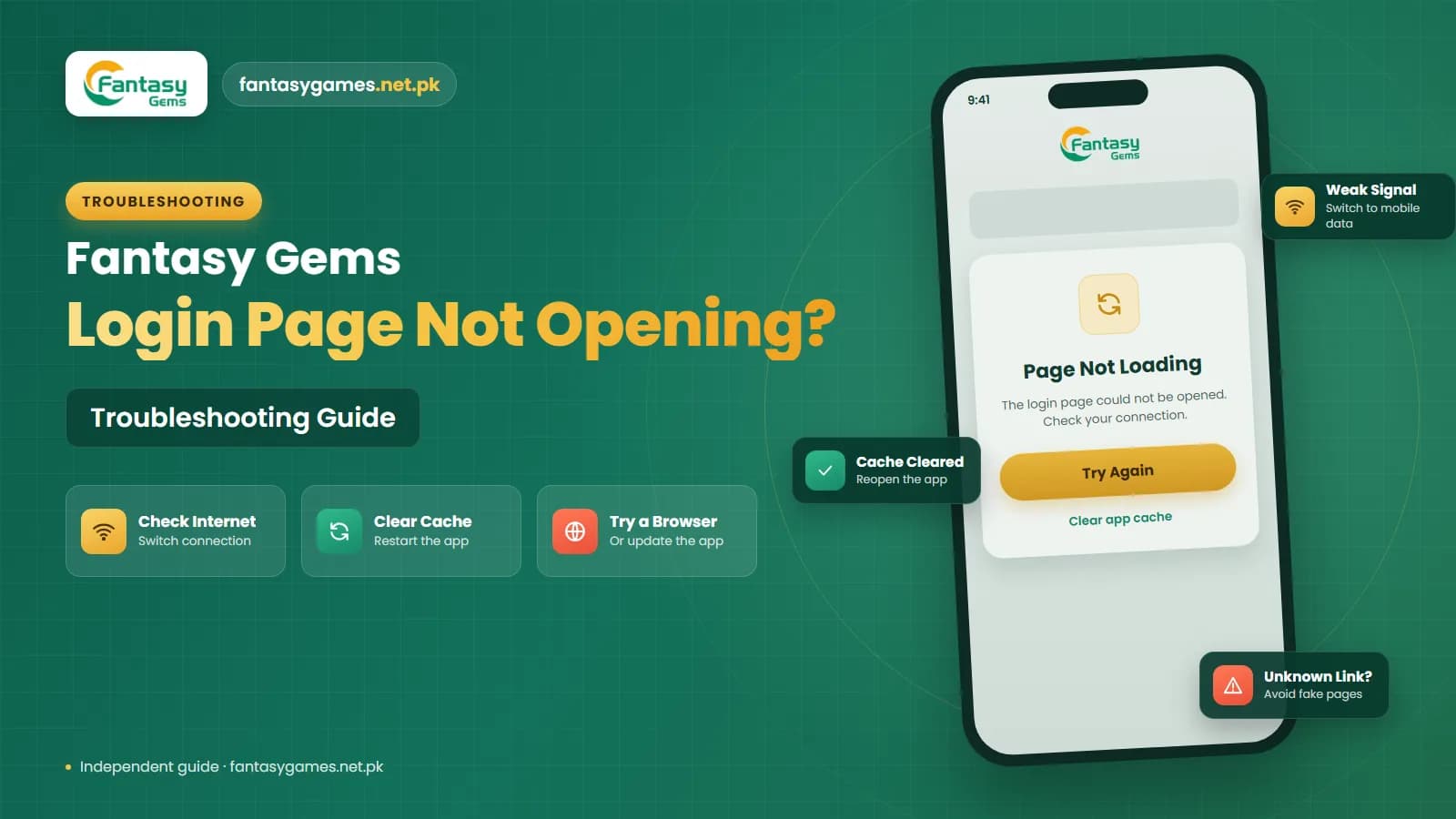
A Fantasy Gems login page not opening problem can stop you from entering your account details or reaching the sign-in screen. Sometimes the page may stay blank, keep loading, show an error, or fail to respond when you try to open it.
This kind of issue does not always mean that your Fantasy Gems account has a problem. A weak internet connection, temporary server issue, browser error, damaged app cache, outdated Fantasy Gems version, or device compatibility problem may prevent the login page from working correctly. Before changing your password or creating another account, it is better to find out what is stopping the login screen from loading.
This independent guide explains the common reasons the Fantasy Gems login page is not opening and the troubleshooting steps you can try, starting with the quickest.
Quick fixes when the Fantasy Gems login page is not opening
Try these in order. They take a few minutes and solve most cases.
- Open any other website or app to confirm your internet is working.
- Switch between Wi-Fi and mobile data and try the login page again.
- Close the app or browser completely, then reopen it.
- Turn off any VPN, data saver or battery saver and retry.
- Clear the app cache, not the app data.
- Set the phone's date and time to automatic and restart the phone.
- If it fails on every device and network, wait; it is probably a server issue.
Do not search for a new login link while the page is down. Copied pages are the main risk in this situation.
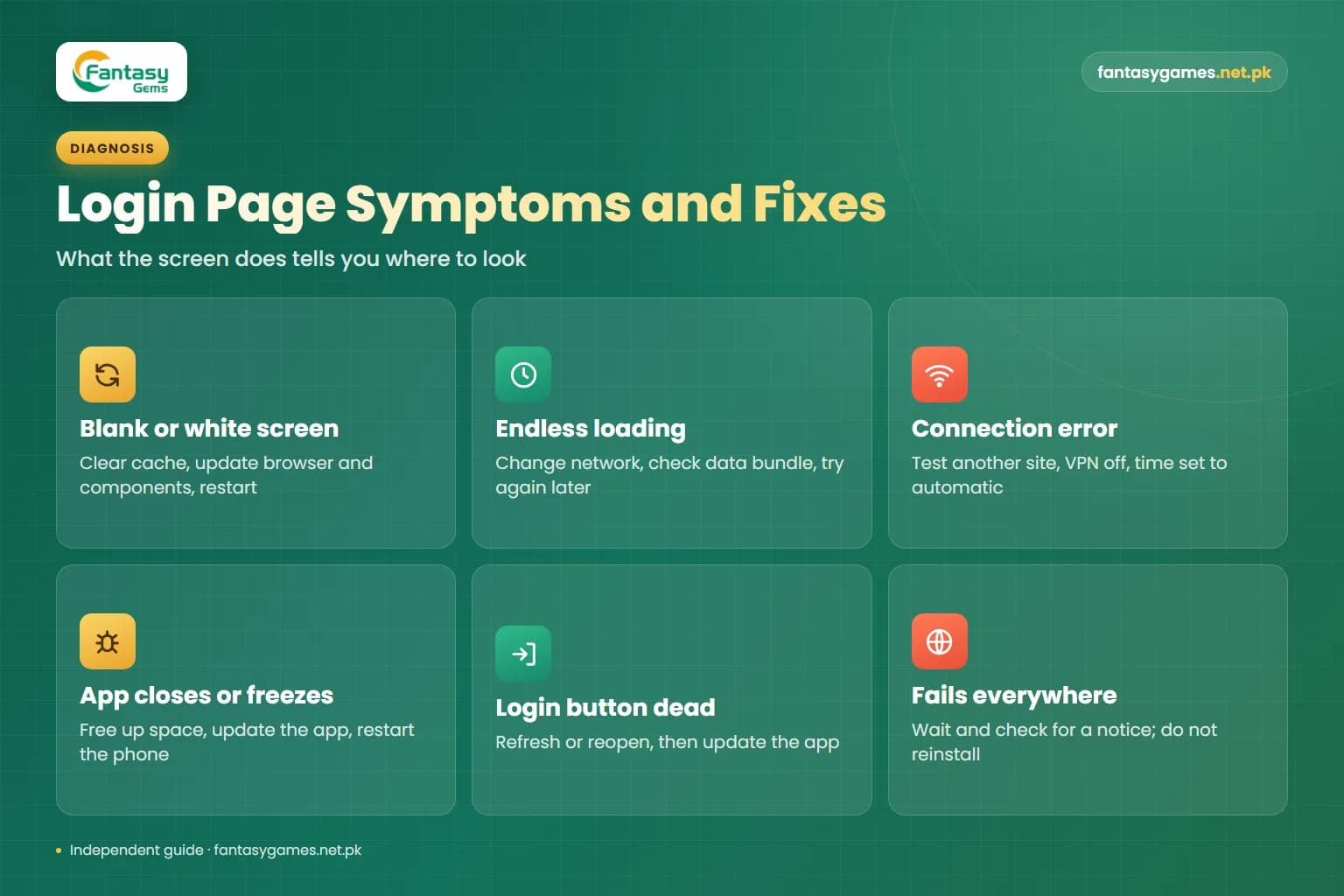
Fantasy Gems login not working: symptom, cause and fix
What the screen does tells you where to look. Match your symptom before reinstalling anything.
| Symptom | Likely cause | What to do |
|---|---|---|
| Blank or white screen | Damaged cache, outdated system web components or a slow connection | Clear the cache, update the browser and system components, restart |
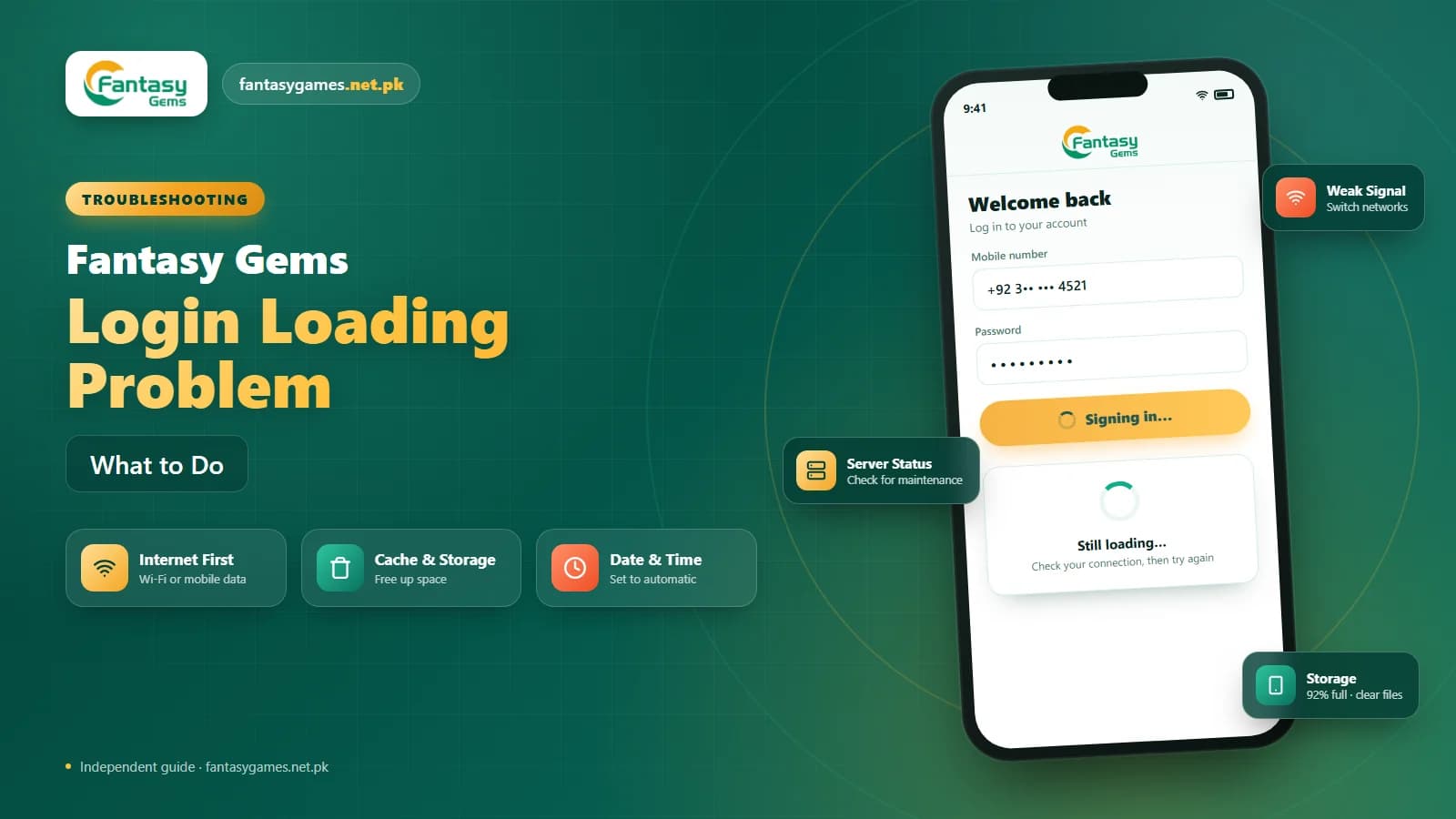
| Endless loading circle | Weak signal, a data package that excludes the app, or a busy server | Change network, check your data bundle, try again later |
| No internet or connection error | Network fault, VPN or a wrong date and time | Test another site, turn off the VPN, set time to automatic |
| App closes or freezes on launch | Low storage, an outdated version or a compatibility problem | Free up space, update the app, restart the phone |
| Login button does nothing | Old app version or a page that did not load fully | Refresh or reopen, then update the app |
| Fails on every device and network | Maintenance or a server problem on the platform side | Wait and check for a notice; do not reinstall repeatedly |
| Works on mobile data but not on Wi-Fi | Router, DNS or provider issue on that connection | Restart the router and use the working connection meanwhile |
Check Your Internet Connection
Start by checking whether your internet connection is working properly. The Fantasy Gems login page needs an active connection to load account information and communicate with the platform. Try:
- Switching from Wi-Fi to mobile data
- Switching from mobile data to Wi-Fi
- Restarting your router
- Turning airplane mode on and off
- Moving to an area with a stronger signal
- Restarting your phone
Open another website or app to test your connection. If other online services also fail to load, the problem is more likely related to your network than Fantasy Gems.
Mobile data, bundles and Wi-Fi issues common in Pakistan
Some connection problems are easy to miss because part of your internet still works. Many mobile bundles sold in Pakistan are social packages that cover only WhatsApp, Facebook or similar apps. With one of these active and no general data balance, your chats keep working while the login page never loads. Check your remaining general data through your operator's app or balance code.
On a dual-SIM phone, confirm which SIM is set for mobile data, since the phone may be using the SIM that has no package. Home broadband and shared Wi-Fi can also slow sharply in the evening or during load-shedding when the router restarts, so a second network is the quickest test. Access to some sites can differ from one provider to another, which is another reason to compare Wi-Fi with mobile data.
A VPN is a frequent cause rather than a cure. It adds delay, changes your apparent location and can make a secure page refuse to load, so turn it off while you test. A PTA-registered handset is not a requirement for the app to open; device registration affects whether a phone can use a local SIM, not an app running over Wi-Fi.
Restart the Fantasy Gems App
If you are trying to access the login page through the app, close Fantasy Gems completely. Do not simply leave it running in the background. Open the app again and check whether the Fantasy Gems login screen appears. If it still does not open, restart your phone.
Temporary background processes may sometimes prevent the application from loading correctly. A device restart can refresh the connection and stop processes that may be causing the Fantasy Gems app not opening problem.
Clear the Fantasy Gems App Cache
Damaged or outdated cache files can sometimes prevent the login screen from working. Android users can usually clear the Fantasy Gems cache through device settings. The path may look similar to: Settings > Apps > Fantasy Gems > Storage > Clear Cache. After clearing the cache, reopen the app.
Avoid selecting Clear Data unless necessary because it may remove saved login details and other local app information. Make sure you know your registered mobile number, username, and password before clearing all app data.
Check Whether Fantasy Gems Needs an Update
An outdated app version can cause Fantasy Gems login problems, loading errors, or compatibility issues. If you installed the app using a Fantasy Gems APK, check whether the version on your device is still suitable. An older version may cause:
- Login page loading errors
- Blank screens
- App crashes
- Compatibility warnings
- Session issues
- Login button errors
If an update is available, use a source you trust. Avoid modified APK files that claim to provide unlimited access, login bypasses, hacks, or account unlocking. A fake or altered Fantasy Gems APK may create additional problems or expose your account information. Our download guide explains how to check an APK before installing it.
Fantasy Gems Login Page Blank or White Screen
Some users may see a Fantasy Gems login page blank screen or white screen instead of the normal login form. This can happen because of:
- App cache problems
- Slow internet
- Browser rendering errors
- Outdated system components
- App compatibility issues
- Temporary server problems
Close the app or browser and open it again. If you are using Android, make sure your browser and important system components are reasonably up to date. Many Android apps display their pages through Android System WebView, so updating WebView and Chrome from the Play Store often clears a white screen. Restarting your device may also help if the blank screen appears suddenly.
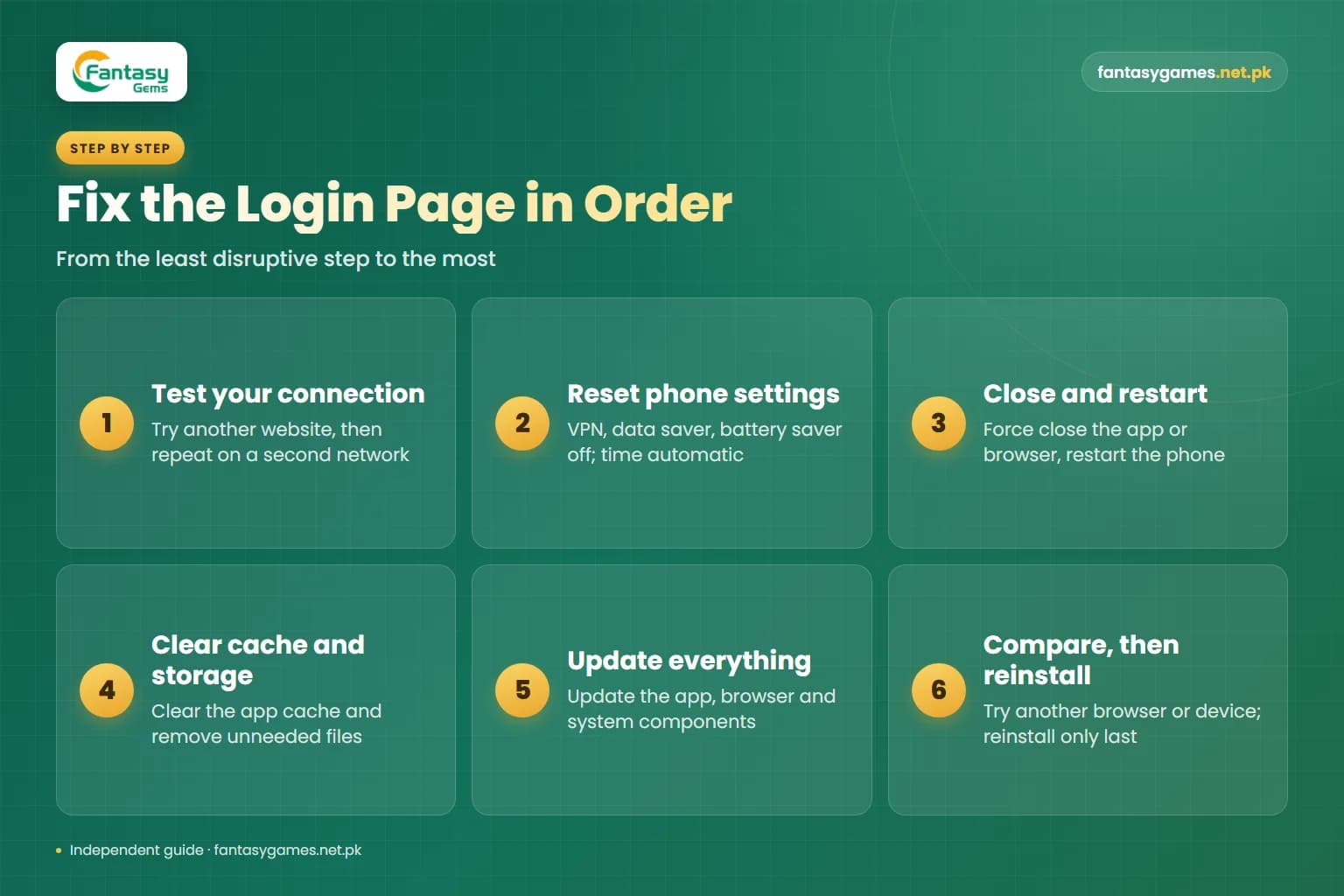
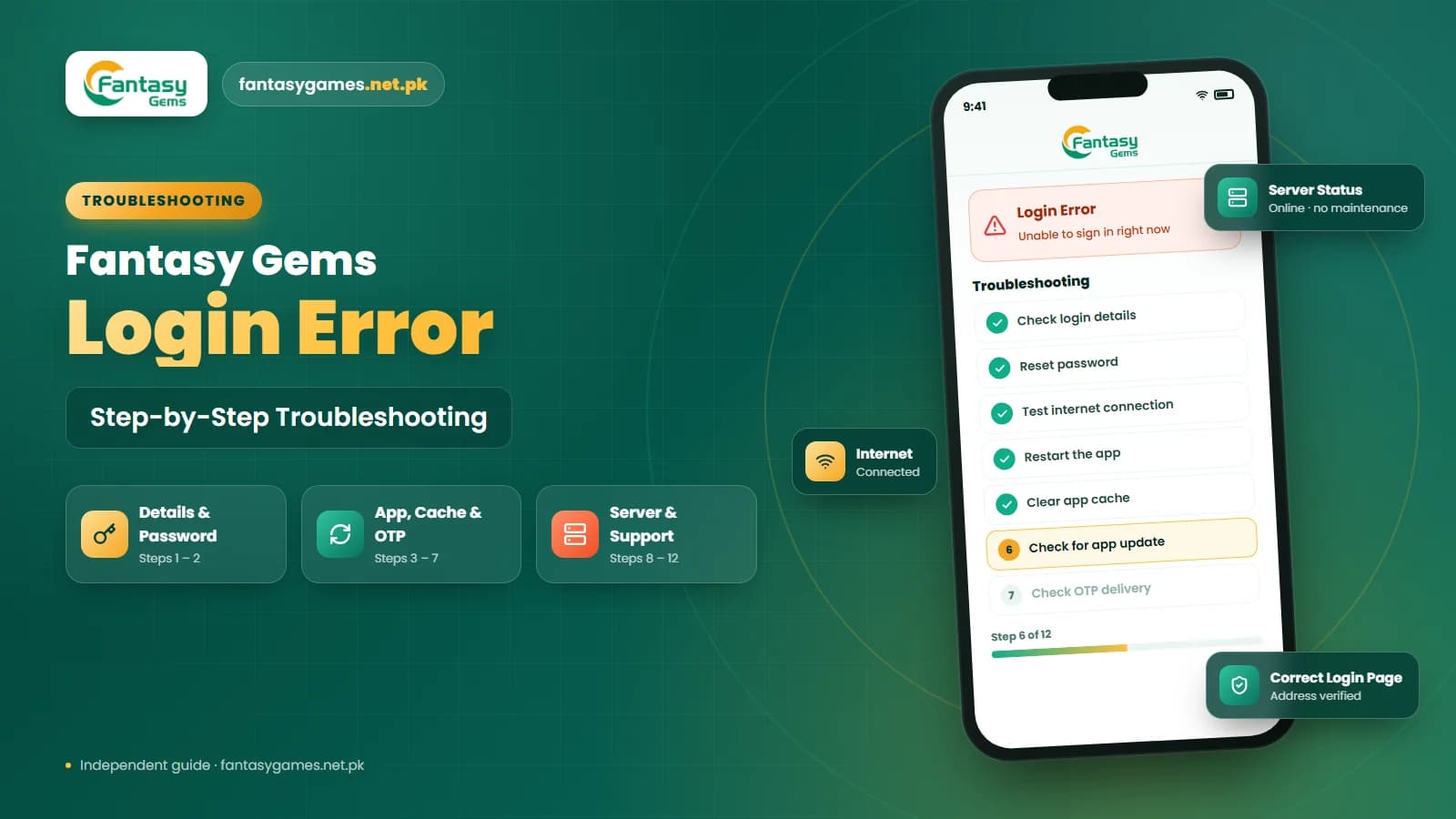
How to fix the Fantasy Gems login page not opening, in order
If the quick fixes did not work, go through the full sequence once. The order moves from the least disruptive step to the most.
- 1
Test your connection with another website, then repeat the test on a second network.
- 2
Turn off any VPN, data saver and battery saver, and set date and time to automatic.
- 3
Force close the app or browser and restart the phone.
- 4
Clear the app cache from your phone's app settings and reopen the app.
- 5
Check free storage and remove unneeded files if the phone is nearly full.
- 6
Update the app from a source you trust, and update your browser and system components.
- 7
Try the login page on another browser or device to see whether the problem follows your account or your phone.
- 8
Only then uninstall and reinstall the app, after confirming you know your login details.
If the page fails on a second device and a second network, stop at step seven. The cause is almost certainly on the platform side and reinstalling will not help.
Try Another Browser for Fantasy Gems Login
If you access Fantasy Gems through a web browser, the problem may be browser-related. Try opening the Fantasy Gems login page in another browser. You can also:
- Refresh the page
- Close unnecessary browser tabs
- Clear browser cache
- Disable problematic extensions
- Restart the browser
If the login page opens in another browser, the issue is likely related to your original browser rather than your Fantasy Gems account. Be careful when searching for alternative login links. Use the page you normally access instead of clicking unknown links from advertisements, social media, or messaging groups.
Login page not loading on PC, emulator or iPhone
On a Windows PC with an Android emulator, a login screen that will not open is often an emulator problem rather than an app problem. Check that the emulator itself has internet access, that its clock matches Windows time, and that the emulator software is up to date. Restarting the emulator, or closing other heavy programs on a low-memory PC, clears many blank screens.
In a desktop browser, ad blockers and privacy extensions are the usual suspects, so test the page in a private window with extensions disabled. On an iPhone, the page runs in Safari or another browser: close the tab, clear website data for that site in the browser settings, switch off content blockers and low data mode, and try again. Our PC guide and iOS guide explain how access works on those devices.
Check for Fantasy Gems Server Problems
A Fantasy Gems login page not opening issue can sometimes be caused by the platform itself. Possible signs of a Fantasy Gems server problem include:
- Login page fails on different devices
- App and website both fail to load
- OTP messages are delayed
- Wallet information is unavailable
- Several sections stop working
- Similar access problems appear on multiple devices
If the problem happens across different networks and devices, reinstalling the app repeatedly may not help. Check whether the platform provides a maintenance or service notice. If there is a temporary server issue, normal access may return after the service is restored. An outage does not change the balance recorded on your account, so there is no need to deposit again or act in a hurry.
Check Your Device Storage
Low phone storage can affect Fantasy Gems app performance. If your device is almost full, the app may freeze, crash, or fail to open the login page. Check your available storage and remove unnecessary files if needed. You can remove:
- Old downloads
- Unused apps
- Duplicate photos
- Large videos
- Temporary files
After freeing some storage space, restart your phone and try opening Fantasy Gems again.
Check Your Device Date and Time Settings
Incorrect date and time settings may sometimes interfere with secure connections and login sessions. Open your device settings and check whether:
- The date is correct
- The time is correct
- The time zone is correct
Using automatic date and time settings may help prevent configuration problems. After correcting the settings, reopen the Fantasy Gems app or login page.
Battery saver, data saver and background limits on Android
Many Android phones popular in Pakistan ship with strict power management that limits what an app can do. If battery saver or data saver is on, or mobile data has been restricted for the app, the login screen can hang on loading even with a strong signal.
Open Settings > Apps > Fantasy Gems and check that mobile data and Wi-Fi are both allowed, that background data is not blocked, and that battery use is not set to restricted. Also remove the app from the auto-close list of any cleaner or booster app, then reopen it.
Reinstall Fantasy Gems Carefully
If the Fantasy Gems login page still does not open after checking the internet connection, cache, app update, and device settings, reinstalling the app may help. Before uninstalling Fantasy Gems, make sure you know:
- Registered mobile number
- Username
- Password
- Account recovery details
After uninstalling the app, reinstall a suitable version from a source you trust. Do not create another account simply because the Fantasy Gems login screen is not opening. Your existing account may still be available once the app or connection problem is fixed.
A login page that will not open is not a lost account
Do not register a second account because the page is down. Your balance and history stay with the original account on the platform's servers, and a new registration leaves them behind. Platforms of this kind also commonly restrict users with duplicate accounts. Fix the access problem first, or wait for the service to return.
Avoid Fake Fantasy Gems Login Pages
When the normal login page does not open, users may search online for another Fantasy Gems login link. This can increase the risk of visiting copied or fake websites. Be cautious if a login page asks for:
- Easypaisa PIN
- JazzCash PIN
- Wallet PIN
- Banking password
- OTP to be shared with another person
- Payment before login
A normal Fantasy Gems login process should not require your private payment PIN. Do not assume a page is genuine just because it uses the Fantasy Gems name or logo.
New login link and working APK messages are a common trap
Outages are when scammers are most active. Posts in WhatsApp and Telegram groups, adverts and SMS messages offer a new login link, a mirror site or a fixed APK that works while the real page is down. These pages exist to capture your number, password and OTP, and the files can read what you type. Wait for normal access to return and sign in only where you always have.
Contact Fantasy Gems Support for Login Page Problems
If the Fantasy Gems login page is still not opening after basic troubleshooting on more than one network, use the support option available through the platform. Explain:
- Whether the page is blank or continuously loading
- Your device type
- App or browser used
- Internet connection used
- App version
- When the problem started
- The fixes you have already tried
A screenshot of the error may also help explain the issue. Never provide your password, OTP, Easypaisa PIN, JazzCash PIN, wallet PIN, or banking password to anyone claiming they can restore Fantasy Gems access. Our customer care guide explains how to recognise genuine support channels.
Final Words on the Fantasy Gems login page not opening
A Fantasy Gems login page not opening problem may be caused by a weak internet connection, damaged app cache, outdated Fantasy Gems version, browser errors, low device storage, incorrect device settings, or temporary server issues.
Start by checking your internet connection, restarting the app, clearing the cache, and confirming that your Fantasy Gems version is suitable for your device. If the issue continues, try another browser, check device storage and date settings, or reinstall the app carefully.
Most importantly, avoid fake login pages, unknown APK files, and anyone asking for passwords, OTPs, or private payment information while claiming they can restore your Fantasy Gems account.
Login Page Not Opening?
Use the Fantasy Gems app or login page you normally access, not an unknown link.
Related Guides
Fantasy Gems login page FAQs
The Fantasy Gems login page usually fails to open because of a weak or restricted internet connection, a damaged app cache, an outdated app version, a wrong date and time on the phone, or a temporary server problem. Test another website first, switch networks, then clear the cache and restart. If it fails on every device, the cause is on the platform side.