Fantasy Gems Invalid Password Error: Causes and Fixes That Work
Fantasy Gems invalid password error? Check typos and autofill, delete the old saved password, then reset it safely with an OTP if you still cannot sign in.
Independent guide — not an official Fantasy Gems channel.

Login Help
Category
Password Errors
Focus
9 min
Read Time
Sep 2026
Published
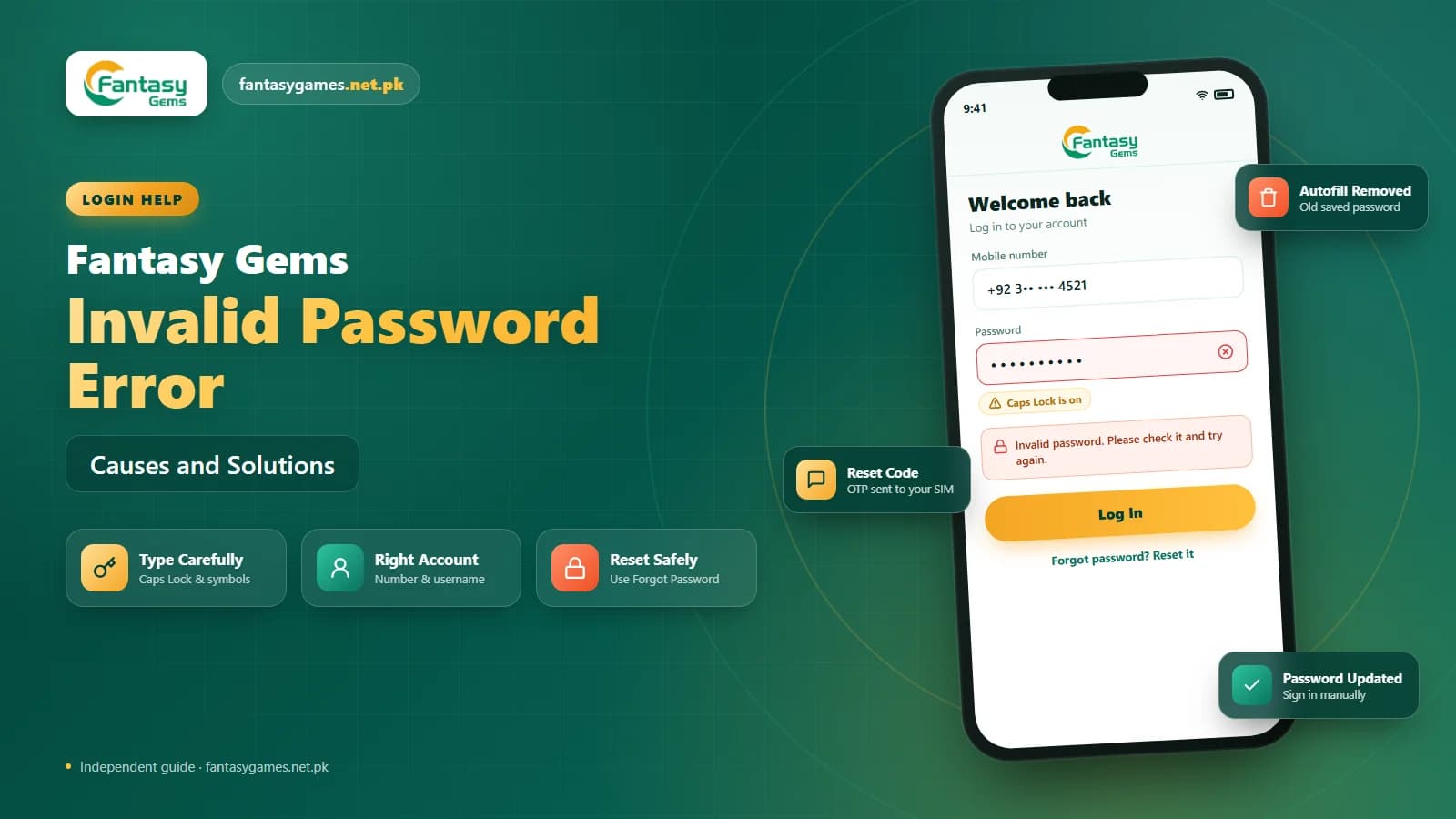
The Fantasy Gems invalid password error is blunt: you type the password you have used for weeks, tap sign in, and the Fantasy Gems login screen tells you it is wrong. Sometimes it genuinely is. Far more often, something between your fingers and the server is changing what gets sent, and the account itself is fine.
An old password cached by autofill, a keyboard that switched layouts, a Caps Lock that stayed on, a username from a different account, or a reset you completed last week and half forgot can all produce the same message. The fix depends on which of these is happening, so diagnose before you reset.
This guide goes through the causes in the order they usually turn out to be true, shows how to run a clean Fantasy Gems password reset when you really do need one, and explains how to tell a real error from a fake login page that is fishing for your details.
Quick fixes for the Fantasy Gems invalid password error
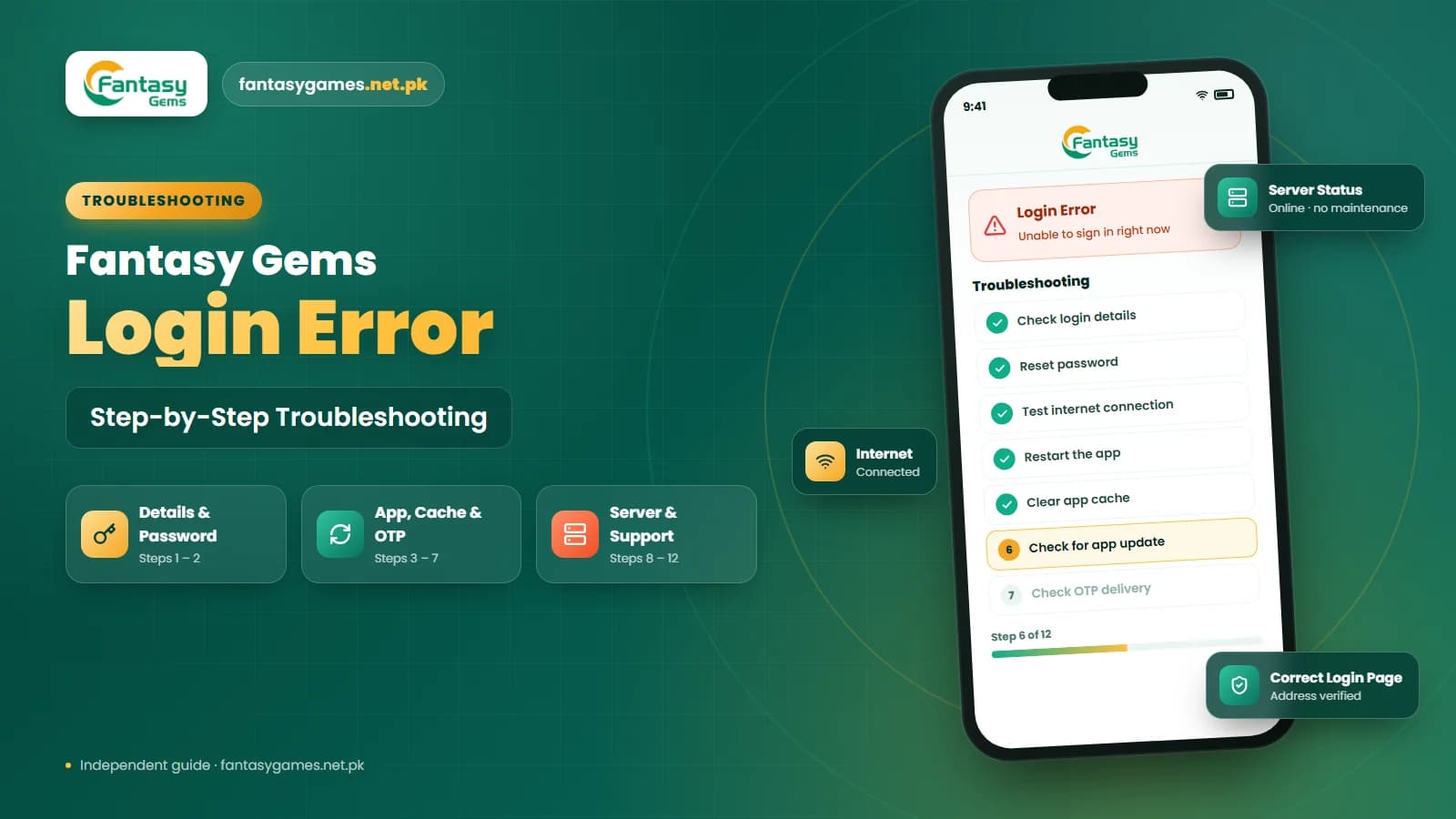
Try these in order. Each one takes under a minute, and most invalid password problems are solved before you reach the end of the list.
- Clear the password field and type the password by hand instead of accepting what autofill suggests.
- Check Caps Lock, the keyboard language and any trailing space added by predictive text.
- Confirm the mobile number or username belongs to the Fantasy Gems account you actually deposited into.
- If you changed the password recently, use the newest one, not the one your browser saved.
- Close the Fantasy Gems app fully, reopen it and try once more before doing anything else.
- Use the forgot password option and set a fresh password if two careful attempts still fail.
- Make sure you are on the login page you normally use, not one reached from an advert or a chat link.
What the Fantasy Gems invalid password error means
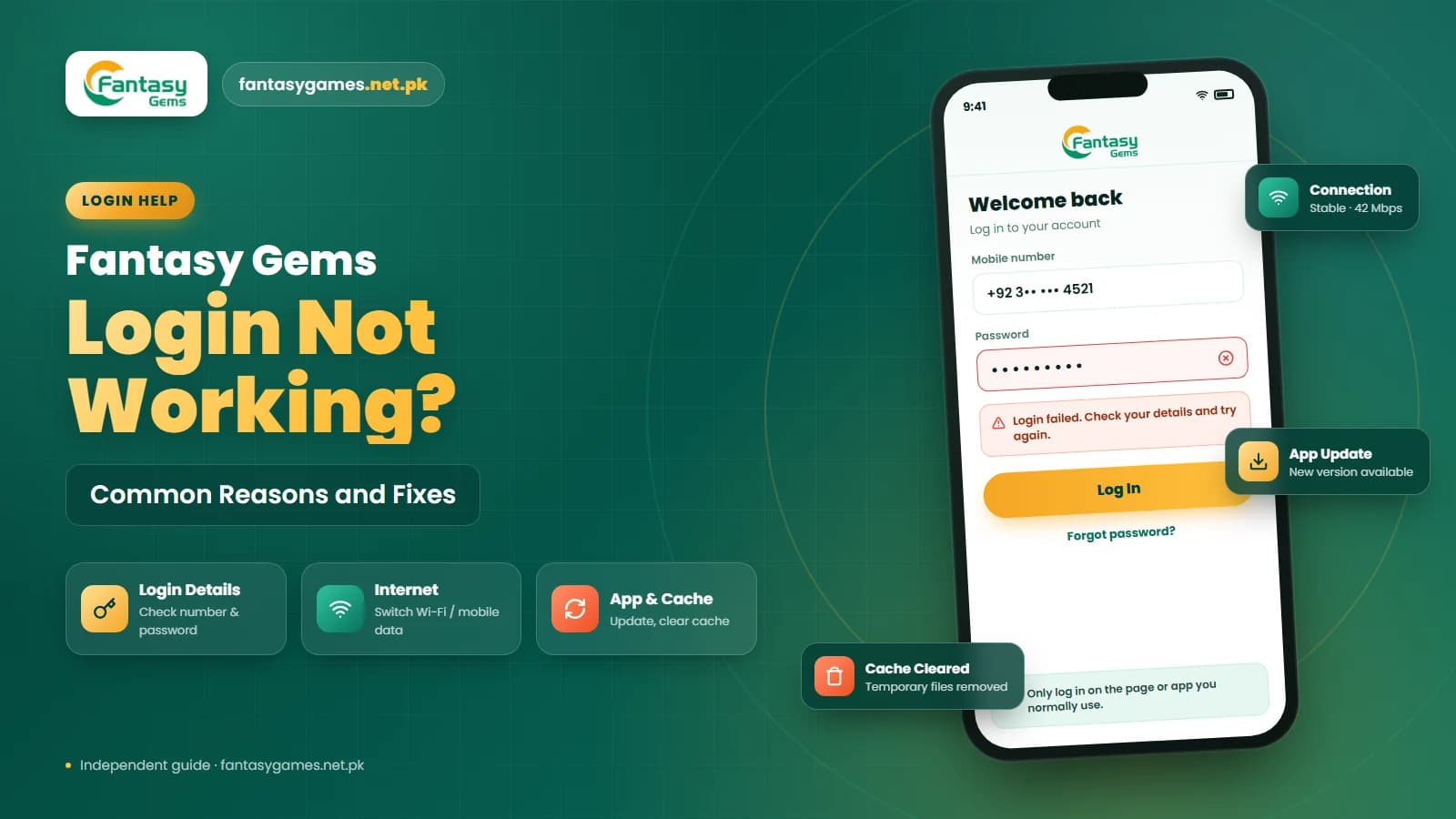
The message simply says that the password the app sent did not match the one stored against the account it looked up. Notice the two moving parts. Either the password was wrong, or the app looked up a different account than you think it did. Both produce the same words on screen.
That second case catches many people in Pakistan who have more than one SIM. If you registered with one number and are now logging in with another, the password may be perfect and still be rejected, because it belongs to a different Fantasy Gems account. The same thing happens when a family member created an account on the same phone.
It also helps to know what the error does not mean. On its own it does not mean the account has been hacked. Treat it as a mismatch first and a security problem only if the checks below point that way.
Check your Fantasy Gems password for typing mistakes
Type the password slowly one more time, watching the screen rather than the keyboard. While you do, confirm each of these:
- Caps Lock or shift lock is off and uppercase letters are only where they belong.
- The keyboard is in the language you set the password in, since Urdu and English layouts place symbols differently.
- No space has crept in at the start or end, which predictive keyboards add without asking.
- Similar characters are correct, such as the letter O versus zero and the letter l versus the number one.
- Any symbol in the password is the exact one you chose, not a look-alike from a different keyboard row.
- You are entering the full password, not a shortened version a password manager truncated.
Tap the eye icon to reveal the password while typing if the Fantasy Gems login page offers it. Seeing the characters catches most of these mistakes instantly.
Confirm you are using the right Fantasy Gems account
Before anything else, confirm the number or username on the login screen is the one you registered with. Check the SMS thread that received your original OTP, or look at which number your JazzCash or Easypaisa deposit was linked to. That is the account holding your PKR balance, and it is the one you want to get back into.
If you have ever created a second Fantasy Gems account, even briefly, you may be entering the right password for the wrong login. Note which number goes with which password and keep it somewhere private, because mixing them up is one of the most common reasons the error refuses to go away. Also check whether the app wants the number with a leading zero or with the country code.
Delete the old saved Fantasy Gems password
If the password worked yesterday and fails today, and you changed it at any point recently, your device is almost certainly submitting the old version. Chrome, Google Password Manager and the autofill built into most Android keyboards all store credentials and keep offering them until you replace them.
Open the password manager on your phone, find the entry for Fantasy Gems, and either update it or delete it. Then return to the login screen, clear the field, and type the password manually. If the login now succeeds, you have found the cause.
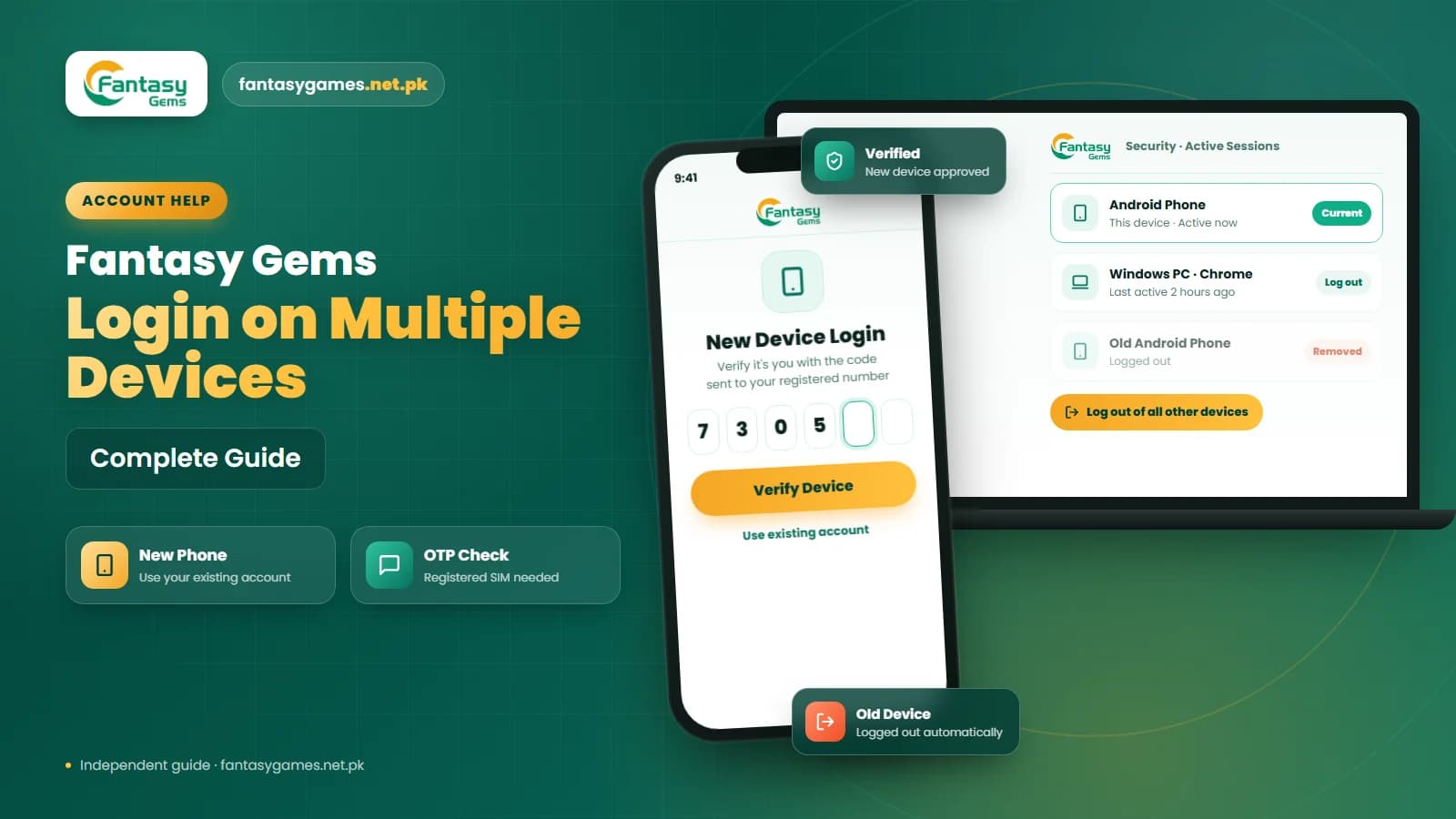
Users who also run Fantasy Gems for PC through an emulator or a desktop browser should repeat this on the computer, since each device keeps its own saved copy and each one can independently feed the app an outdated password.
Reset it with the Fantasy Gems forgot password option
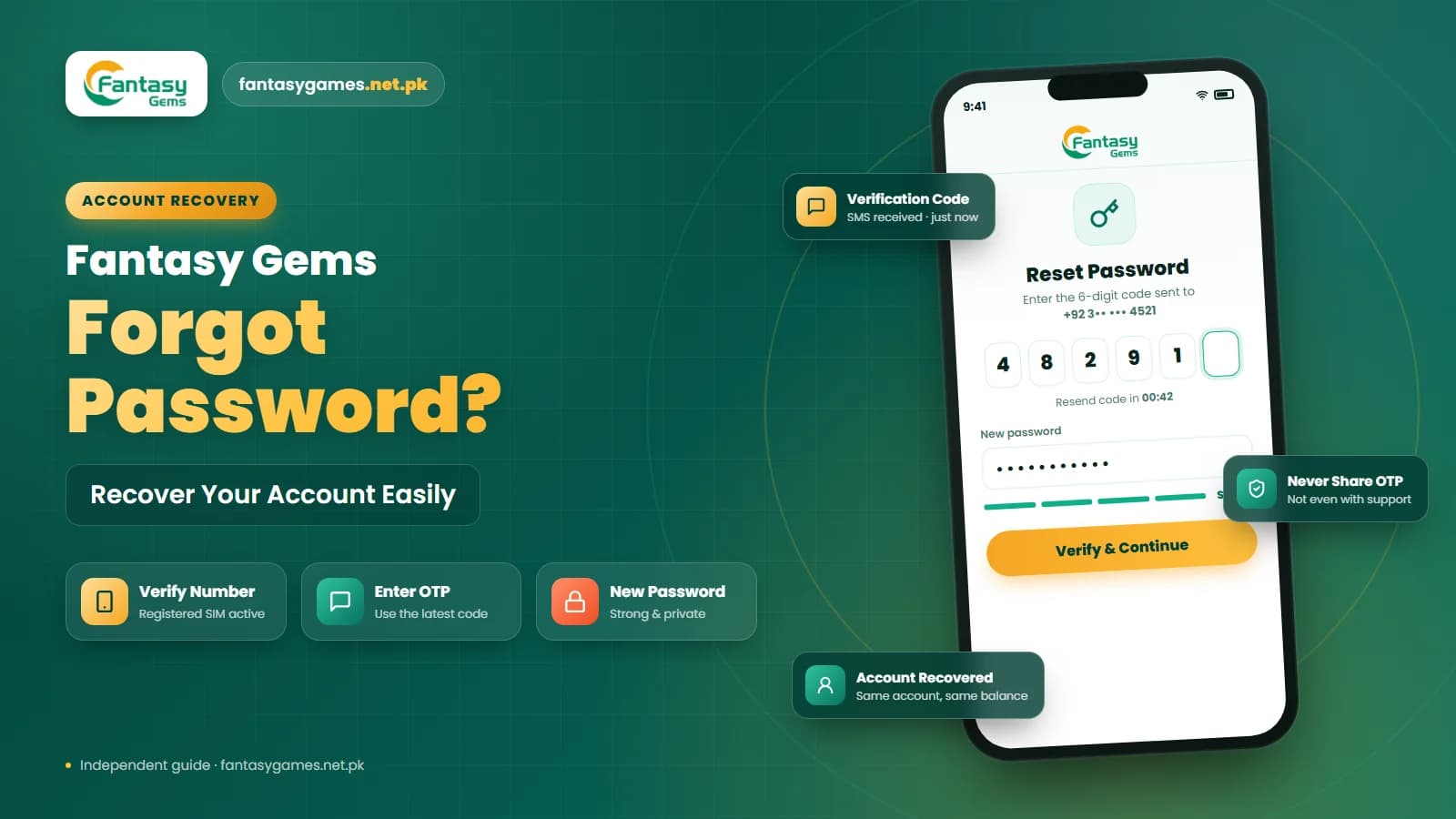
If two careful manual attempts fail and you are sure about the account, stop guessing and reset. The Fantasy Gems password reset usually runs like this, although the exact labels vary by version.
- 1
On the login screen, tap the option labelled Forgot Password, Reset Password or similar. Do not use a reset link sent to you by someone else.
- 2
Enter the registered mobile number exactly as the app expects it, including the country code if there is a field for it.
- 3
Request the OTP once and wait for the SMS. Keep mobile data or signal on, and do not switch to airplane mode or request a second code straight away.
- 4
Enter the Fantasy Gems OTP as soon as it arrives. Codes expire quickly, and an older code becomes invalid once a newer one is generated.
- 5
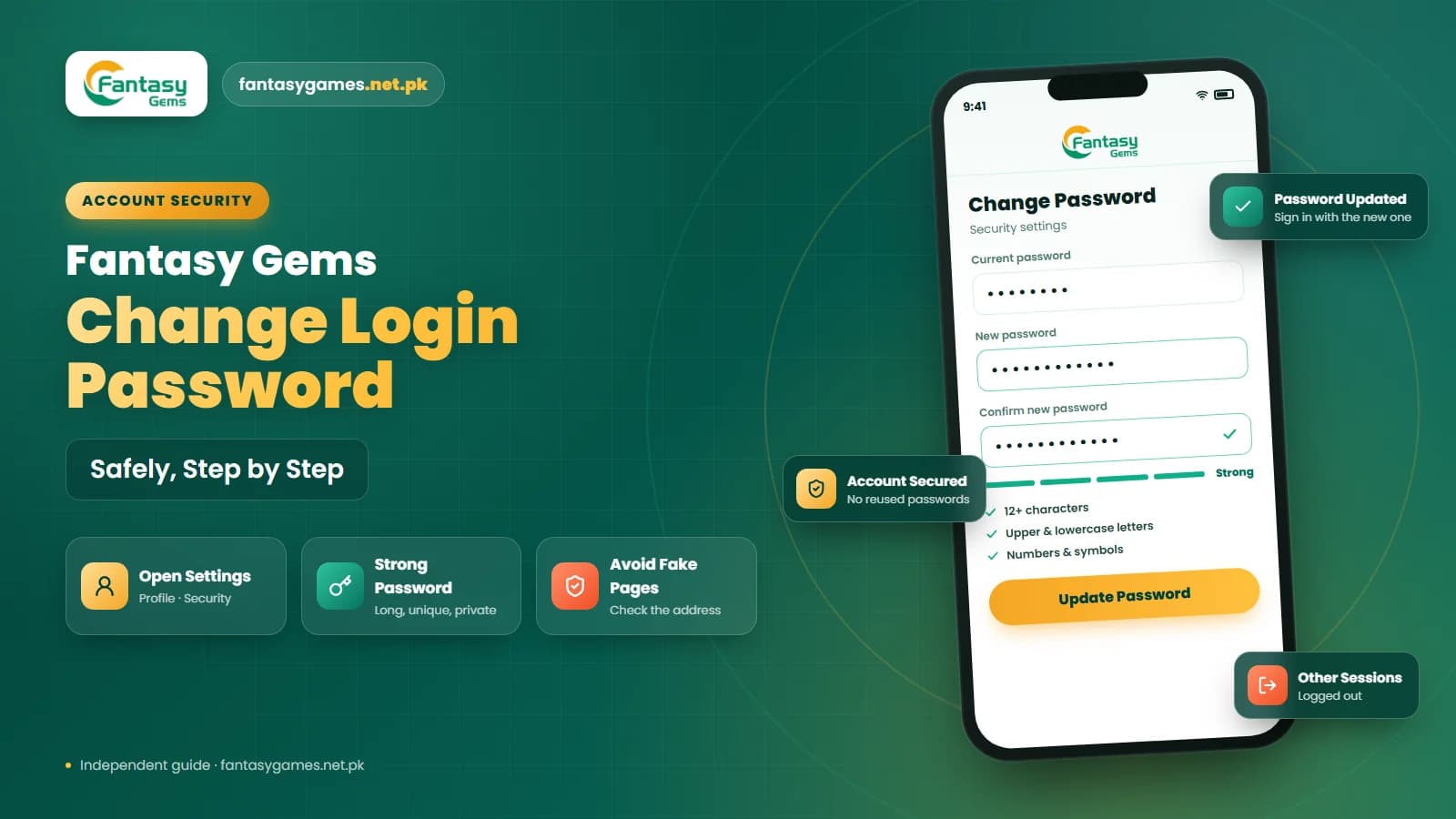
Create a new password that is different from every previous one and not reused from your email, bank, JazzCash or Easypaisa account.
- 6
Confirm it in the second field if asked, then return to the login page, clear the autofilled entry and sign in by typing the new password.
A reset only needs the registered number and the OTP. If a page asks for your wallet PIN, bank details or a payment before it will reset the password, close it. That is not how a genuine Fantasy Gems account recovery works.
Why the new Fantasy Gems password is not working
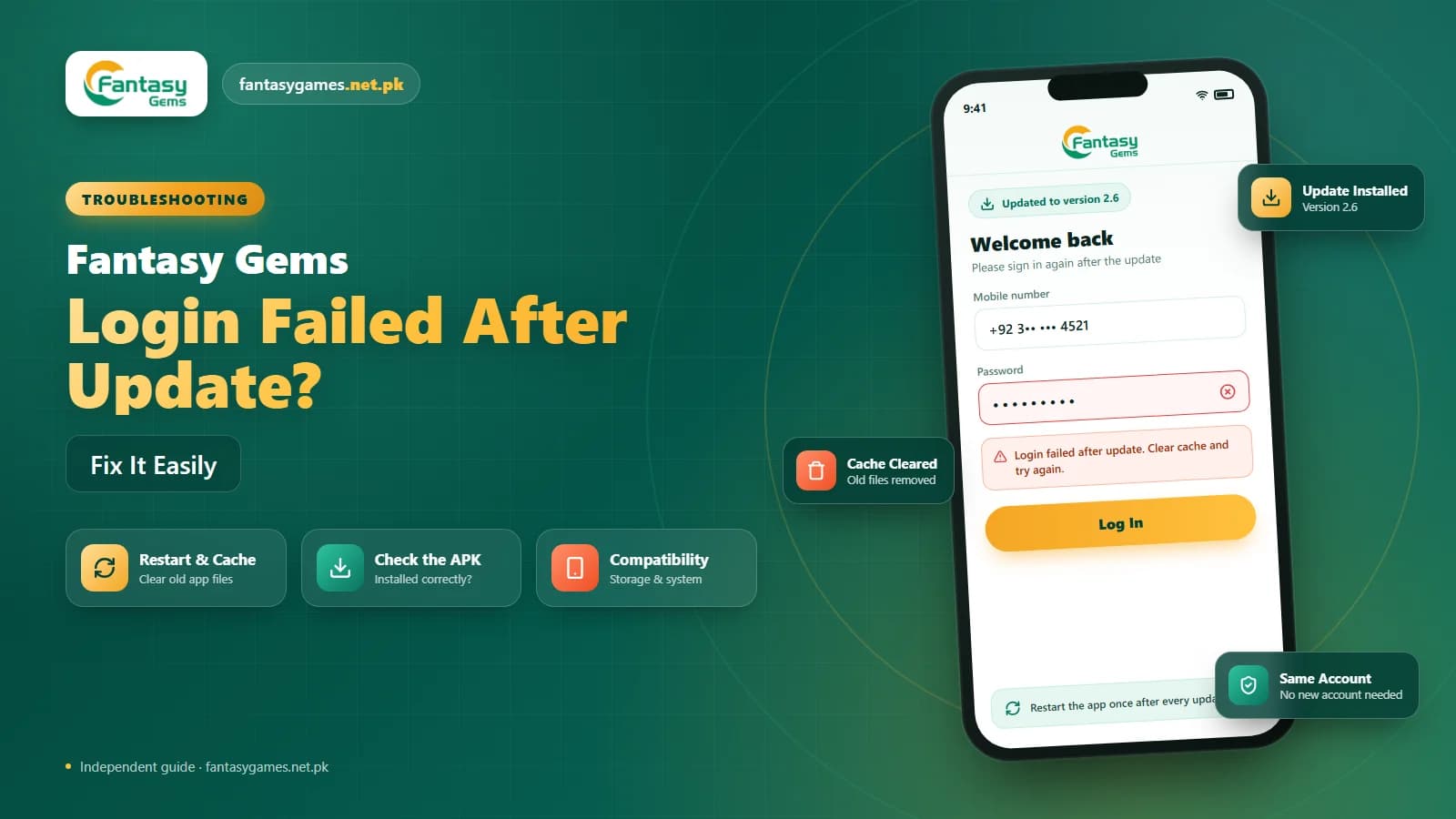
A surprising number of invalid password reports come from people who reset successfully and then get rejected again. Nearly always the reason is the same autofill problem described above: the device has not learned the new password and keeps sending the old one. Clear the field, type the new password, and update the saved entry.
The other common cause is a confirmation mismatch during the reset. If the two password fields did not match, the new password may never have been saved even though the OTP step looked successful. Run the reset again and type both fields slowly.
If the freshly reset password is definitely correct and the Fantasy Gems login still fails, close the app completely, reopen it and try once. If it still refuses, contact support with a screenshot rather than resetting again and again.
Stop guessing before Fantasy Gems restricts the account
Most platforms limit failed login attempts, and Fantasy Gems may temporarily block sign-in after a run of wrong passwords. If the screen starts mentioning too many attempts or a waiting period, stop immediately, wait as instructed, and use the reset option instead. Guessing through a restriction only extends it.
Fantasy Gems invalid password error on PC or emulator
The same error on a Windows PC usually has the same causes, with two extra twists. Emulators sometimes map keyboard input differently, so a symbol that types correctly elsewhere comes out as a different character inside the Fantasy Gems app. Type the password into the emulator's search bar first to see what it actually produces.
Desktop browsers also keep their own saved passwords, separate from your phone. If you reset on mobile, the browser on the PC still has the old one, and it will offer it every time. Delete the saved entry or update it, then type the new password once by hand.
If you use both the Fantasy Gems APK on your phone and Fantasy Gems online on a computer, update the password everywhere the day you change it. People who search for Fantasy Game login on desktop are often dealing with exactly this mismatch between devices.
Could someone have changed your Fantasy Gems password?
If none of the ordinary causes apply, you have never changed the password, and it stops working suddenly, consider the possibility that someone else did. This is rare, but it is worth ruling out, especially if you shared an OTP with anyone or logged in on someone else's phone.
Run the reset immediately so that you control the password again. Once inside, check the Fantasy Gems wallet for deposits or withdrawal requests you did not make. If something looks wrong, report it through the support option in the app straight away, and change any other account that used the same password.
Going forward, keep the Fantasy Gems login password unique and never type it on a page reached from a Telegram or WhatsApp link.
Fake Fantasy Gems login pages and PIN requests
A copied login page can show an invalid password error on purpose, so you type the password again and again while it records every attempt. Never enter your password on a page reached from an advert, a group chat or a random link, and never give your OTP, wallet PIN, JazzCash PIN or Easypaisa PIN to anyone, including someone claiming to be Fantasy Gems support. Genuine support does not need them.
Contact Fantasy Gems support about password problems
If the reset works but the new password is still rejected, or the reset itself fails, use the support option shown in the app or on the login page. Include:
- The exact error text, with a screenshot if the app allows it.
- The registered mobile number and username on the account.
- Whether the password worked before and roughly when it stopped.
- Whether you completed a reset, and whether the OTP arrived and was accepted.
- The device you are using, such as an Android phone, an emulator or a desktop browser.
Leave out the password itself and never include an OTP or any payment PIN. Support can look at the account without them, and a request for those details is a sign you are not talking to real support.
Final words on the Fantasy Gems invalid password error
Most of the time the Fantasy Gems invalid password error is a mismatch you can fix in a minute: an autofilled old password, a wrong keyboard layout, or the right password entered against the wrong number. Work through the quick checks first, type the password by hand, and confirm you are on the account that holds your balance.
If that fails, reset once, carefully, using the registered number and the OTP, then update every saved copy of the password on your phone and PC so the old one stops coming back.
Whatever you do, stay on the Fantasy Gems login page you normally use, keep the OTP and payment PINs to yourself, and stop guessing before the platform locks you out.
Password Sorted?
Sign in with your current password on the Fantasy Gems app or login page you normally use.
Fantasy Gems invalid password error FAQs
Usually the app is not receiving what you think you typed. Autofill may be sending an older password, Caps Lock or a switched keyboard layout may be changing characters, or you may be signing in with a number that belongs to a different account. Clear the field, type the password by hand and confirm the registered number before resetting.